IC Markets





























MT5 "Market Closed" Error During Trading Hours: Causes and Fixes
MetaTrader 5 shows "Market is closed" when a symbol is outside its own session, even if forex as a whole is open. Here is how to read session times in server time and avoid the error.
 WriterAbir KhanWriterWrites the guides · checks every figure against primary sources View profileAbout Abir →
 Market analysisTanbir Habib RiyadForex & Crypto AnalystForex and crypto analyst · technical and fundamental analysis View profileAbout Tanbir →
 Fact-checking & riskJannatul FerdaushFact-Checker & Risk AnalystFact-checks every figure · risk analysis · Applied Statistics, University of Dhaka View profileAbout Jannatul →
 Trading reviewJowel RanaCo-Founder & Forex TraderCo-founder · forex trader · reviews guides from a trader's view View profileAbout Jowel →
 Final approvalRanjan NiskrityFounder, Owner & Forex TraderFounder and owner · forex trader · signs off every guide View profileAbout Ranjan →
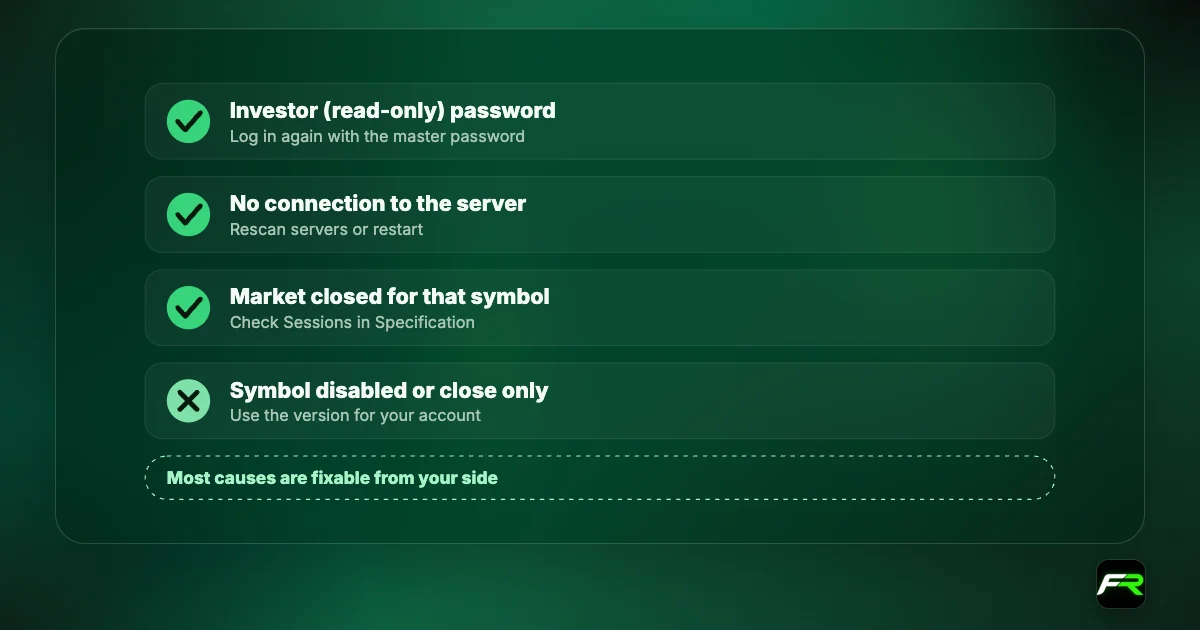
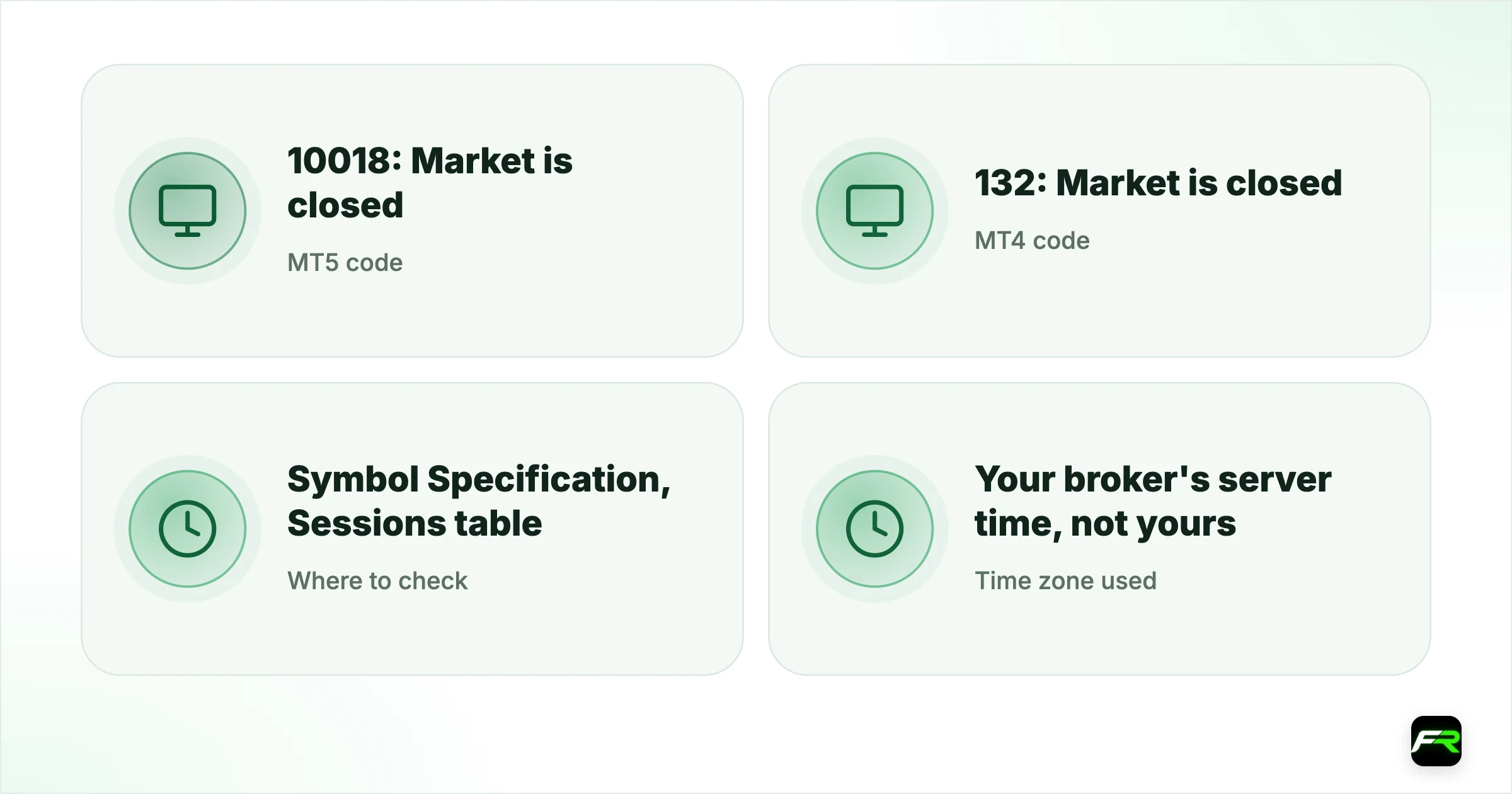
"Market is closed" in MetaTrader 5 is return code 10018, TRADE_RETCODE_MARKET_CLOSED. It means the symbol you tried to trade is outside its trading session on your broker's server, even if other markets are open. MetaTrader 4 uses error 132, ERR_MARKET_CLOSED, for the same thing.
The usual reason is a mismatch between your clock and the broker's server clock, or a symbol with shorter hours than forex. Gold, oil, indices and stock CFDs all have their own sessions and daily breaks. Once you read the session table in server time, the error makes sense and is easy to avoid.
| MT5 code | 10018: Market is closed |
|---|---|
| MT4 code | 132: Market is closed |
| Where to check | Symbol Specification, Sessions table |
| Time zone used | Your broker's server time, not yours |
| Common trap | Daily breaks on gold and indices |
Server time is the key
All session times in MetaTrader are shown in the broker's server time. Many brokers set their server to GMT+2 in winter and GMT+3 in summer, so that the trading day starts at 00:00 server time when New York's day ends. Your own clock may be several hours away from that.
The Market Watch window shows the current server time at the top. Compare it with your local time once and remember the gap. Our market hours tool shows the main sessions in your own time zone if you prefer not to do the conversion.
Why one symbol is closed when others are open
| Instrument type | Typical session pattern | Common reason for the error |
|---|---|---|
| Major forex pairs | Sunday evening to Friday evening, continuous | Weekend or a public holiday |
| Gold (XAU/USD) | Nearly 24 hours with a daily break of about an hour | Trading during the daily break |
| Oil and indices | Exchange-linked hours with daily breaks | Break times or a shorter holiday session |
| Stock CFDs | The underlying exchange's opening hours | Trading outside exchange hours |
| Crypto CFDs | Often seven days a week | Short maintenance windows |
Exact hours differ by broker, so treat the table as a pattern and check your own symbol. Our broker guides list them in detail; see XM trading hours or Exness trading hours for two examples.
How to read the session table
- Right-click the symbol in Market Watch and choose Specification.
- Scroll to Sessions. The Quotes column shows when prices stream; the Trade column shows when you can trade.
- Note any gap in the Trade times. That gap is the daily break.
- Convert the times from server time to your own clock.
If the Trade column is empty for a day, that symbol does not trade on that day at your broker. Holiday schedules may not appear here, so brokers also send holiday notices by email and publish them on their sites.
A trader in Cairo tries to buy gold at 00:30 on a Wednesday and gets "Market is closed". With the server one hour ahead of Cairo that week, it is 01:30 on the server, and the session table shows gold reopening at 01:01 server time, so time is not the problem. The real cause was the account type: the trader had picked the plain XAUUSD listing, while the account trades XAUUSD.m, and that suffixed symbol traded normally.
When the error appears in the Strategy Tester
EAs often hit this error in backtests, because the tester follows the symbol's sessions too. An EA that tries to trade at fixed times may land inside a daily break. The fix is to check the session in code before sending orders, using the MQL5 function SymbolInfoSessionTrade, or to add a time filter that skips break periods.
Add a short buffer around daily breaks. Spreads often widen in the minutes before and after a break, so entries placed right at the edge cost more even when they are allowed.
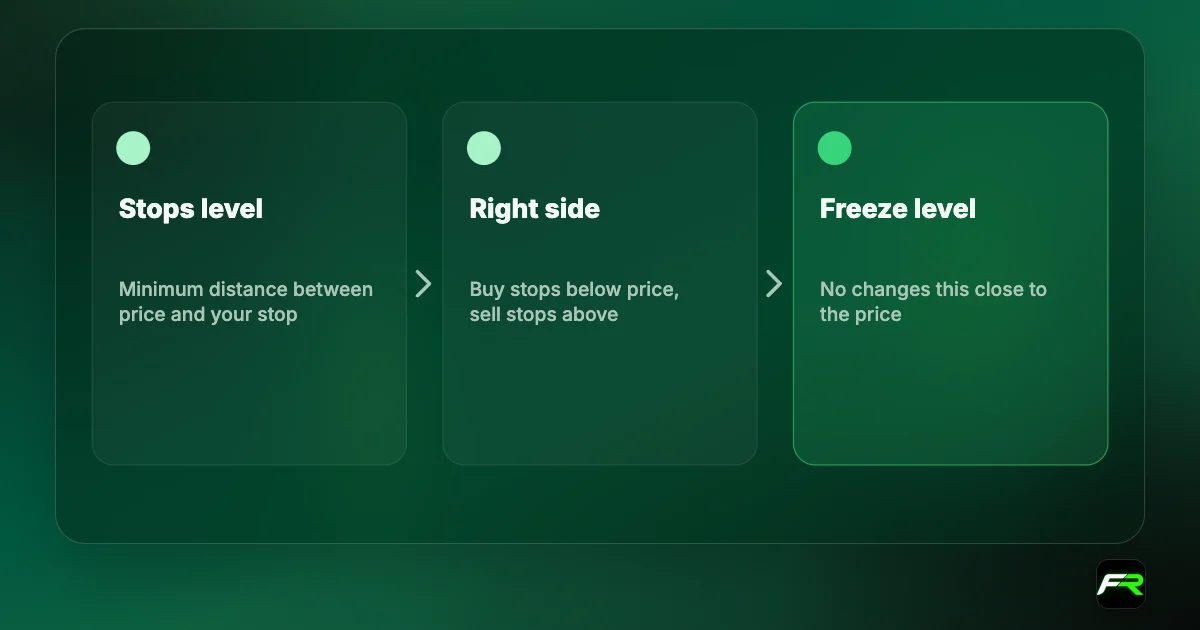
Pending orders and stops cannot be filled while a market is closed. If price gaps during the closure, a stop can fill well beyond its level when trading resumes.
Holidays and shortened sessions
Public holidays change sessions without always changing the Specification window. Christmas, New Year and US holidays such as Thanksgiving shorten or close many markets. Brokers email holiday schedules and publish them on their websites in advance. Our forex holiday calendar lists the main dates that affect forex and gold.
Stock CFDs follow their own exchange's holidays. A US stock CFD is closed on US market holidays even if forex trades normally that day, and a European index follows the holidays of its exchange. Plan trades in those instruments around the exchange calendar, not the forex one.
Market closed in the mobile app
The mobile app shows the same error as a short message after you tap Buy or Sell. It does not show the session table as clearly as the desktop terminal, so check the symbol's details screen, which lists trading hours for each day. If you trade from a phone, add your broker's trading-hours page to your bookmarks, or use our market hours tool, which shows sessions in your local time.
Notifications help too. Many brokers' own apps can alert you when a market opens, and MetaTrader's price alerts can remind you a few minutes after a session starts, so you are not tapping into a closed market.
Daylight saving changes
Twice a year the gap between your clock and the server can change for a week or two, because the US, the UK, Europe, Australia and your own country do not all change their clocks on the same date. In late March and late October to early November, sessions you are used to may start an hour earlier or later in your local time. If an order suddenly meets market closed at a familiar time, check whether a clock change has just happened somewhere.
Frequently asked
Why do session times shift twice a year?
Daylight saving changes in the US, UK, Europe and Australia happen on different dates, and many brokers move their server clock with New York. For a week or two each spring and autumn, sessions can start an hour earlier or later in your local time.
Why does MT5 say market closed when forex is open?
The symbol you chose has its own session, and it is outside that session on the broker's server. Gold, oil, indices and stock CFDs keep shorter hours or daily breaks. Check the Trade times in the symbol's Specification, shown in server time.
What is error 10018 in MetaTrader 5?
Return code 10018 is TRADE_RETCODE_MARKET_CLOSED in MetaQuotes' MQL5 documentation. The order was rejected because the instrument is not in a trading session. No position opens and nothing is charged. Wait for the session to open or trade another symbol.
How do I find my broker's server time?
The Market Watch window shows the current server time at the top. Many brokers run GMT+2 in winter and GMT+3 in summer. Compare it with your local clock once so you can convert session times correctly.
Does gold close every day on MT5?
At most brokers, yes, for a short daily break of about an hour around the New York close. Exact times vary by broker, so read the Trade times in the XAU/USD Specification window or the broker's trading-hours page.
Can I place a pending order while the market is closed?
Some brokers allow pending orders to be placed while quotes are paused, others reject them with a market closed message. Either way, the order cannot fill until the session opens, and it fills at the first available price.
Official sources: MQL5: trade server return codes · MQL4: error codes · MetaTrader 5 Help: trading basics
Related reading
The team behind this guide
Researched, checked and approved by five forex specialists
Every guide is written, fact-checked and edited before it goes live, and updated when the facts change. Spotted an error? Tell us.