IC Markets





























How to Copy Trades Between Two MT5 Accounts for Free
Copying trades from one MT5 account to another on the same computer needs a local trade copier. Here is how they work, the free and paid options, the settings that matter and the risks.
 WriterAbir KhanWriterWrites the guides · checks every figure against primary sources View profileAbout Abir →
 Market analysisTanbir Habib RiyadForex & Crypto AnalystForex and crypto analyst · technical and fundamental analysis View profileAbout Tanbir →
 Fact-checking & riskJannatul FerdaushFact-Checker & Risk AnalystFact-checks every figure · risk analysis · Applied Statistics, University of Dhaka View profileAbout Jannatul →
 Trading reviewJowel RanaCo-Founder & Forex TraderCo-founder · forex trader · reviews guides from a trader's view View profileAbout Jowel →
 Final approvalRanjan NiskrityFounder, Owner & Forex TraderFounder and owner · forex trader · signs off every guide View profileAbout Ranjan →
To copy trades between two MetaTrader 5 accounts you own, run both terminals on the same computer or VPS and add a local trade copier: a small program that watches the master account and repeats its trades on the follower. Free copiers exist, including copier utilities on the MQL5 Market and FX Blue's Personal Trade Copier, and paid versions add features such as symbol mapping and risk scaling.
Copying your own accounts is common for traders who run a personal account and a prop challenge, or two brokers at once. It is simple to set up, but the details, especially lot sizing and symbol names, decide whether it works safely.
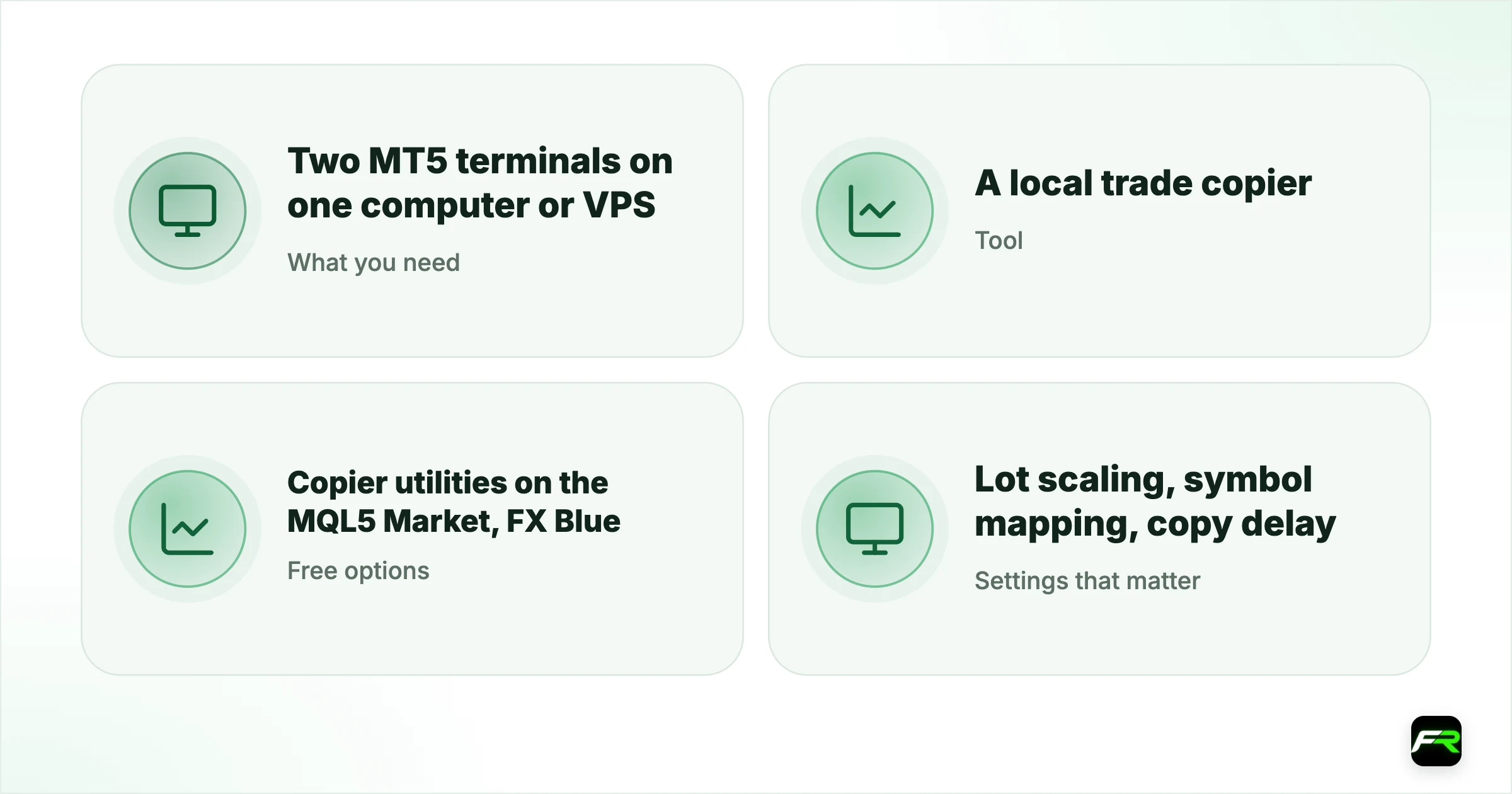
| What you need | Two MT5 terminals on one computer or VPS |
|---|---|
| Tool | A local trade copier (EA or utility) |
| Free options | Copier utilities on the MQL5 Market, FX Blue |
| Settings that matter | Lot scaling, symbol mapping, copy delay |
| Main risk | Breaking a broker's or prop firm's rules |
How a local copier works
A local copier has two parts. The master part runs on the account you trade and writes each new position, change and close to a shared file on the computer. On the second account, the follower part reads that file several times a second and repeats each action. Because both run on the same machine, the delay is usually a fraction of a second.
Both terminals must stay open and connected. MetaTrader lets you install a terminal more than once in separate folders, so you can run two accounts side by side, even from different brokers. On a VPS, both keep running when your own computer is off.
Setting it up, step by step
- Install MT5 twice in separate folders, one for each account, and log in to each.
- Download a copier from the MQL5 Market or the developer's site and install it in both terminals.
- Attach the master part to any chart on the account you trade.
- On the second account, add the follower part to any chart.
- Turn on Algo Trading in both terminals.
- Set lot scaling and symbol mapping in the follower settings.
- Test with the smallest lot size on demo accounts before going live.
The settings that matter
| Setting | What it does | Why it matters |
|---|---|---|
| Lot scaling | Copies the same lot, a multiple, or scales by balance | A $1,000 follower should not copy a $10,000 master's lot size |
| Symbol mapping | Matches names such as EURUSD and EURUSD.m | Unmapped symbols are not copied |
| Copy stops and targets | Repeats the master's stop loss and take profit | Without it the follower trades unprotected |
| Reverse copy | Opens the opposite trade | Rarely sensible; easy to switch on by mistake |
| Maximum delay | Skips trades older than a few seconds | Stops late copies at bad prices after a disconnect |
Lot scaling causes most problems. If the follower has a different account size, contract size or leverage, a straight copy can be far too large. Scaling by equity ratio is safest, and our guide to the invalid volume error explains why scaled sizes must be rounded to the follower's volume step.
Free and paid options
- MQL5 Market copiers. Several local copiers are free or have free versions, and paid ones add features. Read reviews and test on demo.
- FX Blue Personal Trade Copier. A long-standing free tool for copying between MetaTrader terminals on one machine.
- MQL5 Signals. Built into MetaTrader for following other traders' accounts for a subscription; not designed for copying between your own accounts.
- Broker copy platforms. Copy services run by brokers, such as those in our XM copy trading and IC Markets copy trading guides, copy other traders within one broker.
A trader in Nairobi trades a $5,000 personal account and wants the same trades on a $1,000 account at another broker. The copier is set to scale by equity, so a 0.5-lot master trade becomes 0.1 lots on the follower. Symbol mapping links XAUUSD to XAUUSD.r. In the first demo week one trade fails to copy because the follower broker lists US30 as DJ30; adding that mapping fixes it.
Copying with different leverage or currencies
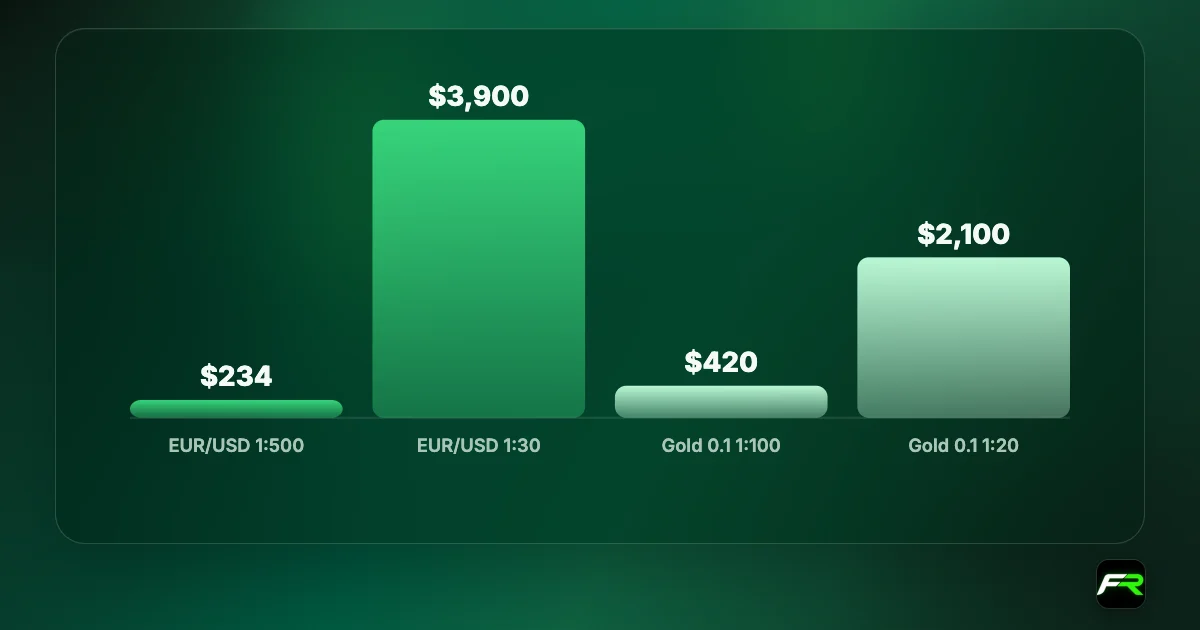
Two accounts rarely match exactly. One may be in dollars and the other in euros, with different leverage or a different contract size for gold or indices. A good copier converts sizes using the follower's own specifications, not the master's. Before going live, compare the margin each copied trade uses on both accounts for a few test positions.
Spreads and swaps differ between brokers too, so identical trades can show slightly different results. Over a month, a copy at a broker with wider spreads can trail the master noticeably. Check our trading cost calculator to compare the two accounts' costs per lot.
Copying to a prop challenge
A popular use is copying a personal account onto a prop challenge. Check that the challenge's daily loss limit and maximum drawdown fit the trades you copy: a size that is fine on your own account can breach a challenge rule in one bad day. Scale the follower down if needed, and remember that many firms ban news trading or weekend holding, which a copier will not know about unless you filter those trades out.
Monitoring the copy
- Compare open positions on both accounts at the start and end of each day.
- Set a push notification on the follower for any stop out or margin call.
- Check the follower's Experts tab weekly for skipped or failed copies.
- Restart both terminals after platform updates, which can stop EAs.
Rules to check first
Prop firms often ban copying between their accounts and other people's, or between accounts held by different people, and some ban copy software entirely on challenges. Brokers may restrict copying that looks like arbitrage between two price feeds. Read the terms of business and, for prop accounts, the rulebook, before you connect anything.
Keep the follower's stop losses copied from the master, and add your own emergency stop as a backstop in case the copier stops.
If the master terminal disconnects, the follower may not close trades when the master does. Check both accounts at least once a day, and use a VPS with a stable connection.
Frequently asked
Can I copy trades between two MT5 accounts?
Yes. Run both terminals on the same computer or VPS and install a local trade copier in each. The master part records your trades and the follower part repeats them, usually within a fraction of a second.
Is there a free MT5 trade copier?
Yes. Several local copiers on the MQL5 Market are free or have free versions, and FX Blue offers a free Personal Trade Copier. Paid tools add features such as advanced symbol mapping and risk filters.
Can I copy trades between different brokers?
Yes, as long as both terminals run on the same machine. Set symbol mapping so names like EURUSD and EURUSD.m match, and scale lot sizes for each account's balance and contract size.
Do prop firms allow trade copiers?
It depends on the firm. Many allow copying between your own accounts, but ban copying from other traders or between accounts of different people. Some ban copiers on challenges. Read the rulebook before using one.
Why did my copier not copy a trade?
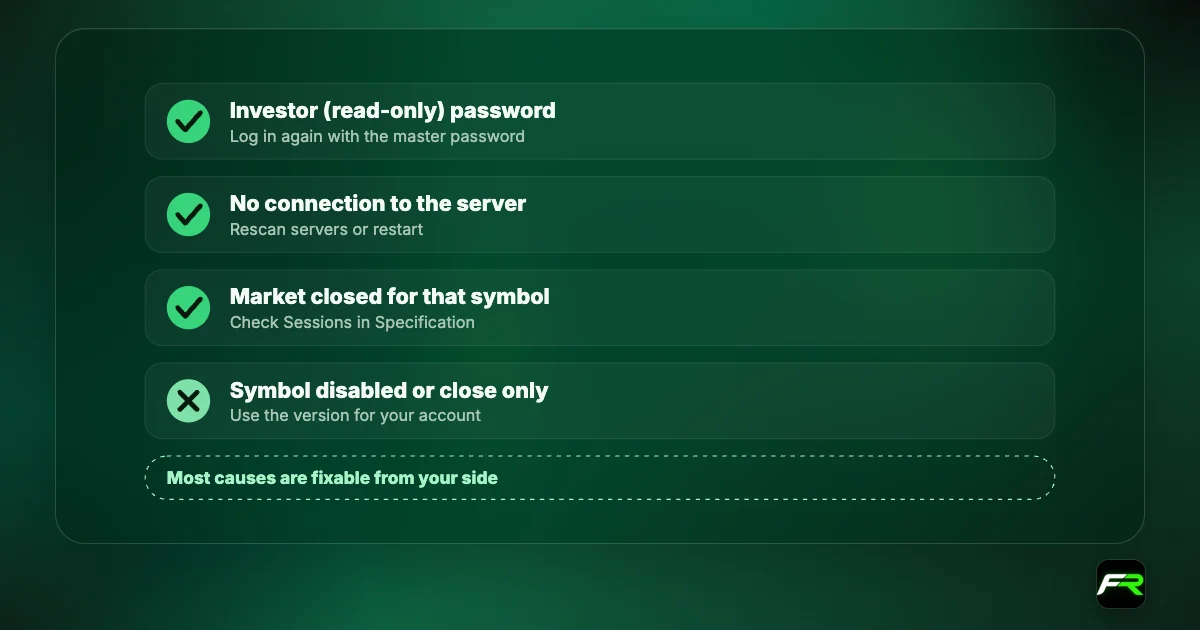
The usual causes are an unmapped symbol name, a lot size that breaks the follower's volume rules, Algo Trading switched off, or the follower terminal being disconnected. Its Experts tab on the follower terminal shows the reason.
Is MQL5 Signals the same as a trade copier?
No. MQL5 Signals lets you subscribe to other traders' accounts through the MetaTrader platform, usually for a fee. A local copier copies between your own terminals on one machine and does not need a subscription.
Official sources: MetaTrader 5 Help · MQL5 Market: trade copiers
Related reading
The team behind this guide
Researched, checked and approved by five forex specialists
Every guide is written, fact-checked and edited before it goes live, and updated when the facts change. Spotted an error? Tell us.