IC Markets





























MT5 Hedging vs Netting Account: Which Should You Choose?
Netting keeps one position per symbol; hedging lets you hold several, including opposite ones. The choice changes how orders close and how margin works. Here is how to pick by trading style.
 WriterAbir KhanWriterWrites the guides · checks every figure against primary sources View profileAbout Abir →
 Market analysisTanbir Habib RiyadForex & Crypto AnalystForex and crypto analyst · technical and fundamental analysis View profileAbout Tanbir →
 Fact-checking & riskJannatul FerdaushFact-Checker & Risk AnalystFact-checks every figure · risk analysis · Applied Statistics, University of Dhaka View profileAbout Jannatul →
 Trading reviewJowel RanaCo-Founder & Forex TraderCo-founder · forex trader · reviews guides from a trader's view View profileAbout Jowel →
 Final approvalRanjan NiskrityFounder, Owner & Forex TraderFounder and owner · forex trader · signs off every guide View profileAbout Ranjan →
MetaTrader 5 accounts use one of two position systems. A netting account holds a single position per symbol: a new trade on the same symbol adds to it, reduces it or reverses it. On a hedging account, every trade stays a separate position, so you can hold several buys and sells on the same symbol at once.
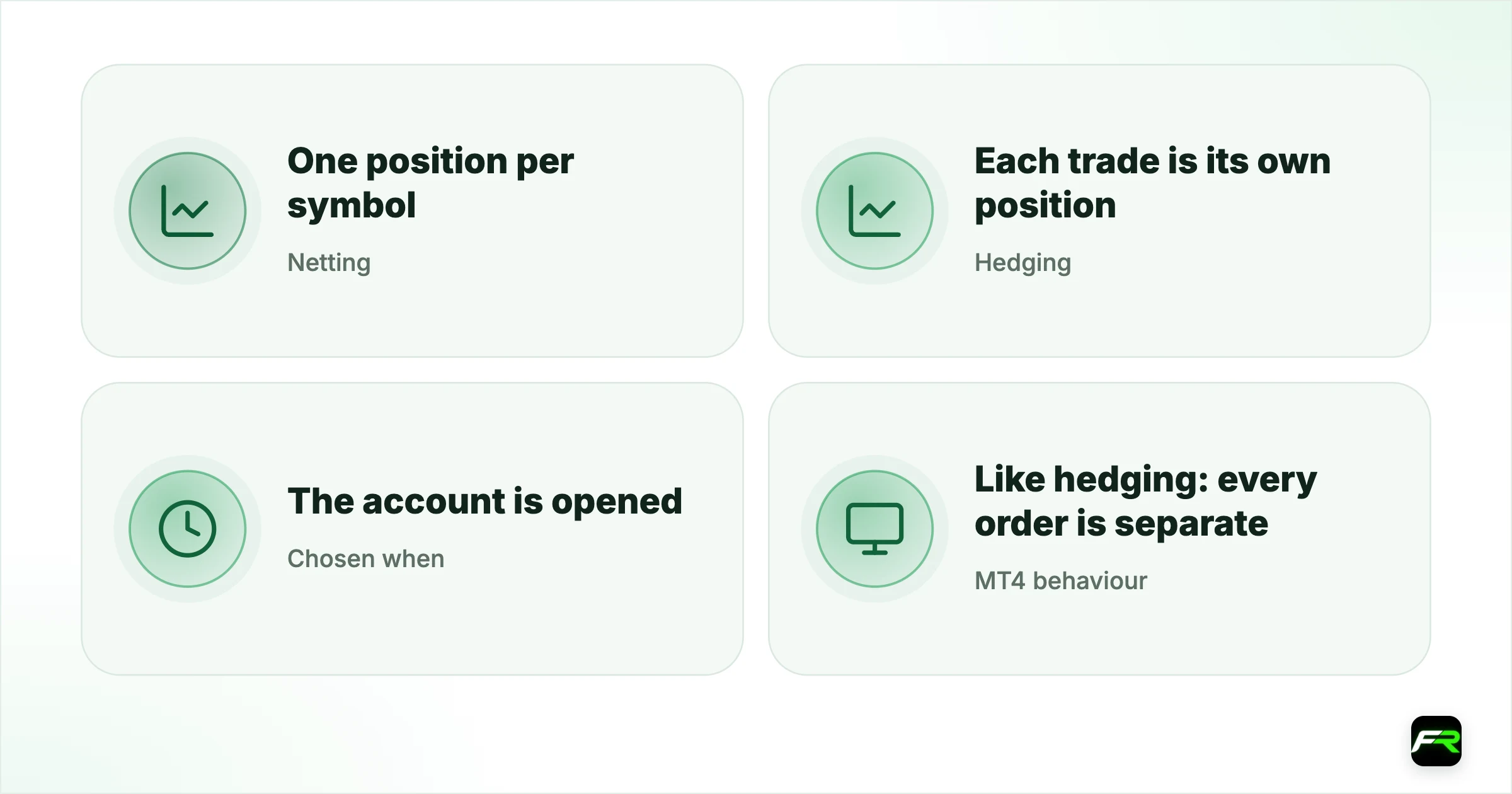
Neither is better for everyone. Netting suits traders who think in one net exposure per market. Hedging suits grid systems, layered entries and anyone who wants to manage parts of a trade separately. The system is fixed when the account is opened, so it is worth choosing deliberately.
| Netting | One position per symbol; orders change it |
|---|---|
| Hedging | Each trade is its own position |
| Chosen when | The account is opened; cannot be switched later |
| MT4 behaviour | Like hedging: every order is separate |
| US accounts | FIFO rules usually apply |
How each system handles the same orders
| Orders on EUR/USD | Netting result | Hedging result |
|---|---|---|
| Buy 1 lot | Long 1 lot | One long position, 1 lot |
| Then buy 0.5 lots | Long 1.5 lots, average price | Two longs: 1 lot and 0.5 lots |
| Then sell 0.5 lots | Long 1 lot (reduced) | Two longs and one short of 0.5 lots |
| Then sell 2 lots | Short 1 lot (reversed) | Two longs and two shorts open together |
In netting, a sell order on a symbol where you are long always reduces or reverses the position. A hedging account instead opens a new short unless you specifically close an existing long or use Close By.
Stops and targets in each system
On a netting account the single position has one stop loss and one take profit. If you add to it, the platform keeps the existing levels or asks you to set new ones, depending on your settings, and partial closes come off the average price. On a hedging account every position carries its own stop and target, so you can take profit on part of a layered trade while leaving the rest with a wider stop.
Pending orders behave the same in both systems until they trigger. When a pending buy fills on a netting account where you are already long, it adds to the position instead of creating a second one, and its own stop and target may replace the position's existing ones.
When netting makes sense
- You trade one idea per market and want one clear position and average price.
- Scaling in and out is easier when the platform handles the averaging.
- Exchange-traded futures use netting as the standard model.
- You want the account's exposure to read like a simple list of markets.
The main limitation is that you cannot hold a long and a short on the same symbol, and partial exits always come off the combined position at its average price.
When hedging makes sense
- You run grid or basket EAs that open several trades on one symbol.
- Each entry in a layered position needs its own stop and target.
- You keep a long-term position and trade short-term moves against it.
- Coming from MT4, you want the same order behaviour.
Hedging also allows Close By: closing a long against an opposite short on the same symbol at once, which saves one spread compared with closing each separately. In the position's right-click menu, choose Close By and pick the opposite position.
Margin on hedged positions
Brokers often apply a reduced margin rate, called hedged margin, to opposite positions on the same symbol. The Specification window shows it as Hedged margin, sometimes zero and often half the normal rate. When you close one side, the other side's margin returns to full, which can suddenly reduce free margin. Our guide to the not enough money error covers that trap.
FIFO rules for US accounts
Brokers regulated in the United States follow National Futures Association rules that ban holding opposite positions in the same pair and require first-in, first-out closing. US MT5 accounts therefore behave like netting or enforce FIFO on hedging accounts. Traders outside the US are not bound by this, but if you move a strategy to a US broker, expect it to behave differently.
A trader in Cairo runs a grid EA that buys every 20 pips down on EUR/USD and closes each buy at 20 pips profit. On a netting account, every new buy merges into one averaged position, so the EA cannot close individual entries and its logic breaks. Opening a hedging account let each grid order keep its own take profit, and the EA ran as designed on the demo test.
Swaps and costs in each system
Costs work the same way per lot in both systems: spread, commission and overnight swap. The difference is how many positions pay them. A hedging account holding a long and a short on the same symbol pays the spread on both and usually a net negative swap, since the two sides rarely cancel exactly. With netting, the account would show no position at all in that case, and no swap.
How to tell which one you have
In desktop MT5, the account list in the Navigator shows Hedge or Netting next to each account on most builds. Another quick test is to open a small buy and then a small sell on the same symbol on a demo: two positions in the Trade tab means hedging, one or none means netting. Most forex brokers default to hedging for retail MT5 accounts, but some offer both under different account names.
If unsure, open a demo with each system and run your strategy for a week. The difference shows up quickly in the Trade tab.
Holding a long and a short of the same size on one symbol is not risk-free. You still pay spreads and swaps on both sides, and closing one side leaves the other fully exposed.
Frequently asked
What is a netting account in MT5?
A netting account holds one position per symbol. New orders on that symbol add to the position, reduce it or reverse it, and the platform keeps a single average price. You cannot hold a buy and a sell on the same symbol at the same time.
What is a hedging account in MT5?
A hedging account keeps every trade as a separate position, even on the same symbol and in opposite directions. Each position has its own stop and target. It works like MT4 and suits grid EAs and layered entries.
Can I switch my MT5 account from netting to hedging?
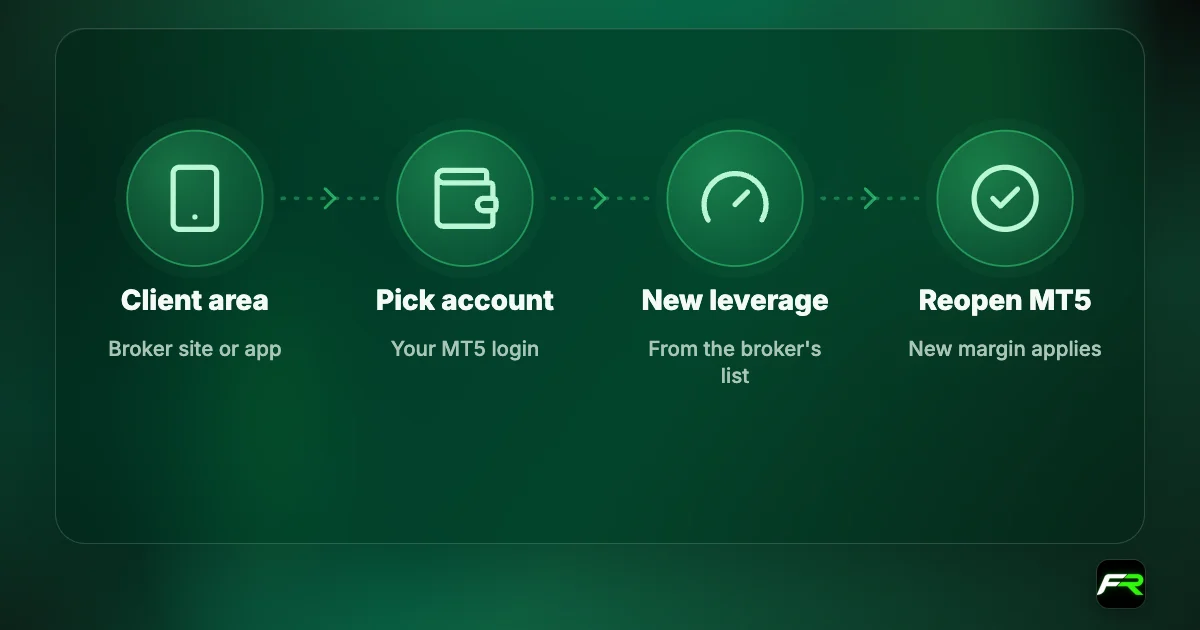
Not usually. The position system is set when the account is created. Open a new account with the system you want from your broker's client area, and move funds between accounts internally.
Is hedging allowed by all brokers?
Most non-US brokers allow hedging on MT5. US-regulated brokers follow National Futures Association rules that ban opposite positions in the same pair and require first-in, first-out closing, so hedging behaves differently there.
Does hedging reduce margin?
Often. Many brokers charge reduced hedged margin on opposite positions in the same symbol, shown in the Specification window. When one side closes, the other returns to full margin, which can reduce free margin suddenly.
What is Close By in MT5?
On hedging accounts, Close By closes two opposite positions on the same symbol against each other in one operation. It avoids paying the spread twice, compared with closing each position separately at market.
Official sources: MetaTrader 5 Help
Related reading
The team behind this guide
Researched, checked and approved by five forex specialists
Every guide is written, fact-checked and edited before it goes live, and updated when the facts change. Spotted an error? Tell us.