IC Markets





























MT5 "Invalid Stops" Error: Stop Level and Freeze Level Explained
"Invalid stops" means your stop loss or take profit is too close to the price, on the wrong side, or inside the broker's freeze zone. Here is how to read the stop level and set stops that are accepted.
 WriterAbir KhanWriterWrites the guides · checks every figure against primary sources View profileAbout Abir →
 Market analysisTanbir Habib RiyadForex & Crypto AnalystForex and crypto analyst · technical and fundamental analysis View profileAbout Tanbir →
 Fact-checking & riskJannatul FerdaushFact-Checker & Risk AnalystFact-checks every figure · risk analysis · Applied Statistics, University of Dhaka View profileAbout Jannatul →
 Trading reviewJowel RanaCo-Founder & Forex TraderCo-founder · forex trader · reviews guides from a trader's view View profileAbout Jowel →
 Final approvalRanjan NiskrityFounder, Owner & Forex TraderFounder and owner · forex trader · signs off every guide View profileAbout Ranjan →
"Invalid stops" means a stop loss or take profit in your order breaks a rule on the broker's server. MetaTrader 5 calls it return code 10016, TRADE_RETCODE_INVALID_STOPS, and MetaTrader 4 calls it error 130, ERR_INVALID_STOPS. The order or modification is rejected.
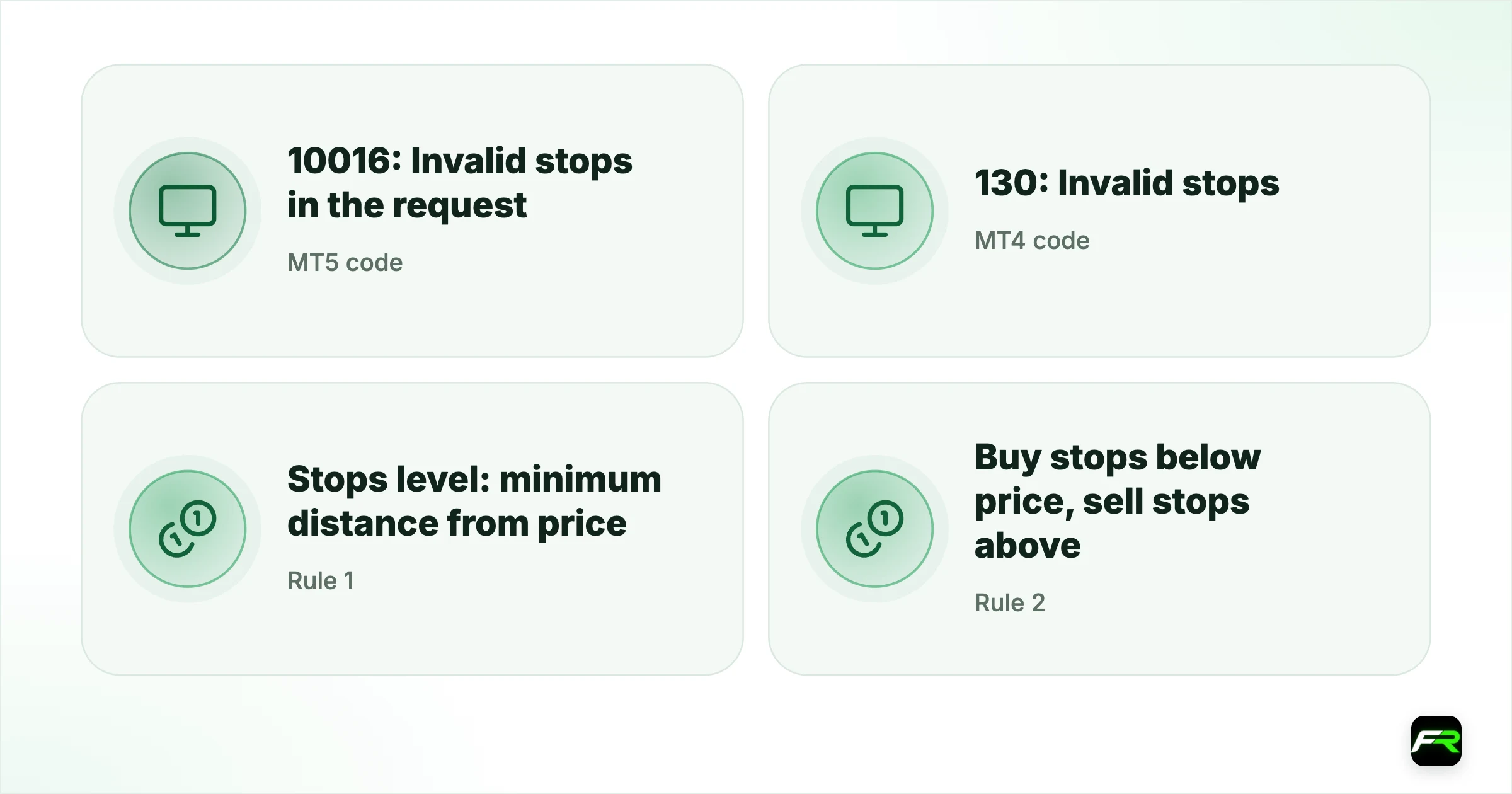
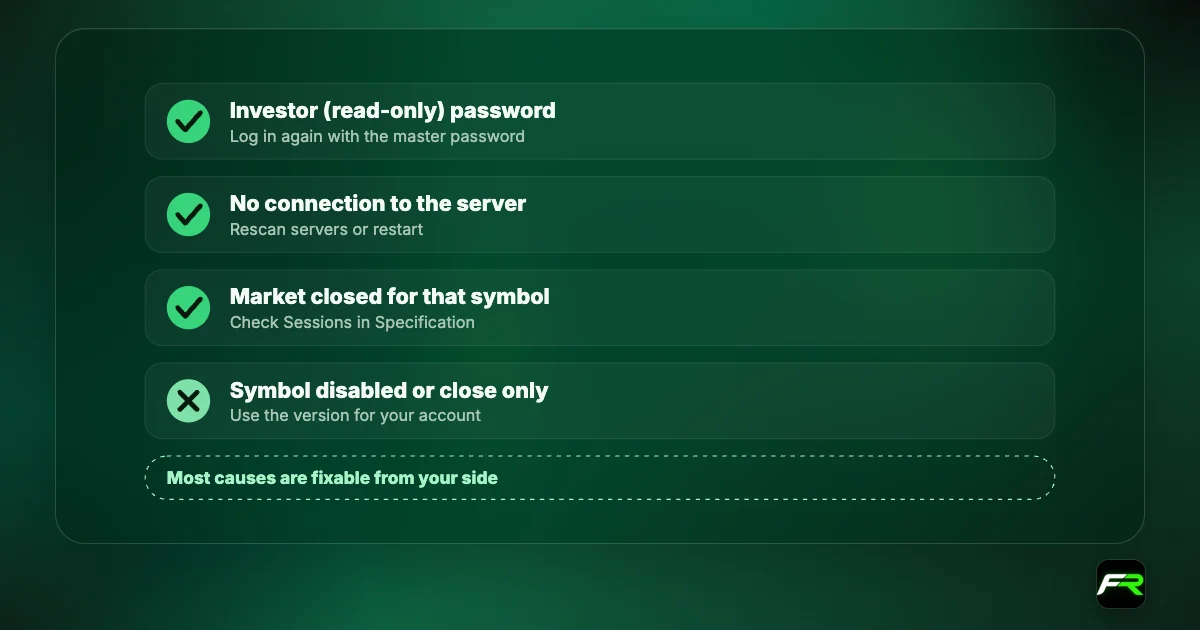
Three rules cause it: the stop is too close to the current price, it is on the wrong side of the price, or it falls inside the freeze level while you try to change it. Each shows up in the symbol's Specification window.
| MT5 code | 10016: Invalid stops in the request |
|---|---|
| MT4 code | 130: Invalid stops |
| Rule 1 | Stops level: minimum distance from price |
| Rule 2 | Buy stops below price, sell stops above |
| Rule 3 | Freeze level: no changes when price is this close |
The stops level
Stops level is the minimum distance, in points, between the current price and any stop loss, take profit or pending order. If it is 10 points on a five-digit pair, your stop must be at least one pip away. Many ECN-style accounts set it to zero, which means any distance is allowed, but standard accounts and exotic pairs often have a positive value.
Distance is measured from the price your order closes at: the bid for a buy position and the ask for a sell. On wide-spread pairs that difference matters, since a stop that looks far enough on the chart can still be too close to the relevant side of the quote.
| Position | Stop loss must be | Take profit must be | Measured from |
|---|---|---|---|
| Buy | Below the bid by at least the stops level | Above the bid by at least the stops level | Bid |
| Sell | Above the ask by at least the stops level | Below the ask by at least the stops level | Ask |
| Buy limit / sell stop | Below the ask / bid by at least the stops level | Current price | |
| Sell limit / buy stop | Above the bid / ask by at least the stops level | Current price |
The freeze level
Freeze level is a zone around a pending order's price, or around an open position's stop or target, inside which you cannot modify or delete it. If the freeze level is 5 points and price is 3 points from your take profit, trying to move the take profit returns invalid stops or a modification-denied message (MT4 error 145). Wait for price to move away, or let the order trigger.
Wrong side of the price
A buy position's stop loss must sit below the bid, and a sell position's above the ask. Placing a sell stop loss below the price, or a buy take profit below the price, is rejected. This often happens with fast markets: you calculate a stop, price moves through it before you click, and the stop is suddenly on the wrong side.
How to fix it
- Open the symbol's Specification and note Stops level and Freeze level.
- Move the stop or target further from price than the stops level, measured from the correct side.
- Check direction: buy stops below, sell stops above.
- If modifying near the target, wait until price is outside the freeze level.
- On news, allow extra distance, as some brokers raise stop levels during volatile periods.
A trader sells USD/ZAR at 17.6500 and sets a stop loss at 17.6520, two pips away on a four-digit view. MT5 returns code 10016. The Specification shows a stops level of 300 points, which is three pips on this five-digit quote, measured from the ask of 17.6580. Moving the stop to 17.6900 respects both the stops level and the trader's own risk plan, and the order is accepted.
A stop that is technically accepted can still be too tight. Set stops from the market's normal movement, then size the position so the loss fits your risk, using the position size calculator.
Brokers may widen stop and freeze levels around high-impact news. A stop that was accepted on a quiet day can be rejected at the release, so place stops before the event.
Invalid stops on pending orders
Pending orders follow the same distance rule. A buy limit must sit below the current ask by at least the stops level, and a sell limit above the bid. Placing a buy stop just a few points above the price, inside the stops level, returns invalid stops or invalid price. The stop loss and take profit attached to a pending order must also respect the stops level, measured from the pending order's price rather than today's quote.
Expiry settings can trigger a related message. If your broker does not allow expiry times on pending orders, setting one returns error 147 on MT4, "Expirations are denied by broker". Leave the expiry blank and cancel the order manually if you need to.
Stops on gold and indices
Stop levels on gold and indices are often larger in points than on forex, because their prices are quoted with fewer decimals and move in bigger steps. A stops level of 50 on XAU/USD with two decimals means $0.50, which is small, but on an index quoted in whole points a level of 50 can mean 50 index points. Read the value together with the symbol's digits in the Specification window so you know what the number means in price terms.
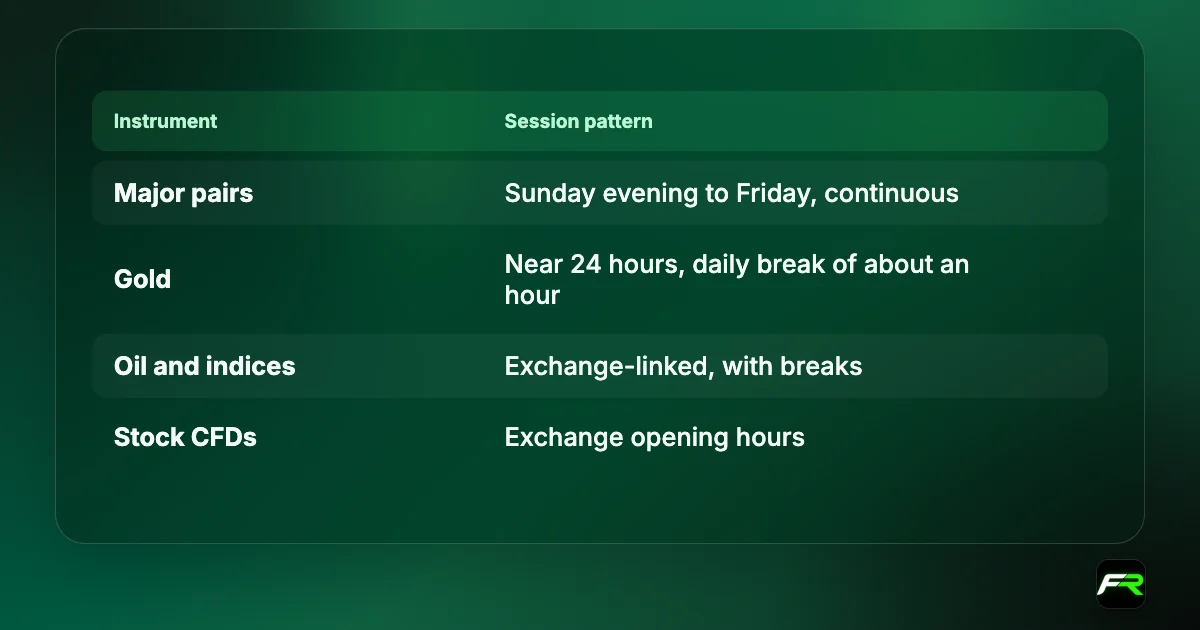
Gold's spread also widens sharply around its daily break and at the Monday open. A stop placed close to price just before those moments can end up inside the stops level once the spread widens, so modifications at those times are rejected more often.
Invalid stops in Expert Advisors
An EA should read the stops level with SymbolInfoInteger and SYMBOL_TRADE_STOPS_LEVEL in MQL5, or MarketInfo with MODE_STOPLEVEL in MQL4, and add a buffer before sending. It should also compare against the freeze level before modifying orders. EAs written for ECN accounts with a zero stops level often fail on standard accounts because they never check.
Frequently asked
Why does my pending order return invalid stops?
The order price, or its attached stop or target, is closer to the market than the broker's stops level allows. Pending orders must sit at least that distance from the current price, and their stops are measured from the pending price. Move them further out and resend.
What does invalid stops mean in MT5?
Return code 10016 means a stop loss, take profit or pending price breaks a server rule: it is too close to price, on the wrong side, or inside the freeze level. Check Stops level and Freeze level in the symbol's Specification window and move the level further away.
What is the stops level in MetaTrader?
It is the minimum distance, in points, between the current price and any stop, target or pending order. A value of 10 on a five-digit pair means one pip. Zero means any distance is allowed. It is set per symbol and account type.
What is error 130 in MT4?
Error 130 is ERR_INVALID_STOPS in MetaQuotes' MQL4 documentation. In an Expert Advisor it usually means the EA set stops closer than the broker's minimum, or on the wrong side of the price. The EA should read the stops level and add a buffer.
Why can't I move my take profit when price is close?
Price is inside the freeze level around your take profit. The server blocks changes in that zone so the order can trigger cleanly. Wait for price to move away, or let the target fill. MT4 may show this as error 145.
Is the stop distance measured from bid or ask?
A buy position's stops are measured from the bid, since a buy closes at the bid, while a sell position's are measured from the ask. On wide-spread pairs that difference can push a stop inside the minimum distance.
Official sources: MQL5: trade server return codes · MQL4: error codes · MetaTrader 5 Help: trading basics
Related reading
The team behind this guide
Researched, checked and approved by five forex specialists
Every guide is written, fact-checked and edited before it goes live, and updated when the facts change. Spotted an error? Tell us.