IC Markets




































Tickmill Platforms: MT4, MT5, Tickmill Trader, the App and TradingView
Tickmill supports MetaTrader 4, MetaTrader 5, its own Tickmill Trader platform, a Tickmill App for account management and trading, and TradingView. They differ in products, leverage and commission. Here is how to choose, plus VPS and social trading.
 WriterAbir KhanWriterWrites the guides · checks every figure against primary sources View profileAbout Abir →
 Market analysisTanbir Habib RiyadForex & Crypto AnalystForex and crypto analyst · technical and fundamental analysis View profileAbout Tanbir →
 Fact-checking & riskJannatul FerdaushFact-Checker & Risk AnalystFact-checks every figure · risk analysis · Applied Statistics, University of Dhaka View profileAbout Jannatul →
 Trading reviewJowel RanaCo-Founder & Forex TraderCo-founder · forex trader · reviews guides from a trader's view View profileAbout Jowel →
 Final approvalRanjan NiskrityFounder, Owner & Forex TraderFounder and owner · forex trader · signs off every guide View profileAbout Ranjan →
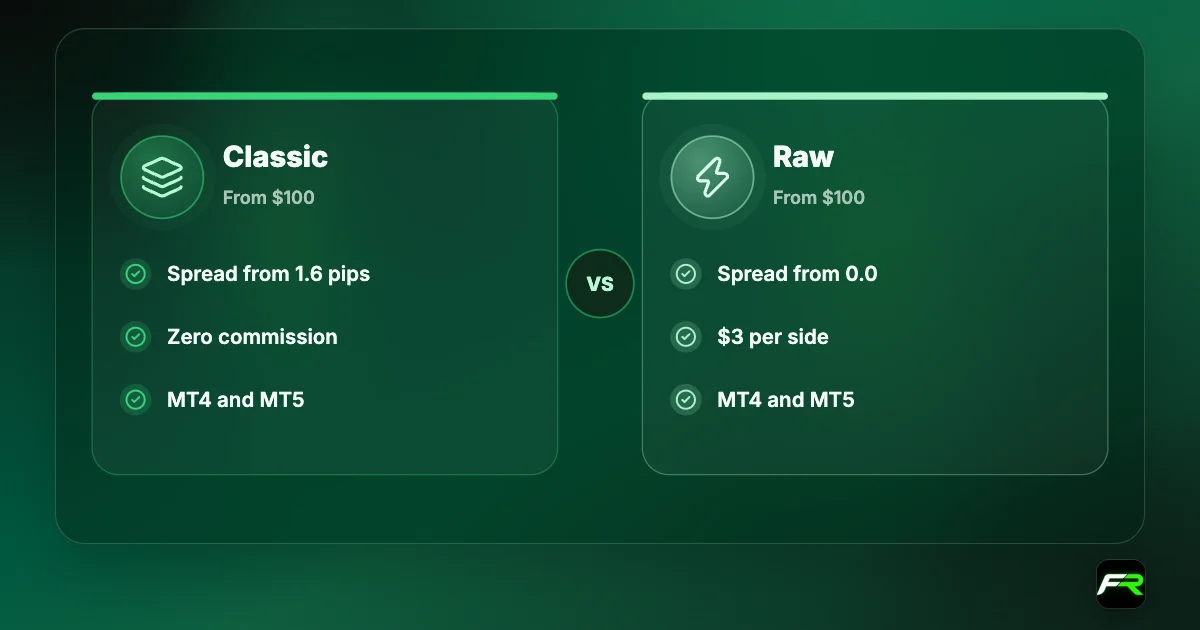
Tickmill offers five ways to trade. MetaTrader 4 and MetaTrader 5 carry the Classic and Raw accounts. Tickmill Trader is the broker's own platform, available as a mobile app and a WebTrader. The Tickmill App combines account management with trading. TradingView connects through a Tickmill Trader Raw account.
The platforms aren't interchangeable. MT4 has the smallest product list and a leverage cap of 1:500. MT5 adds stocks and ETFs and dynamic leverage up to 1:1000. Tickmill Trader and TradingView cost 50 cents more per side than MetaTrader Raw accounts and don't run expert advisors.
| MetaTrader 4 | 180+ instruments, leverage up to 1:500, EAs |
|---|---|
| MetaTrader 5 | Adds stocks and ETFs, dynamic leverage to 1:1000 |
| Tickmill Trader | 100+ CFDs, $3.50 per side, app and web |
| Tickmill App | Open accounts, fund, withdraw and trade |
| TradingView | Through a Tickmill Trader Raw account |
| VPS | BeeksFX, 20% discount |
Platforms compared
| Feature | MT4 | MT5 | Tickmill Trader |
|---|---|---|---|
| Accounts | Classic, Raw | Classic, Raw | Tickmill Trader Raw |
| Asset classes | Forex, crypto, indices, bonds, commodities | Same, plus stocks and ETFs | Forex, indices, commodities, crypto, bonds |
| Leverage | Up to 1:500, static | Up to 1:1000, dynamic | Up to 1:1000, dynamic |
| Raw commission per side | $3 | $3 | $3.50 |
| Automation | EAs (MQL4) | EAs (MQL5) | None |
| Devices | Windows, Mac, Android, iOS, web | Desktop, mobile, web | iOS, Android, WebTrader |
MetaTrader 4
Tickmill's MT4 gives access to more than 180 instruments: CFDs on forex, stock indices, commodities, bonds and cryptocurrencies. The platform has 30 built-in indicators and 24 graphical objects, one-click trading, and support for custom indicators and expert advisors written in MQL4. It is offered in 39 languages.
You can run it on Windows, on a native Mac application that Tickmill says needs no emulator, on Android and iOS, or in a browser through WebTrader. Tickmill promises no partial fills on MT4 thanks to its liquidity. Leverage on MT4 is static, with a maximum of 1:500.
MT4 is the right choice if you own an EA built for it or simply know it well. A new trader gains little from starting here, because MT5 does everything MT4 does at Tickmill and adds more products and leverage.
MetaTrader 5
MT5 carries the same Classic and Raw accounts and widens the product range to include stock and ETF CFDs. It is also where dynamic leverage applies: up to 1:1000 on small forex and gold positions, falling in tiers as the position grows.
An MT4 expert advisor won't run on MT5 without being rewritten in MQL5. Check with the developer before switching. For manual traders and anyone starting fresh, MT5 is the more capable platform.
Tickmill Trader
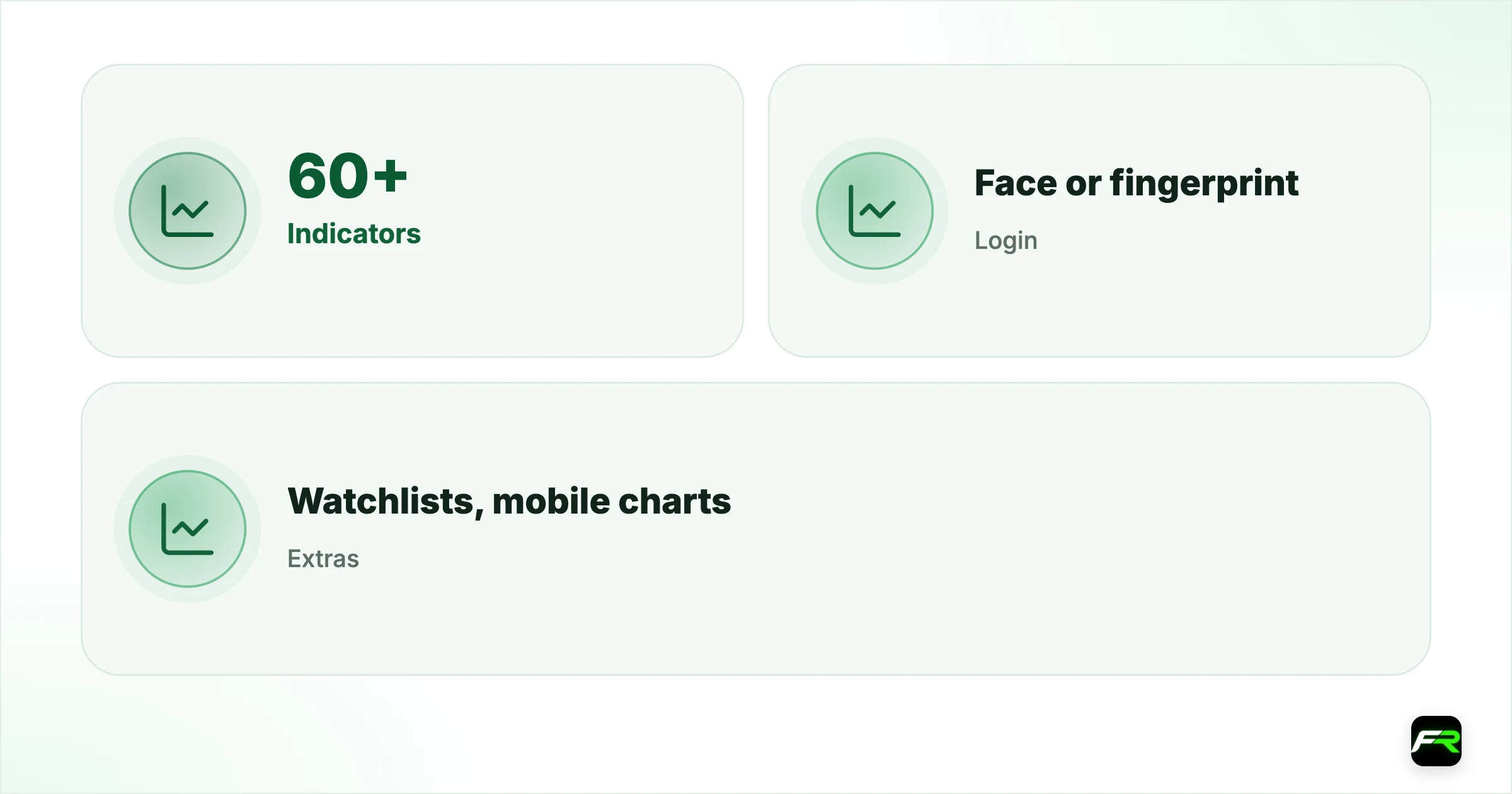
Tickmill Trader is the broker's proprietary platform. The mobile app has more than 60 technical indicators, custom watchlists, charts built for small screens and biometric login. Its WebTrader has more than 80 indicators, market depth with a real-time order book, pre-configured stop loss and take profit settings, and a trade journal.
It trades more than 100 CFDs across forex, indices, commodities, cryptocurrencies and bonds, with spreads from 0.0 and a commission of $3.50 per lot per side. Indices, cryptocurrencies, oil and bonds carry no commission. You reach demo and live accounts from the same login.
| Tickmill Trader | Mobile app | WebTrader |
|---|---|---|
| Indicators | 60+ | 80+ |
| Login | Face or fingerprint | Browser |
| Extras | Watchlists, mobile charts | Market depth, trade journal, preset SL/TP |
The Tickmill App
The Tickmill App started as an account management tool and now includes trading. You can open live accounts, manage your profile, deposit, withdraw, transfer between wallets and accounts, reach support and place trades in forex, index, commodity and crypto CFDs. Tickmill says single stock CFDs are coming to the app.
Its appeal is fewer steps. Tickmill's pitch is that you can open an account, fund it and start trading in as little as five minutes without changing platforms. Fingerprint or facial recognition login protects access on a phone.
TradingView
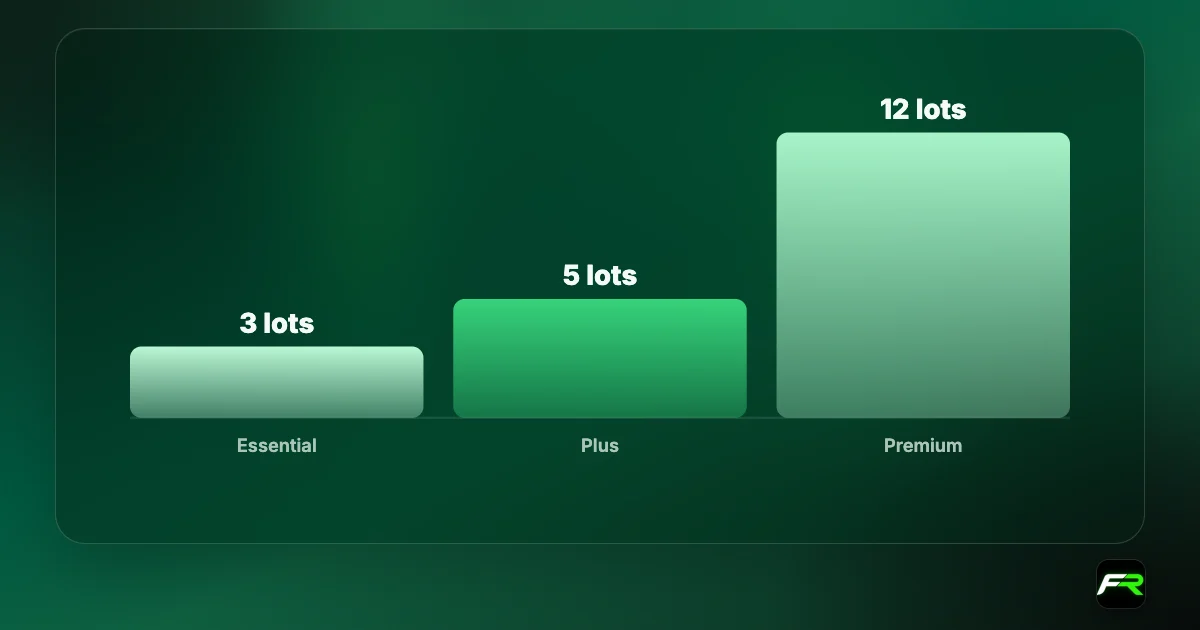
TradingView users connect a Tickmill Trader Raw account from the Trading Panel and trade directly from charts. Commission is $3.50 per side, and active traders can earn a free TradingView plan from three lots a month. Our Tickmill TradingView guide covers the setup and the volume tiers.
VPS hosting
A virtual private server keeps MetaTrader running all day on a remote machine, so expert advisors and signals keep working when your computer is off. Tickmill's partner is BeeksFX. Clients get a 20% discount on all packages, quick setup, 24/7 live chat and email support, and servers placed close to Tickmill's for low latency.
Unlike some brokers, Tickmill doesn't describe a free VPS for high-volume clients on the page we read. You pay BeeksFX at the discounted rate. A VPS is worth having only if you run automation; a manual trader doesn't need one.
Social trading
Tickmill Social Trading lets you copy strategy providers. You create a trading account, register as a follower with the MT4 or MT5 credentials and server number sent by email, choose providers and let the system copy their trades. The broker says starting is free and that you can begin with any amount.
Copy trading moves the decision from which trade to take to which person to trust. Past results don't predict the next month, lot sizes that suit a provider may be too large for you, and nobody refunds a copied loss. Start small, read a provider's drawdown before their return, and remember that Tickmill's margin call at 100% applies to copied positions too.
Which platform should you pick?
| Your situation | Platform | Reason |
|---|---|---|
| You have an MT4 expert advisor | MT4 | It runs without changes |
| New to trading | MT5 | More products, dynamic leverage, both account types |
| You want stock or ETF CFDs | MT5 | Not offered on MT4 or Tickmill Trader |
| Mostly on your phone | Tickmill App or Tickmill Trader | Built for mobile, with biometric login |
| You chart on TradingView | TradingView with Tickmill Trader Raw | Trade from the chart |
| Lowest commission | MT4 or MT5 Raw | $3 per side against $3.50 |
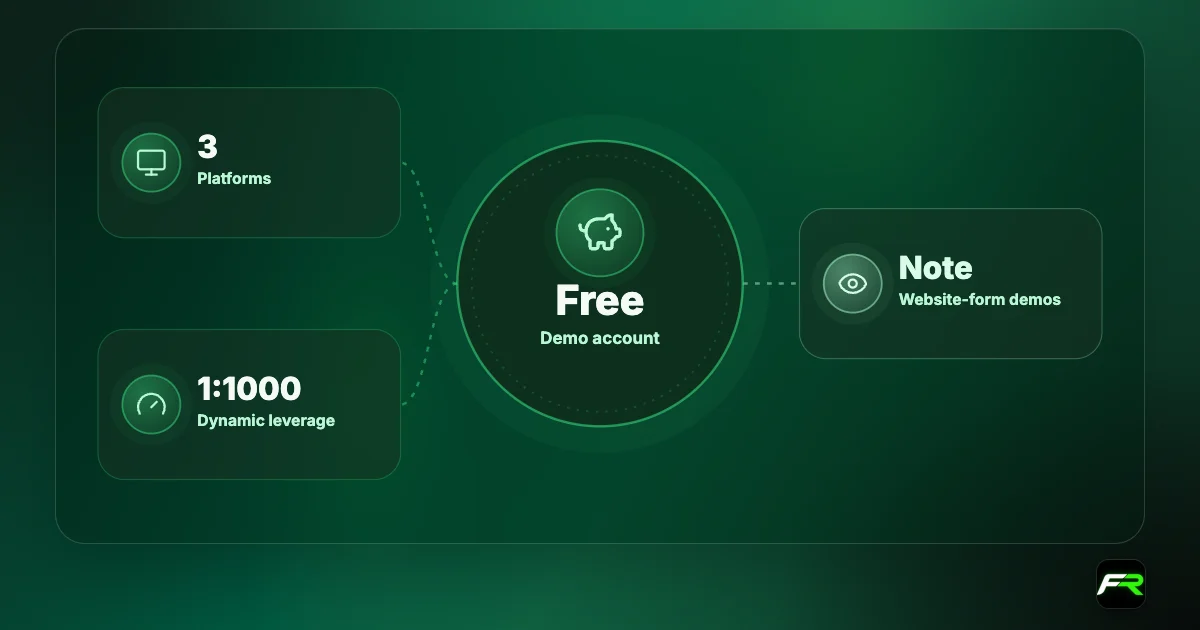
Whichever you lean towards, try it on a demo first. The Tickmill demo account guide explains how to open one that shows in your Client Area. Leverage differences between platforms are set out in the leverage guide.
Common platform problems
| Problem | Likely cause | Fix |
|---|---|---|
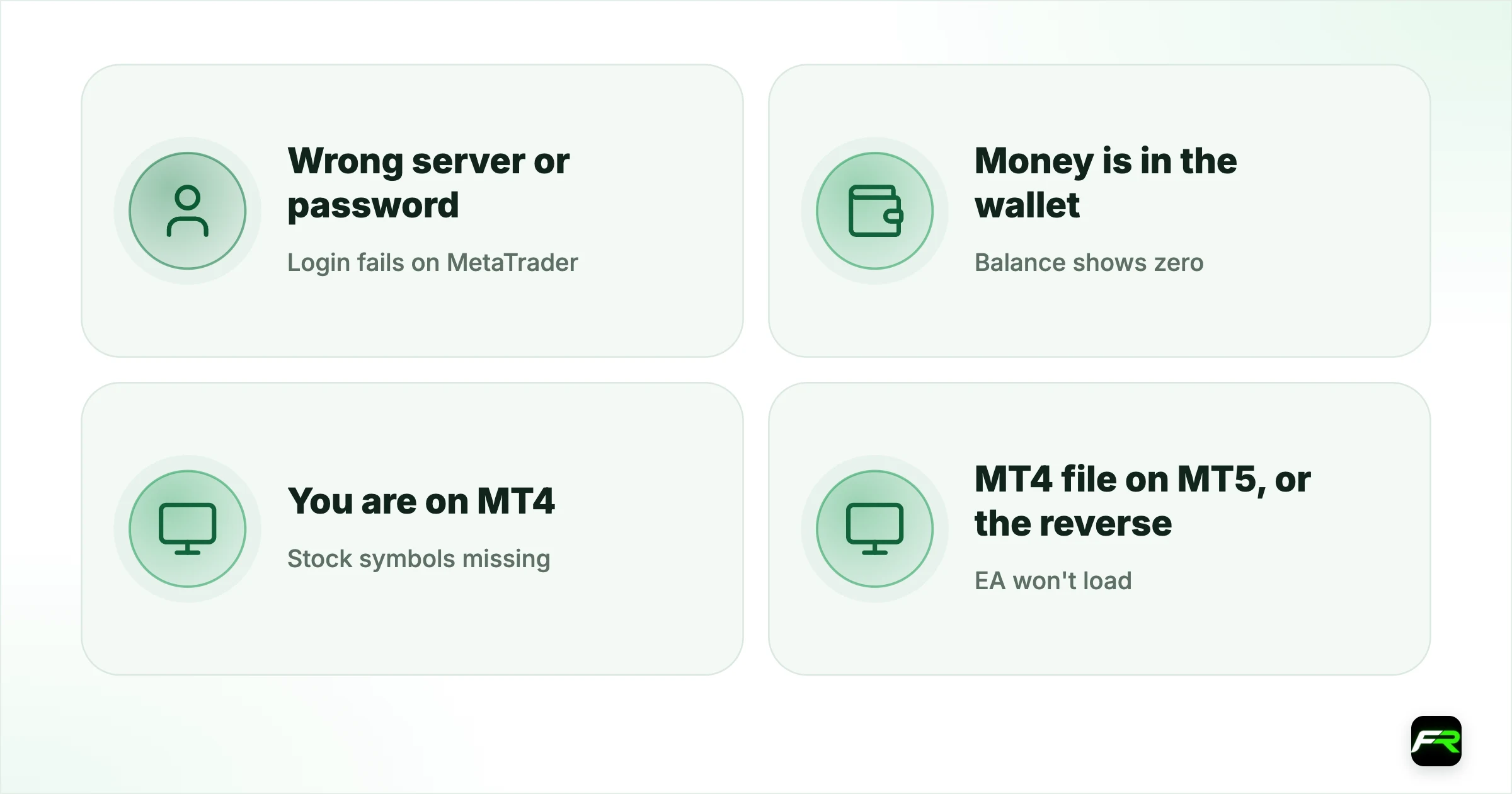
| Login fails on MetaTrader | Wrong server or password | Use the server number in your account email |
| Balance shows zero | Money is in the wallet | Transfer from wallet to trading account |
| Stock symbols missing | You are on MT4 | Open an MT5 account |
| EA won't load | MT4 file on MT5, or the reverse | Get the version for your platform |
| Can't connect TradingView | Account isn't Tickmill Trader Raw | Open that account type first |
Keep a note of each account's number, server and platform. Tickmill accounts are easy to open, and after a few months the list in the Client Area gets long.
Leverage of 1:1000 on MT5 and Tickmill Trader applies only to small positions. Margin rises in tiers as you add size, which catches traders used to MT4's fixed rate.
Mobile or desktop?
Phones are good for watching positions, moving a stop and closing a trade. Detailed analysis and careful order entry are easier on a larger screen, where a mistyped lot size is harder to miss. A sensible routine is to plan and place trades at a desk and manage them from the phone.
Whatever the device, attach the stop loss when the order goes in. A dropped connection on a train should never be the reason a position ran without protection. Biometric login on the Tickmill App and Tickmill Trader keeps access quick without resorting to a weak password.
Tickmill's range covers every type of trader, though the pricing nudges you towards MetaTrader. Raw on MT5 is the cheapest and most complete setup. I'd pay the extra 50 cents a side only if TradingView is where I do my work.
Samuel ran a grid EA on MT4 and wanted to trade US stocks as well. Stock CFDs weren't on his MT4 account, so he opened an MT5 Raw account for manual stock and forex trades and kept MT4 for the EA on a BeeksFX VPS, bought with the 20% client discount.
Frequently asked
Which platforms does Tickmill offer?
MetaTrader 4, MetaTrader 5, Tickmill Trader as a mobile app and WebTrader, the Tickmill App, and TradingView through a Tickmill Trader Raw account.
What is the difference between MT4 and MT5 at Tickmill?
MT5 adds stock and ETF CFDs and supports dynamic leverage up to 1:1000. MT4 has more than 180 instruments, a maximum leverage of 1:500 and the widest choice of existing expert advisors.
What is Tickmill Trader?
Tickmill's proprietary platform, with a mobile app and WebTrader, more than 100 CFDs, spreads from 0.0 and a commission of $3.50 per lot per side on forex and metals.
Does Tickmill offer a VPS?
Yes, through BeeksFX. Tickmill clients get a 20% discount on all packages, with 24/7 support and low-latency servers.
Can I use expert advisors at Tickmill?
Yes, on MT4 and MT5 with Classic and Raw accounts. Tickmill Trader and TradingView accounts don't run MetaTrader EAs.
Does Tickmill have copy trading?
Yes. Tickmill Social Trading lets followers copy strategy providers using their MT4 or MT5 account details. The broker says it is free to start with any amount.
Related reading
The team behind this guide
Researched, checked and approved by five forex specialists
Every guide is written, fact-checked and edited before it goes live, and updated when the facts change. Spotted an error? Tell us.