IC Markets




































How to Open a Tickmill Account: Registration, Verification and First Deposit
Tickmill's sign-up is online, with automated identity checks, and the broker says you can open, fund and start trading in as little as five minutes through its app. Here are the steps, the documents to have ready and the choices that matter.
 WriterAbir KhanWriterWrites the guides · checks every figure against primary sources View profileAbout Abir →
 Market analysisTanbir Habib RiyadForex & Crypto AnalystForex and crypto analyst · technical and fundamental analysis View profileAbout Tanbir →
 Fact-checking & riskJannatul FerdaushFact-Checker & Risk AnalystFact-checks every figure · risk analysis · Applied Statistics, University of Dhaka View profileAbout Jannatul →
 Trading reviewJowel RanaCo-Founder & Forex TraderCo-founder · forex trader · reviews guides from a trader's view View profileAbout Jowel →
 Final approvalRanjan NiskrityFounder, Owner & Forex TraderFounder and owner · forex trader · signs off every guide View profileAbout Ranjan →
You open a Tickmill account online, on the website or in the Tickmill App. The broker advertises automated onboarding and ID verification, and its app page says you can open an account, fund it and start trading in as little as five minutes. In practice the time depends on how clean your documents are.
Registration has two layers. First you create a Client Area profile with your personal details and verify your identity. Then you open a trading account inside it, choosing the type, platform and currency. You must be at least 18, and the form accepts Latin characters only.
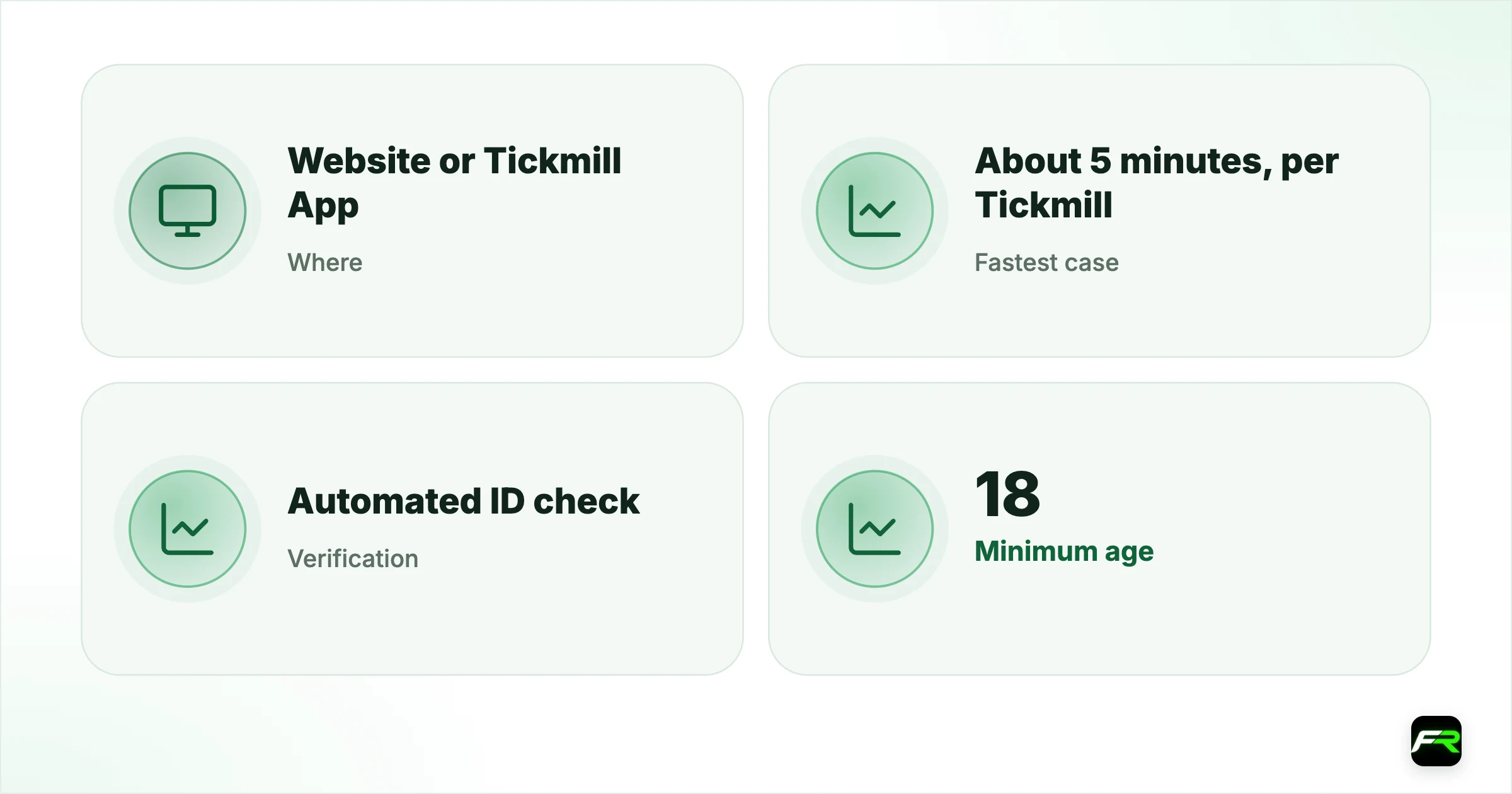
| Where | Website or Tickmill App |
|---|---|
| Fastest case | About 5 minutes, per Tickmill |
| Verification | Automated ID check |
| Minimum age | 18 |
| First deposit | 100 |
| Wallet currencies | USD, EUR, GBP, ZAR |
Step by step
- Select Create account on the Tickmill site or download the app.
- Enter your name, email, phone number and country, in Latin characters.
- Confirm your email and set a password for the Client Area.
- Complete the personal and financial questionnaire.
- Upload proof of identity and proof of address when prompted.
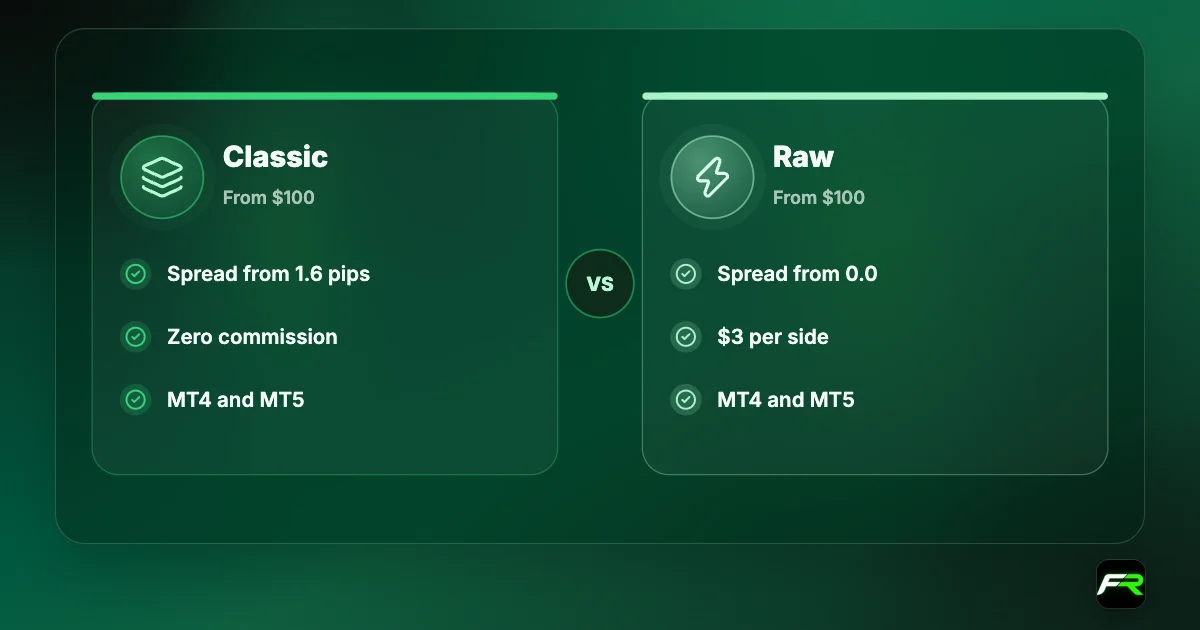
- Open a trading account: choose Classic, Raw or TradingView Raw, a platform and a currency.
- Fund your wallet with at least 100 and transfer to the trading account.
The site detects your country and may suggest a different Tickmill entity. A visitor from the UK or EU is directed to the FCA or CySEC company, and others to Tickmill Ltd in Seychelles. Note which company you are registering with, because it decides your leverage limits and protections.
Documents to prepare
| Check | Typical documents | Tips |
|---|---|---|
| Proof of identity | Passport, national ID card or driving licence | Valid, in colour, all corners visible |
| Proof of address | Bank statement or utility bill | Recent, showing your name and full address |
| Card verification | Photo of the card used, if asked | Tickmill may request this after a card deposit |
| Source of funds | Payslip, bank statement or similar | Requested in some cases under AML rules |
Tickmill's deposit page confirms the last two rows: it may ask for card documentation for fraud prevention, and for additional verification or source of funds documents under anti-money-laundering rules. Its public pages don't list every accepted identity document, so the first two rows reflect standard practice. The upload screen in your Client Area shows exactly what your country requires.
Names must match. The name on your Tickmill profile, your ID and your payment method all need to be the same person, since third-party payments are refused. Register with the spelling on your passport, not a nickname.
Choices at account creation
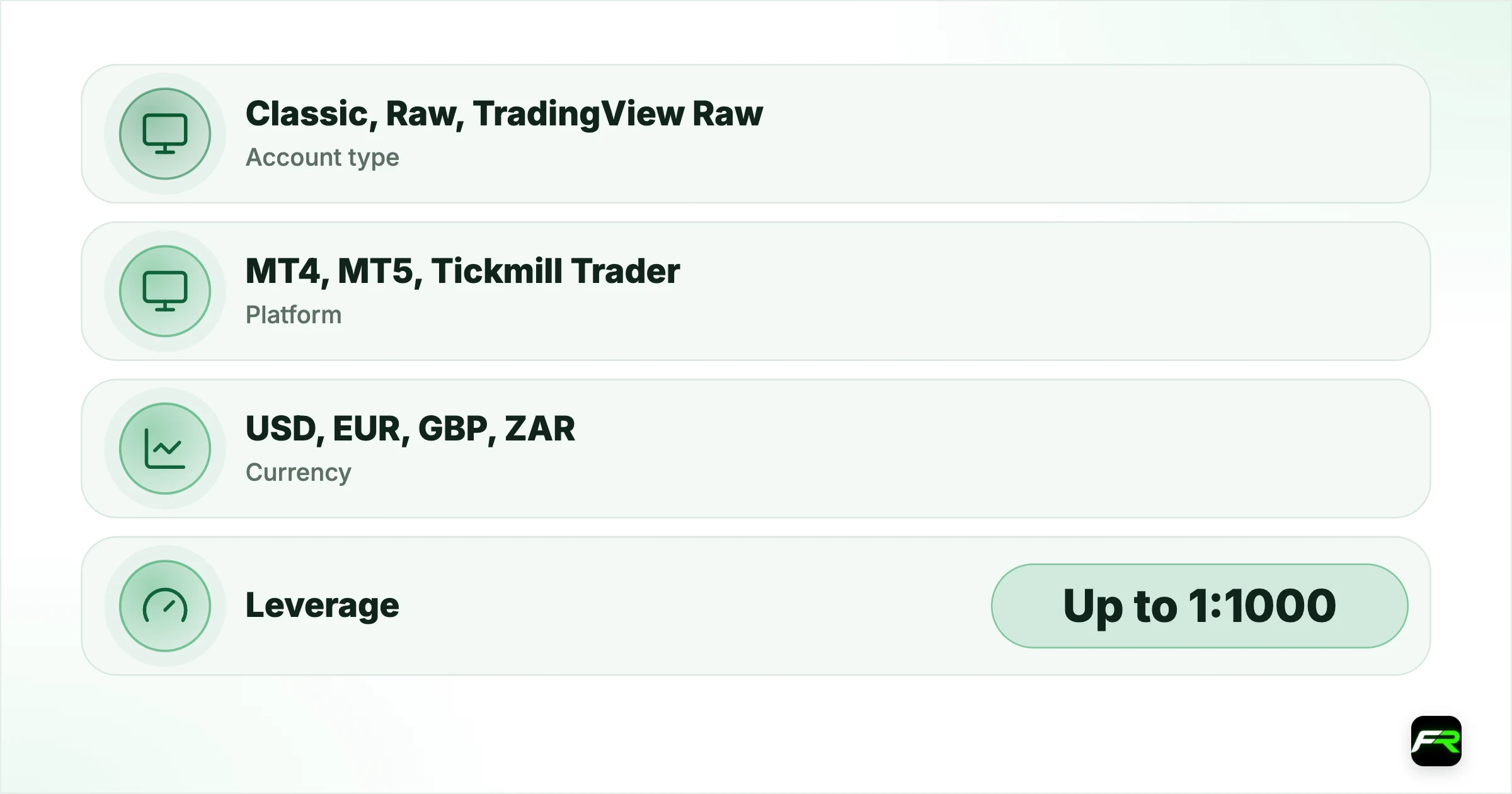
| Setting | Options | What to consider |
|---|---|---|
| Account type | Classic, Raw, TradingView Raw | Raw is cheaper for regular trading |
| Platform | MT4, MT5, Tickmill Trader | MT5 has more products and dynamic leverage |
| Currency | USD, EUR, GBP, ZAR | Match the money you deposit |
| Leverage | Up to 1:1000 (1:500 on MT4) | Lower is safer for a new account |
Each choice has a guide of its own. The Tickmill account types guide prices the three accounts, the platforms guide compares MT4, MT5 and Tickmill Trader, and the leverage guide explains the tiers.
Classic and Raw accounts connect to both MT4 and MT5. TradingView Raw is a separate route for people who trade from TradingView charts, and it is held in US dollars only.
The wallet and your first deposit
Deposits land in a wallet in your Client Area. From there you transfer money to a trading account. Keep that two-step structure in mind the first time, since a funded wallet with an empty trading account looks like a missing deposit when you log in to MetaTrader.
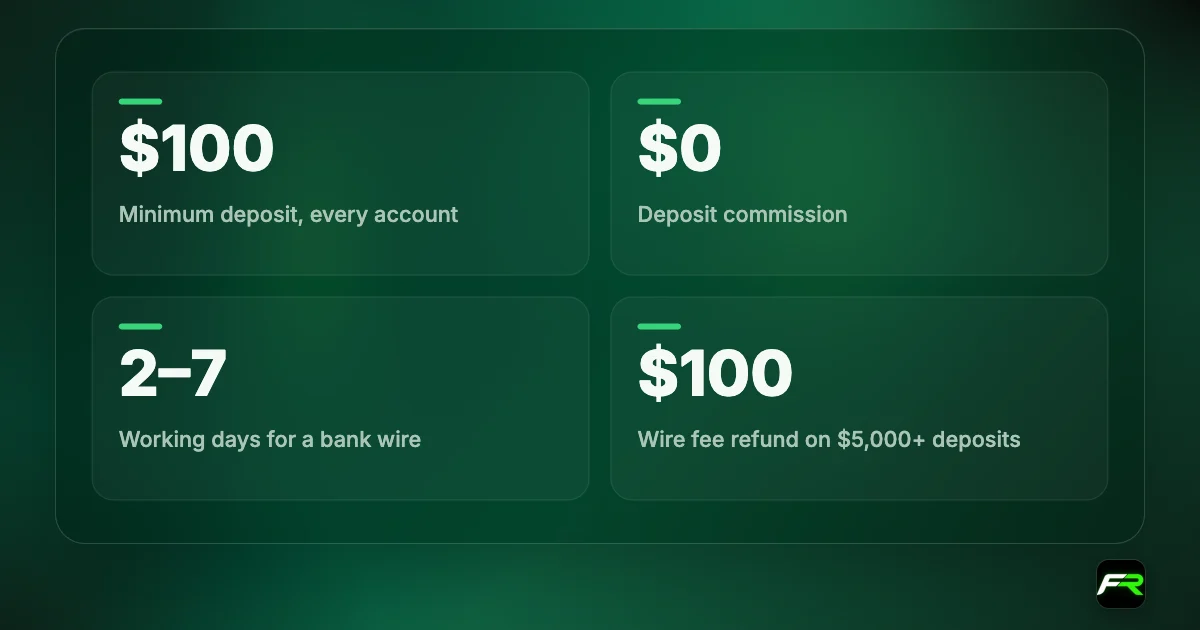
The minimum is 100 for every account type. Cards and e-wallets are instant, and bank wires take two to seven working days. Our Tickmill minimum deposit guide lists the methods and the rules.
Start without a deposit
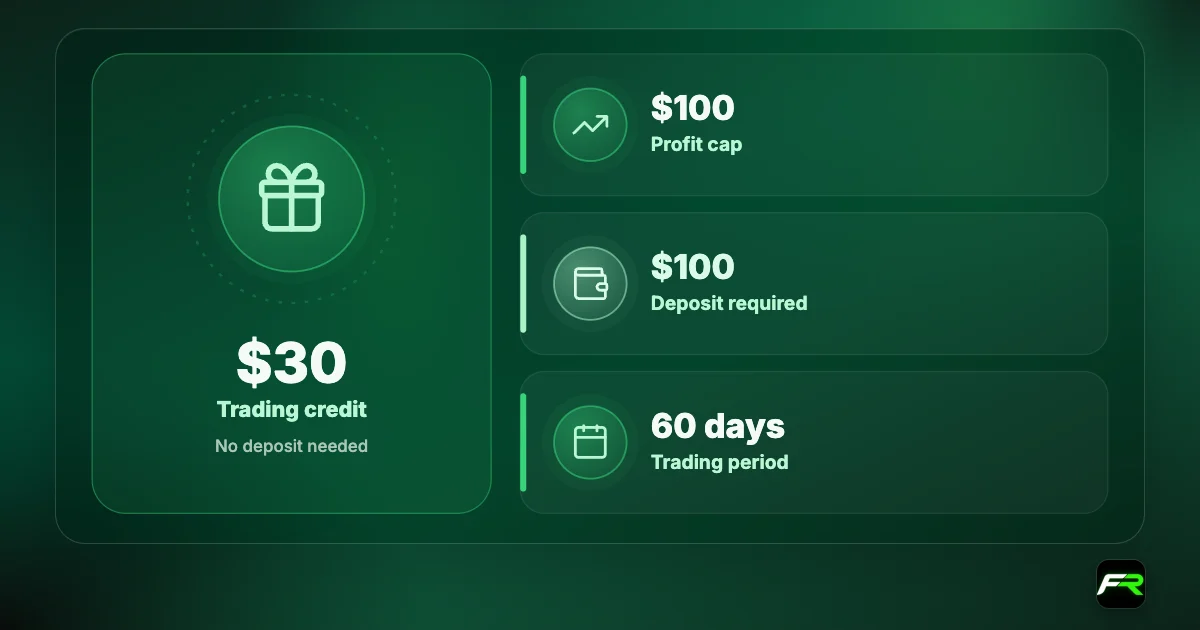
New clients of the Seychelles company can ask for a $30 Welcome Account, which lets you trade live without funding. It has limits: each client gets one, expert advisors aren't allowed on it, and EU residents can't apply. See the Tickmill Welcome Account guide. A demo account is the other free way to look around.
Common reasons for delay
- A photo with glare or a cropped corner.
- Proof of address that is too old or shows a PO box.
- Non-Latin characters typed into the form.
- A name on the profile that differs from the ID.
- Unanswered questions in the financial questionnaire.
- An attempt to register twice with different emails.
Automated checks are fast when the documents are clean and unforgiving when they aren't. Take photos in daylight on a plain background, and use the original document, not a photocopy.
Security from day one
Use a unique password for the Client Area and a different one for each trading account. In the Tickmill App you can log in with fingerprint or facial recognition, which is safer than a short password typed in public. Remember the broker's rule on sensitive data: it will never ask for your full card number, CVV or PIN.
Emails or messages asking for card details or passwords are not from Tickmill. Report them to support and don't reply.
First-week plan
- Verify your profile fully before depositing.
- Open a demo and place a few practice orders.
- Fund the wallet with a small amount.
- Transfer part of it to the trading account.
- Place one 0.01 lot trade with a stop loss.
- Withdraw a small sum to test the route back.
That last step matters more than it seems. Withdrawals go back to the method you deposited with, and the first one is where any mismatch in names or documents shows up. The Tickmill withdrawal guide explains the rules.
Screenshot the page that shows which Tickmill company your account is with, and save the client agreement PDF. You will want both if you ever raise a complaint.
After you are approved
Approval gives you a Client Area and nothing more until you open a trading account inside it. Many new clients verify, log in to MetaTrader with their Client Area password and wonder why it fails. Each trading account has its own number, password and server, sent by email when each account is created.
Take ten minutes to learn the layout. Find the wallet panel, the transfer function, the transaction history and the place where documents are uploaded. Those four screens cover almost everything you will do outside the trading platform.
Then decide how much to keep where. Money in the wallet is safe from trading losses and ready to withdraw. Funds in a trading account are margin. To move only what a strategy needs is a simple discipline that the wallet system makes easy.
Tickmill's five-minute claim is realistic for someone with a passport and a recent bank statement to hand. When I see delays, the cause is nearly always a name mismatch or a blurred photo, not the broker.
Farah registered in the app on her lunch break, uploaded her MyKad and a bank statement, and was verified before she finished eating. She opened a Raw account on MT5 in USD, funded the wallet with $120 by card and moved $100 into the trading account. Her test withdrawal of $25 returned to the same card.
Frequently asked
How long does it take to open a Tickmill account?
Tickmill says you can open an account, fund it and start trading in as little as five minutes through its app, using automated onboarding and ID verification. Unclear documents or mismatched names take longer.
What documents does Tickmill need?
Proof of identity and proof of address are standard. Tickmill may also ask for card documentation after a card deposit, and for source of funds documents under anti-money-laundering rules.
What is the minimum age to open an account?
You must be 18 years old to register.
Can I open more than one trading account?
Yes. You open trading accounts inside your Client Area, and you can hold different account types and platforms and move funds between them through your wallet.
Do I have to deposit straight away?
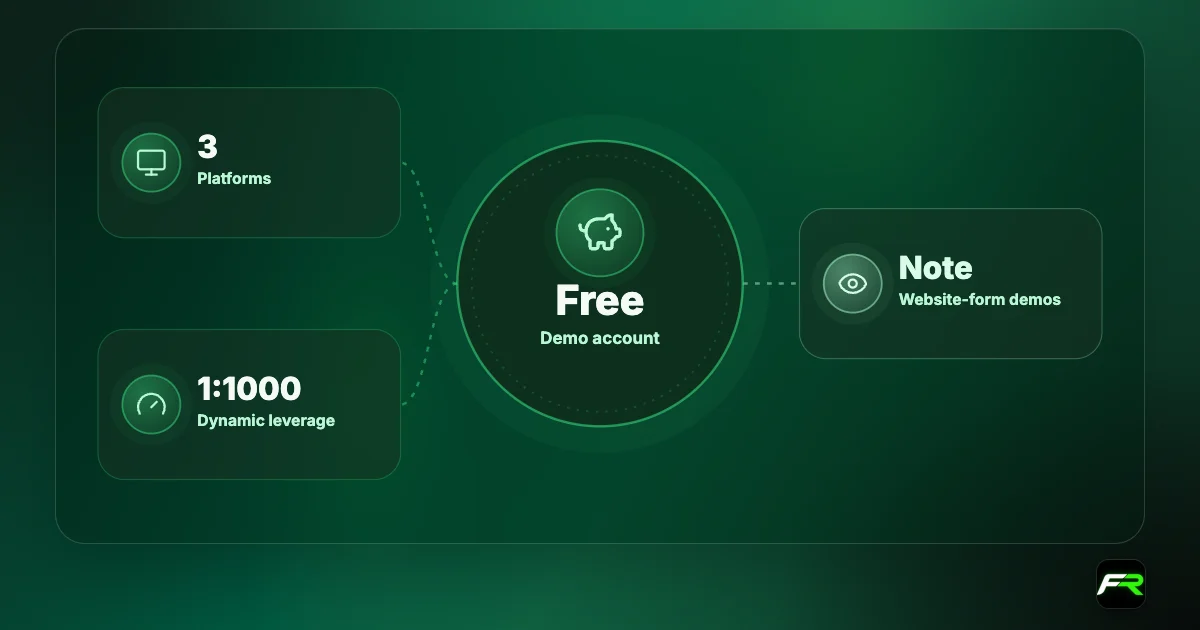
No. You can register and verify first. A demo account is free, and eligible new clients of the Seychelles company can apply for the $30 Welcome Account without depositing.
Which Tickmill entity will my account be with?
It depends on your country of residence. The website directs UK and EU visitors to the FCA and CySEC companies, South Africans to the FSCA company and others to Tickmill Ltd in Seychelles.
Related reading
The team behind this guide
Researched, checked and approved by five forex specialists
Every guide is written, fact-checked and edited before it goes live, and updated when the facts change. Spotted an error? Tell us.