IC Markets




































Tickmill Demo Account: Free Practice on MT4, MT5 and Tickmill Trader
Tickmill's demo account is free and simulates CFD trading under real market conditions. You can open one from the website form or inside your Client Area, and dynamic leverage works on demo too. Here is how to set it up and use it well.
 WriterAbir KhanWriterWrites the guides · checks every figure against primary sources View profileAbout Abir →
 Market analysisTanbir Habib RiyadForex & Crypto AnalystForex and crypto analyst · technical and fundamental analysis View profileAbout Tanbir →
 Fact-checking & riskJannatul FerdaushFact-Checker & Risk AnalystFact-checks every figure · risk analysis · Applied Statistics, University of Dhaka View profileAbout Jannatul →
 Trading reviewJowel RanaCo-Founder & Forex TraderCo-founder · forex trader · reviews guides from a trader's view View profileAbout Jowel →
 Final approvalRanjan NiskrityFounder, Owner & Forex TraderFounder and owner · forex trader · signs off every guide View profileAbout Ranjan →
A Tickmill demo account lets you trade CFDs with virtual money while prices move as they do in the live market. Tickmill calls it a risk-free entry to trading. It costs nothing, and you don't need to deposit or even be a client to request one from the demo page on its website.
One detail on that page is easy to miss. A demo opened through the public form won't appear in your Client Area, whether you already have a profile or create one later. If you want your demo and live accounts in one place, open the demo from inside the Client Area or through the Tickmill Trader platform instead.
| Cost | Free |
|---|---|
| Deposit needed | None |
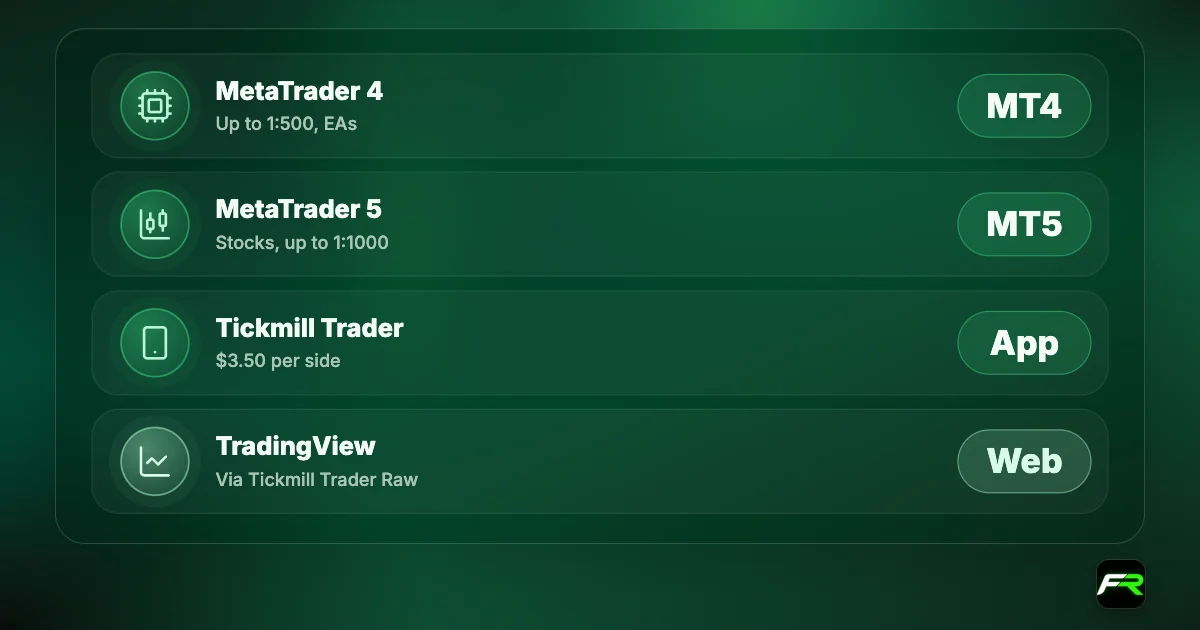
| Platforms | MT4, MT5, Tickmill Trader |
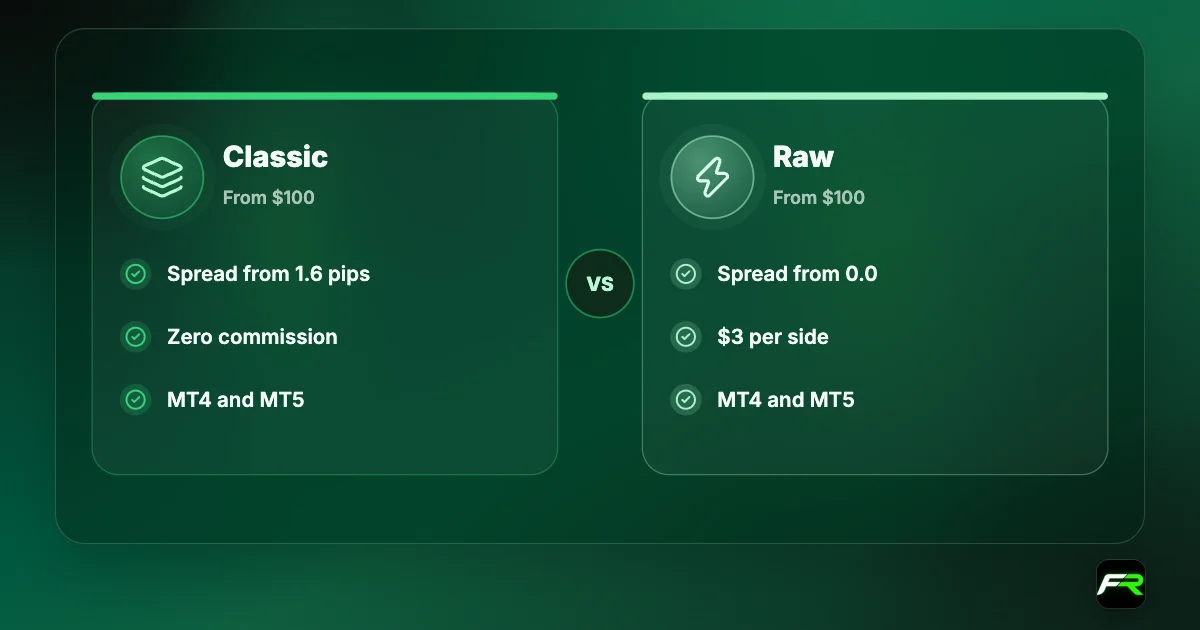
| Account types | Classic and Raw conditions |
| Dynamic leverage | Applies on demo for MT5 and Tickmill Trader |
| Public-form demos | Not shown in the Client Area |
Two ways to open a demo
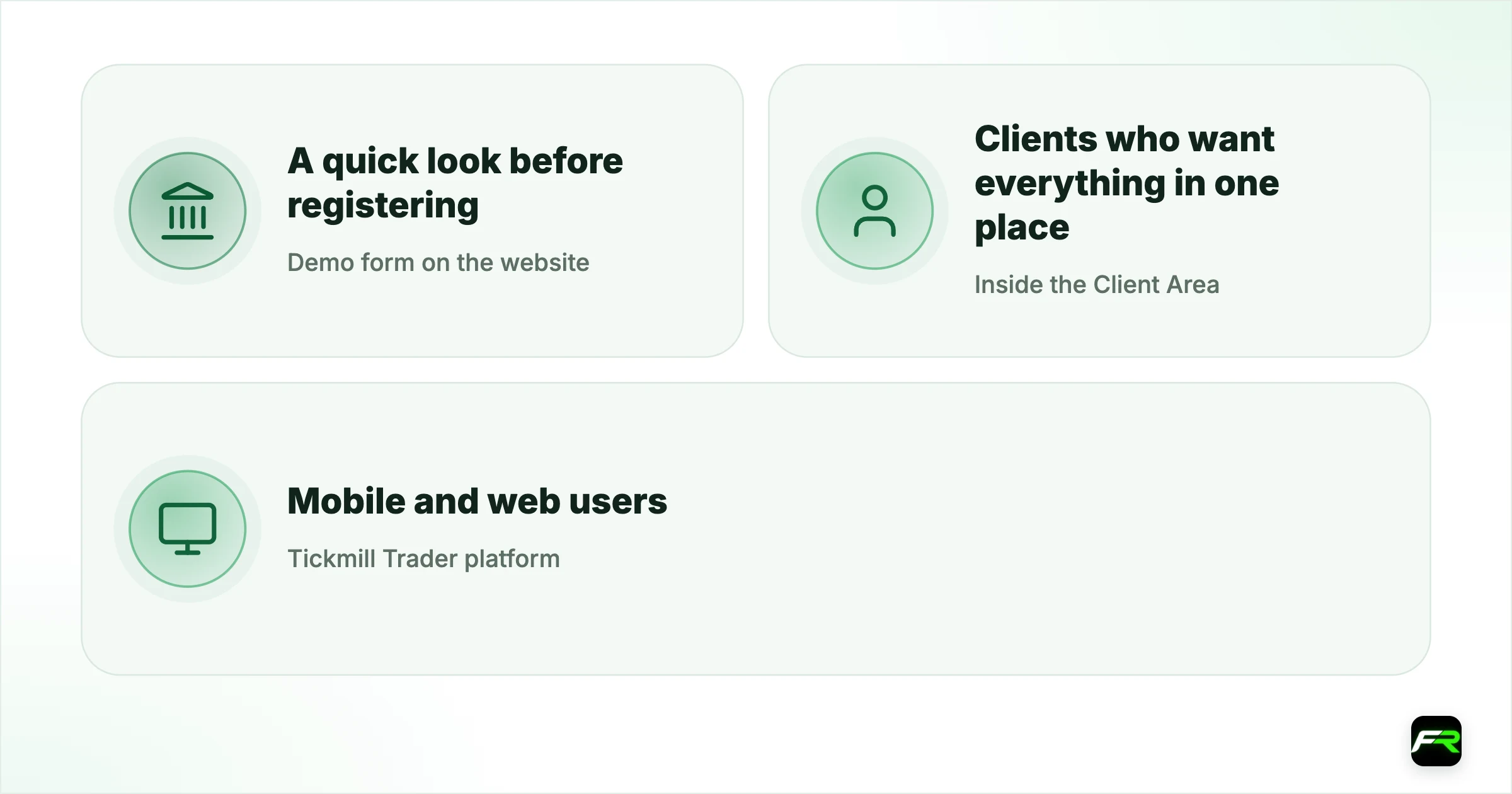
| Route | Best for | Shows in Client Area? |
|---|---|---|
| Demo form on the website | A quick look before registering | No |
| Inside the Client Area | Clients who want everything in one place | Yes |
| Tickmill Trader platform | Mobile and web users | Demo and live together |
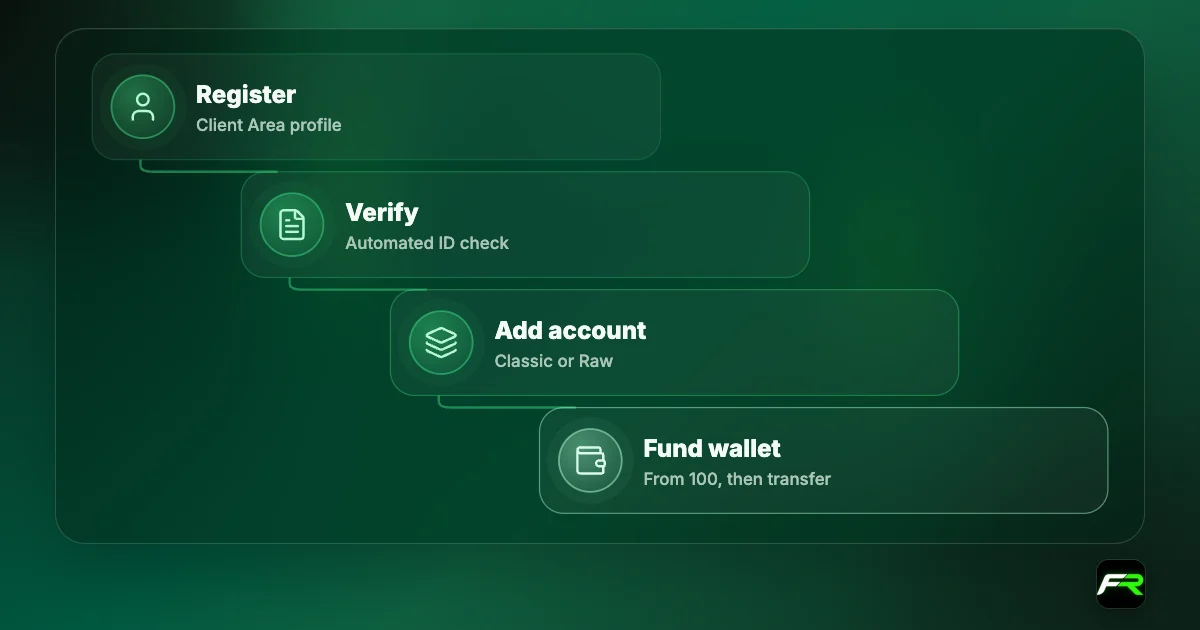
- Decide which route suits you from the table above.
- For the website form, enter your name, email and phone in Latin characters.
- In the Client Area, log in and add a demo trading account.
- Choose the platform, account type, currency, leverage and virtual balance offered.
- Note the login, password and server sent to you.
- Install the platform and log in to the demo server.
Tickmill doesn't state on the page we read how long a demo stays active or what balance options it offers, and we won't guess. The setup screen shows the choices available, and support can confirm the expiry rule for your platform.
Make the demo match real life
A demo teaches good habits only if it resembles the account you will fund. Pick the account type you plan to trade, since Classic and Raw price the same trade very differently. Choose a virtual balance close to your intended deposit. Set leverage where you will keep it live, not at the maximum.
| Setting | Realistic choice | Why |
|---|---|---|
| Balance | Close to your planned deposit | Risk per trade stays true to life |
| Account type | The one you will open | Costs differ between Classic and Raw |
| Leverage | A modest level | High leverage hides margin pressure |
| Lot size | 0.01 to 0.05 | Matches a small live account |
What to practise
- Order entry: market, limit and stop orders, each with a stop loss.
- Position sizing from a fixed percentage of the balance.
- Where commission appears on a Raw account statement.
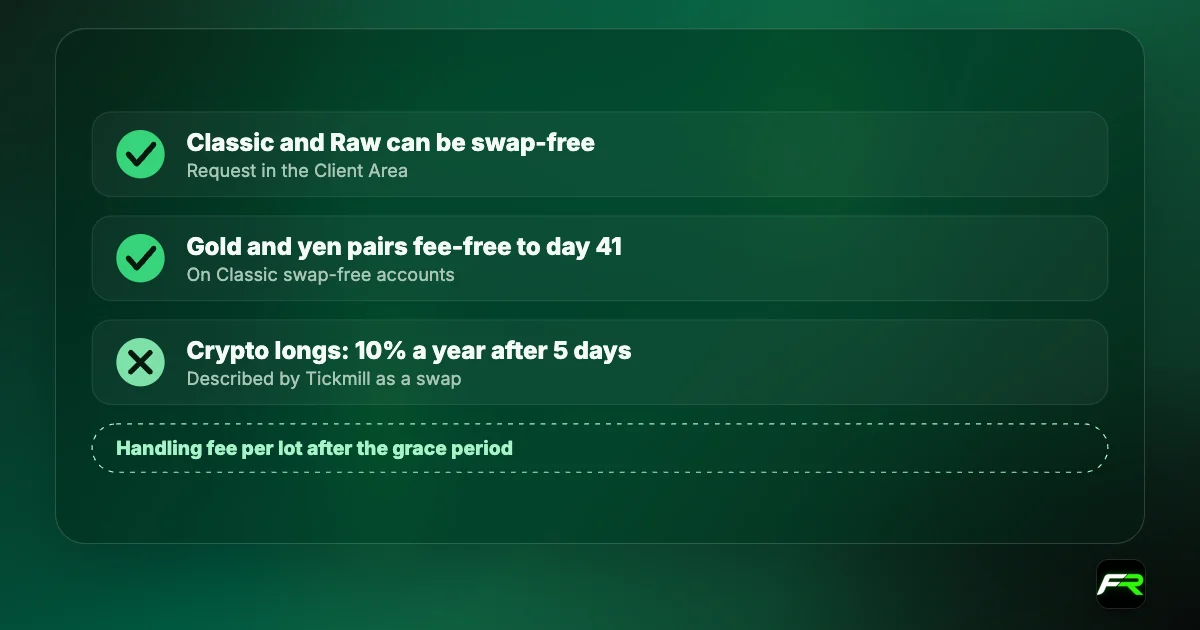
- How swaps change the result of a trade held overnight.
- Margin level, and how close a trade takes you to 100%.
- Your expert advisor, if you plan to automate.
Tickmill's margin call is at 100% and stop out at 50%. A demo is the place to see those levels in action without paying for the lesson. Open a deliberately oversized trade once, watch the margin level fall, and note how few pips it takes.
Dynamic leverage on demo
Tickmill applies dynamic leverage on MT5 and Tickmill Trader across all account types, demo included. Leverage on forex and gold is 1:1000 for the first two lots of forex, or one lot of gold, then drops to 1:500, 1:100 and finally 1:10 as the position grows. MT4 uses static leverage with a maximum of 1:500.
An MT5 demo shows you how margin steps up as you add to a position, something a static-leverage platform won't. The Tickmill leverage guide has the full tier table.
What a demo can't show you
Demo prices are real, but your reactions aren't. Nobody freezes over a losing trade when the money is imaginary. Greed and fear arrive with the first live position, and they change how people follow a plan.
Fills are kinder too. Tickmill uses market execution, and a live order in a fast market can be filled a little away from the quoted price. A scalping system that looks profitable on demo should be tested with small live trades before you trust it.
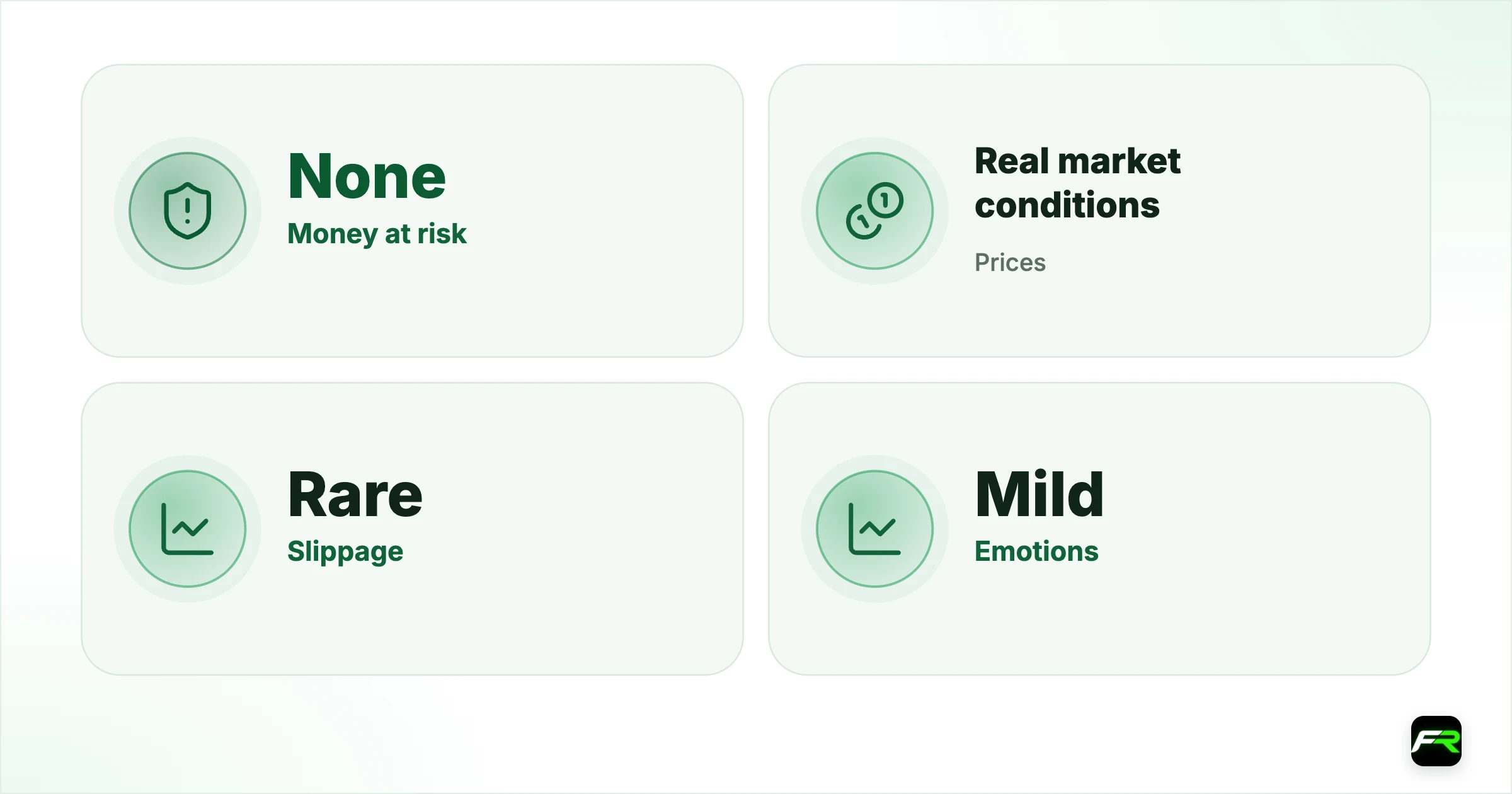
| Aspect | Demo | Live |
|---|---|---|
| Money at risk | None | Yours |
| Prices | Real market conditions | Real |
| Slippage | Rare | Possible in fast markets |
| Emotions | Mild | Strong |
| Costs | Simulated | Deducted from your balance |
A simple four-week routine
- Week one: learn the platform until placing and closing orders is automatic.
- In week two, trade one instrument only, risking 1% per trade.
- During week three, keep a journal with the reason, stop, target and result of every trade.
- Use week four to count rule breaks and compare your average win with your average loss.
Thirty or more journaled trades give you something to judge. Ten trades don't, because luck dominates a small sample.
After the demo
Tickmill offers a middle step that most brokers don't. The $30 Welcome Account is live money you didn't deposit, which lets you feel real execution before funding. It comes with conditions, described in our Welcome Account guide.
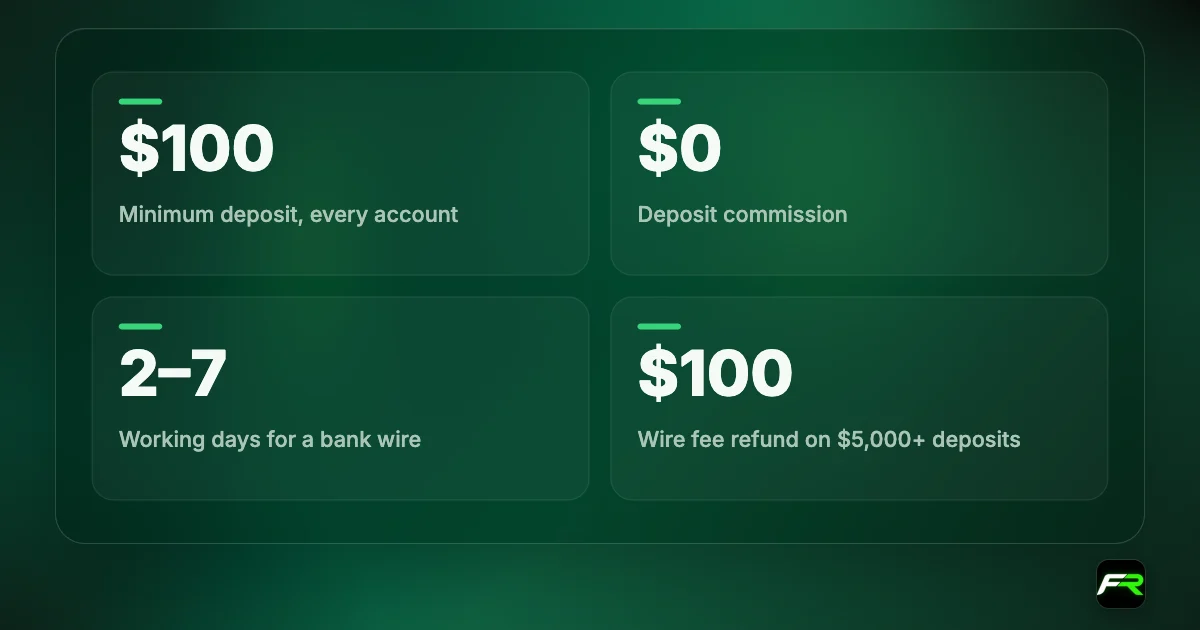
When you do fund, start with the minimum of 100 and the smallest trade size. Our Tickmill minimum deposit guide explains why $200 gives more room, and the account types guide helps you pick between Classic and Raw.
Open your demo from the Client Area if you already have a profile. It keeps the login details where you can find them.
A demo that makes money proves the method can work. It doesn't prove you can follow it with real money, so begin small.
Mistakes that waste a demo
Huge virtual balances are the first. A $50,000 demo makes a $500 loss feel like nothing, and that indifference follows you to a $200 live account where the same trade would be fatal. Choose the smallest balance on offer that resembles your real plans.
A second mistake is to ignore costs. On a Raw demo, open the account history and find the commission column. With Classic, compare your entry price with the chart price and see the spread you paid. Costs are invisible until you look for them, and a month of looking builds the habit.
Third, people trade ten markets at once. Tickmill offers 62 currency pairs and several other asset classes, and a demo makes it free to dabble in all of them. Each market has its own hours and typical range. Learn one pair properly before adding a second.
Finally, don't stop at a handful of trades. Five winners prove nothing, since chance produces streaks that short all the time. Judge a method on thirty to fifty trades across calm and busy sessions, and keep the journal that makes such a judgement possible.
Tickmill's education pages, with webinars, video tutorials and a blog, pair well with a demo. Watch one lesson, then try the idea on the practice account the same day.
The best use of Tickmill's demo is on MT5, where dynamic leverage is switched on. Add to a gold position past one lot and watch the margin jump. People who see that on demo don't get caught by it live.
Kelechi requested a demo from the website form, then couldn't find it in his Client Area after registering. He opened a second demo from inside the Client Area on MT5 with Raw conditions, logged 35 trades in a month, and then applied for the Welcome Account before making his first deposit.
Frequently asked
Is the Tickmill demo account free?
Yes. It is free, needs no deposit and can be requested from the website or opened in the Client Area.
Why can't I see my demo in the Client Area?
Demos opened through the public form on Tickmill's website don't appear in the Client Area. Open a demo from inside the Client Area if you want it listed there.
Which platforms have a Tickmill demo?
MT4 and MT5, and the Tickmill Trader platform, which gives access to demo and live accounts in one place.
Does dynamic leverage work on demo?
Yes. Tickmill says dynamic leverage is available on Tickmill Trader and MT5 across all account types, including demo.
How long does a Tickmill demo last?
The page we read doesn't state an expiry period. Check the details shown when you create the demo, or ask support.
Can I test an EA on the demo?
Yes, on MT4 and MT5. Tickmill allows automated strategies on its accounts, and a demo is the safest place for a first test.
Related reading
The team behind this guide
Researched, checked and approved by five forex specialists
Every guide is written, fact-checked and edited before it goes live, and updated when the facts change. Spotted an error? Tell us.