 IC Markets





























Can You Connect Exness to TradingView? What Works and What Doesn't
You cannot log in to an Exness account on TradingView itself, but Exness builds TradingView charts into its web terminal and app. Here is what that gives you, how to switch it on and the workarounds people use.
 WriterAbir KhanWriterWrites the guides · checks every figure against primary sources View profileAbout Abir →
 Market analysisTanbir Habib RiyadForex & Crypto AnalystForex and crypto analyst · technical and fundamental analysis View profileAbout Tanbir →
 Fact-checking & riskJannatul FerdaushFact-Checker & Risk AnalystFact-checks every figure · risk analysis · Applied Statistics, University of Dhaka View profileAbout Jannatul →
 Trading reviewJowel RanaCo-Founder & Forex TraderCo-founder · forex trader · reviews guides from a trader's view View profileAbout Jowel →
 Final approvalRanjan NiskrityFounder, Owner & Forex TraderFounder and owner · forex trader · signs off every guide View profileAbout Ranjan →
You cannot connect an Exness trading account to TradingView's own website or app. Exness's Help Center says it is not possible to log in to Exness accounts on TradingView. What Exness does offer is TradingView charts built into its own platforms: the Exness Terminal in a web browser and the Exness Trade app both use TradingView charting, with its indicators and drawing tools, while orders go straight to your Exness account.
For most traders that covers what they wanted from TradingView: better charts with trading in the same place. Below: what the built-in charts include, how to turn them on in the app, and the third-party workarounds some traders use, with their risks.
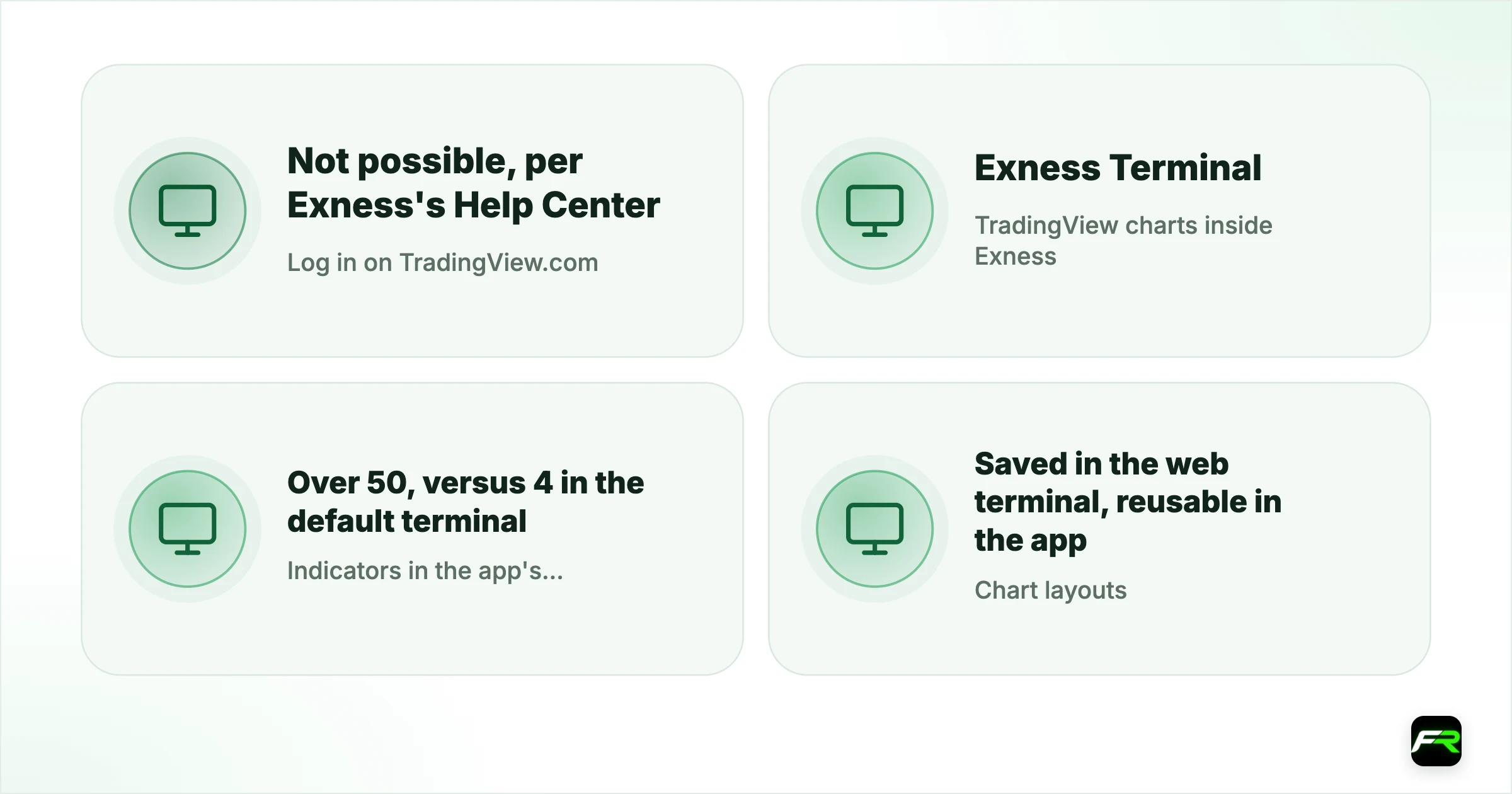
| Log in on TradingView.com | Not possible, per Exness's Help Center |
|---|---|
| TradingView charts inside Exness | Exness Terminal (web) and Exness Trade app |
| Indicators in the app's TradingView chart | Over 50, versus 4 in the default terminal |
| Chart layouts | Saved in the web terminal, reusable in the app |
| MT4 and MT5 | Use MetaTrader's own charts |
What Exness's Help Center says
Exness's trading guides explain that TradingView is integrated into the Exness Terminal for its charts, and state that it is not possible to log in to Exness accounts on TradingView. In the Exness Trade app, the TradingView chart is an alternative chart that gives access to more than 100 indicators according to one guide, drawing tools, colour settings, VWAP, a volume-weighted moving average, ZigZag and custom timeframe intervals. Another app guide says the default terminal offers 4 technical indicators while the TradingView chart offers over 50 more.
What you get, and what you don't
| Feature | TradingView charts inside Exness | TradingView.com with a connected broker |
|---|---|---|
| Trade your Exness account | Yes | No (not supported for Exness) |
| TradingView indicators and drawing tools | Built-in set | Full library |
| Community scripts (Pine Script) | No | Yes |
| Saved layouts across web and app | From the web terminal | Stored on TradingView |
| Alerts from custom scripts | No | Yes, on TradingView |
How to switch the Exness app to TradingView charts
- Open the Exness Trade app and tap the Profile tab.
- Go to Settings, then Trading terminal.
- Select TradingView as the terminal.
- Open any instrument to see the TradingView chart with its indicator menu.
In the web-based Exness Terminal, TradingView charting is the standard chart. Layouts saved there can be reused in the app, so you can set up indicators on a computer and see the same view on your phone.
If you want to use TradingView.com anyway
- Analyse on TradingView, trade on Exness. The simplest and safest: chart on TradingView, then place the order in the Exness Terminal, app or MetaTrader.
- Bridge tools. Third-party services can turn TradingView alerts into MetaTrader orders through webhooks. They are not provided by Exness, add delay and failure points, and need careful testing on a demo account.
- Another broker for TradingView trading. Some brokers connect directly to TradingView; our guide to brokers for TradingView covers them.
A trader in Nairobi likes TradingView's drawing tools but trades with Exness. Switching the Exness Trade app to the TradingView chart gives the same tools for manual trading, and a layout saved in the web terminal appears on the phone. For a custom Pine Script indicator, the trader keeps a free TradingView account for analysis and places orders in the Exness app.
Prices may differ slightly
TradingView.com shows prices from its own data sources, which can differ by a few points from your broker's feed, especially on spreads and at quiet times. Charts inside the Exness Terminal use Exness's own prices, which is what your orders fill against. If you analyse on TradingView.com and trade on Exness, check levels against the Exness chart before placing tight stops.
MetaTrader users
Exness's MT4 and MT5 accounts use MetaTrader's own charting, which supports custom indicators written in MQL on desktop. If you rely on custom indicators, MetaTrader may suit you better than either TradingView option. Our guide to Exness trading platforms compares the choices.
Alerts and notifications
TradingView.com is popular for its price and indicator alerts. Inside the Exness platforms, price alerts and notifications come from Exness's own features rather than TradingView's alert system, so complex alerts built on TradingView scripts will not carry over. Traders who depend on script alerts often keep them on TradingView and act on them in the Exness app.
Accounts and instruments
The TradingView charts in the Exness Terminal and app work with Exness trading accounts opened for those platforms. Instruments shown follow your account type, so the symbol list may differ between Standard, Raw Spread or Zero accounts. If a symbol you see on TradingView.com is missing in Exness, check that your account type offers it; our guide to Exness account types lists the differences.
Data and timeframes
Exness's Help Center notes custom intervals for chart timeframes in the app's TradingView chart, which helps traders who use non-standard periods such as 2-hour or 3-minute candles. Historical depth may be shorter than on TradingView.com for some instruments, so very long-range analysis is often easier on TradingView itself, with execution on Exness.
Practising first
Open an Exness demo account and switch the app to TradingView charts before trading live. A week of practice shows if the built-in tools cover your analysis or if you still need TradingView.com alongside.
Choosing the right setup
- Want better charts and simple trading in one place: use the Exness Terminal or app with TradingView charts.
- Need Pine Script indicators or community scripts: analyse on TradingView.com and trade in Exness.
- Running custom indicators or EAs: use Exness MT5 on desktop or a VPS.
- Placing orders from TradingView.com itself: choose a broker that integrates with TradingView.
Save one chart layout in the Exness web terminal with the indicators you use most. It then follows you to the app automatically.
Be careful with services that ask for your Exness trading password to "connect" TradingView. Only use bridge tools you have researched, and never share client-area login details.
Based on Exness Help Center trading guides checked in October 2026. Features can change; check the current Help Center pages.
Frequently asked
Can I connect Exness to TradingView?
Not to TradingView's own website or app. Exness's Help Center says it is not possible to log in to Exness accounts on TradingView. Exness instead builds TradingView charts into its web terminal and the Exness Trade app.
Does Exness have TradingView charts?
Yes. The Exness Terminal uses TradingView charting, and the Exness Trade app offers a TradingView chart option with far more indicators than its default terminal. Switch it on in the app under Profile, Settings, Trading terminal.
Can I use Pine Script indicators with Exness?
Not inside Exness's platforms. Pine Script runs on TradingView.com. You can analyse there and trade on Exness, or use third-party bridge tools, which need careful testing and are not provided by Exness.
How many indicators does the Exness app's TradingView chart have?
Exness's app guide says the default terminal has 4 technical indicators and the TradingView chart offers over 50 more; another Exness guide lists 100+ indicators. Either way, it is a far larger set than the default chart.
Do Exness chart layouts sync between web and app?
According to Exness's Help Center, chart layouts saved in the WebTerminal can be reused in the Exness Trade app, so the same TradingView setup is available on both.
Which brokers connect directly to TradingView?
Several brokers integrate with TradingView's trading panel, though Exness does not. Our guide to the best brokers for TradingView lists options and what each offers.
Related reading
The team behind this guide
Researched, checked and approved by five forex specialists
Every guide is written, fact-checked and edited before it goes live, and updated when the facts change. Spotted an error? Tell us.