IC Markets





































Forex Brokers That Accept Ozow Instant EFT
Ozow pushes a rand payment from your online banking to the broker in minutes, for free or a small fee, with no card details and no conversion. Which brokers support it and how it works.
 WriterAbir KhanWriterWrites the guides · checks every figure against primary sources View profileAbout Abir →
 Market analysisTanbir Habib RiyadForex & Crypto AnalystForex and crypto analyst · technical and fundamental analysis View profileAbout Tanbir →
 Fact-checking & riskJannatul FerdaushFact-Checker & Risk AnalystFact-checks every figure · risk analysis · Applied Statistics, University of Dhaka View profileAbout Jannatul →
 Trading reviewJowel RanaCo-Founder & Forex TraderCo-founder · forex trader · reviews guides from a trader's view View profileAbout Jowel →
 Final approvalRanjan NiskrityFounder, Owner & Forex TraderFounder and owner · forex trader · signs off every guide View profileAbout Ranjan →
Ozow is a South African instant-EFT service. Instead of typing card numbers or doing a manual bank transfer and waiting, you pick your bank in the broker's deposit screen, log in to your online banking through Ozow's secure flow, and approve the payment. The broker sees it within minutes. For a South African trader with a local ZAR account it is often the best funding method available.
Why Ozow suits forex funding
- Fast. The deposit usually reflects in minutes, not the next day.
- Cheap. Free or a small flat fee, well below an international transfer.
- Rand in, rand out. With a ZAR account there is no currency conversion.
- No card exposure. You authenticate in your own banking login; the broker never sees card details.
- Works with the major banks. FNB, Standard Bank, Absa, Nedbank, Capitec and others.
Which brokers support it
Brokers that serve South African clients through a local entity widely integrate Ozow. Exness, HFM and XM commonly list it in the deposit options for South African accounts, alongside local bank EFT and card. Availability can depend on which entity your account is with and can change, so check the deposit screen of your specific account rather than relying on a general list.
| Check | Where |
|---|---|
| Is Ozow in the deposit options? | The broker's deposit or cashier screen for your account |
| Is there a fee? | Shown on the deposit screen before you confirm |
| Is my bank supported? | The bank picker in the Ozow flow |
| Does withdrawal come back the same way? | The withdrawal screen; often it returns by local EFT, not Ozow |
How a deposit works, step by step
- In the broker's deposit screen, choose Ozow and enter the amount in rand.
- Select your bank from the list.
- You are taken to Ozow's secure page and log in to your online banking.
- Approve the payment, including any one-time PIN your bank sends.
- You are returned to the broker, and the deposit reflects within minutes.
Thato used to do a manual EFT and wait until the next day for his deposit to show, sometimes missing the setup he wanted to trade. He switched to Ozow through the same broker, and now a top-up takes about two minutes from his phone and the funds are there almost immediately. Withdrawals still come back by normal EFT the next day, which he is fine with.
Ozow versus a manual EFT
A manual EFT means adding the broker's bank account as a beneficiary in your banking app and pushing a payment yourself. It works, and it is free on most bank plans, but there are two friction points. First, the broker has to match your payment to your account, which can take hours if you forget to include the reference exactly as shown. Second, a first payment to a new beneficiary is sometimes held by your bank for a security review. Ozow removes both: the payment is tagged to your account automatically and it is treated as a card-style checkout rather than a new beneficiary, so it clears in minutes.
| Ozow | Manual EFT | |
|---|---|---|
| Speed | Minutes | Same day to next day |
| Reference matching | Automatic | You must enter it exactly |
| New-beneficiary hold | Not applicable | Possible on the first payment |
| Cost | Free or small fee | Standard bank EFT fee |
Why an Ozow payment gets declined
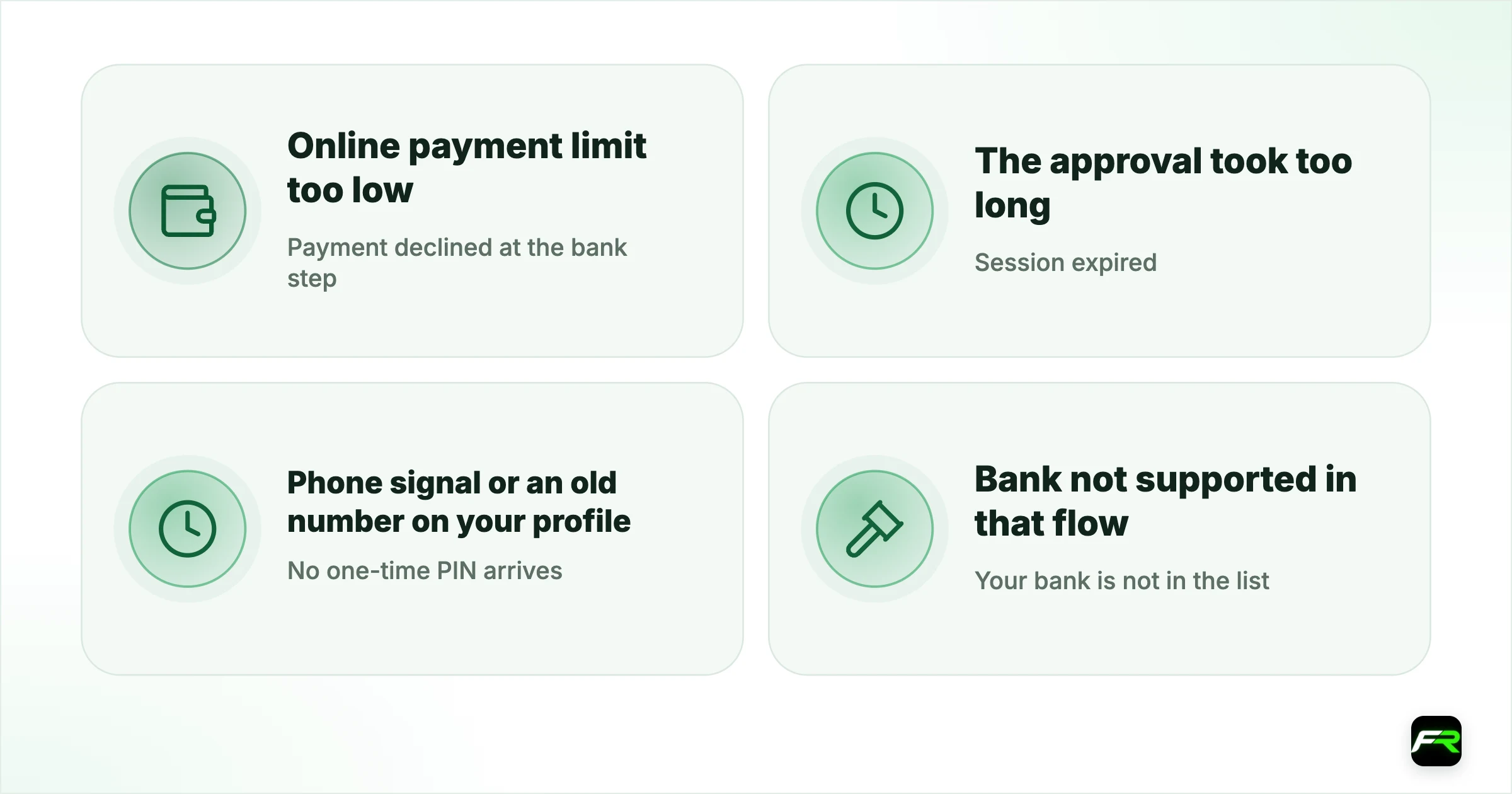
When an Ozow deposit fails before the money leaves your account, the cause is nearly always on the banking side, and each has a quick fix. Work through these before contacting the broker.
| What you see | Likely cause | Fix |
|---|---|---|
| Payment declined at the bank step | Online payment limit too low | Raise the limit in your banking app, then retry |
| Session expired | The approval took too long | Start a fresh deposit from the broker screen |
| No one-time PIN arrives | Phone signal or an old number on your profile | Update your number with the bank; retry |
| Your bank is not in the list | Bank not supported in that flow | Use manual EFT or card instead |
| Amount rejected by the broker | Below the minimum or above the maximum deposit | Check the limits shown in the cashier |
Do not retry the same payment several times in a row without checking your bank balance in between. If a first attempt went through and the broker has not yet shown it, repeated attempts can leave you with two or three debits to sort out.
Keeping Ozow deposits tidy for your records
Each Ozow payment appears on your bank statement with a reference that includes the merchant name. Save the broker's deposit confirmation alongside it, so that every line on your bank statement matches a line in your broker history. That pairing is exactly what SARS asks for if it queries your trading figures, and it takes seconds when done at the time. The records guide covers the rest of the file.
If an Ozow deposit does not reflect
- Check your bank app to confirm the payment actually left your account. If it did not, the Ozow session may have timed out; start again.
- Wait 15 minutes. Most delays are just processing.
- Check the broker's deposit history for a pending entry.
- If the money left your account but nothing shows after an hour, contact broker support with the Ozow reference and a screenshot of the debit. This is rare and usually resolved same day.
Only ever use Ozow through the broker's own deposit screen. If someone sends you an Ozow payment link by WhatsApp or email claiming to be from your broker, do not use it. Log in to the broker directly and fund from there.
Ozow is close to the ideal funding method for a South African retail trader: instant, cheap, rand-denominated, and no card details on a broker's server. If your broker supports it and you have a ZAR account, there is rarely a reason to use anything else for deposits.
Frequently asked
Which forex brokers accept Ozow?
Brokers that serve South African clients through a local entity commonly support it, including Exness, HFM and XM. Check the deposit screen of your specific account, since availability depends on the entity and can change.
Is there a fee for Ozow deposits?
Often free, sometimes a small flat fee, shown on the deposit screen before you confirm. It is far cheaper than an international bank transfer.
How fast is an Ozow deposit?
Usually a few minutes. You approve the payment in your online banking and the deposit reflects with the broker shortly after.
Do withdrawals come back through Ozow?
Usually not. Withdrawals typically return by standard local EFT to your bank account, which takes about a day after the broker approves them.
Is Ozow safe to use?
Yes, when used through the broker's own deposit screen. You authenticate inside your own online banking and the broker never sees your card or login details. Never use an Ozow link sent to you by message.
Why does my bank decline Ozow payments to a broker?
Usually because the payment exceeds your online payment limit, the session timed out or the one-time PIN did not arrive. Raise your limit in the banking app, check your registered cellphone number and start a new deposit from the broker's own screen.
Related reading
The team behind this guide
Researched, checked and approved by five forex specialists
Every guide is written, fact-checked and edited before it goes live, and updated when the facts change. Spotted an error? Tell us.