IC Markets




































Fusion Markets Demo Account: 30 Days Free and How to Keep It Longer
Fusion Markets gives you a free demo on MT4, MT5, cTrader or TradingView. It expires after 30 days unless you hold a funded live account. Here is how to open one, what it can and can't teach you, and a practice plan worth following.
 WriterAbir KhanWriterWrites the guides · checks every figure against primary sources View profileAbout Abir →
 Market analysisTanbir Habib RiyadForex & Crypto AnalystForex and crypto analyst · technical and fundamental analysis View profileAbout Tanbir →
 Fact-checking & riskJannatul FerdaushFact-Checker & Risk AnalystFact-checks every figure · risk analysis · Applied Statistics, University of Dhaka View profileAbout Jannatul →
 Trading reviewJowel RanaCo-Founder & Forex TraderCo-founder · forex trader · reviews guides from a trader's view View profileAbout Jowel →
 Final approvalRanjan NiskrityFounder, Owner & Forex TraderFounder and owner · forex trader · signs off every guide View profileAbout Ranjan →
A Fusion Markets demo account lets you trade live prices with virtual money. It is free, takes a couple of minutes to open, and works on all four platforms the broker supports: MetaTrader 4, MetaTrader 5, cTrader and TradingView. By default the demo stays active for 30 days.
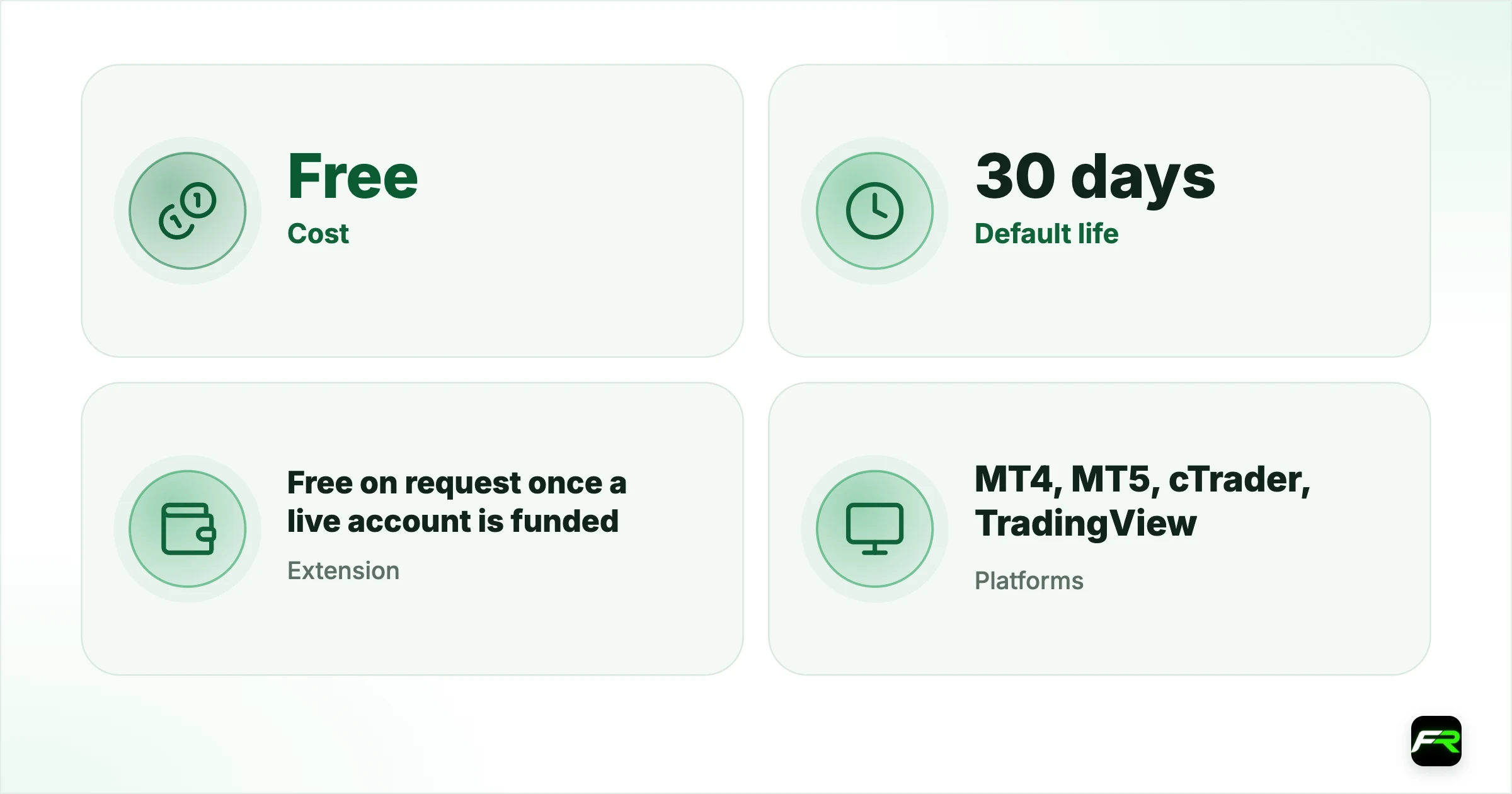
After that it expires, with one exception. Once you have funded a live account, you can email support and ask them to extend the demo at no charge. A funded live account can hold as little as the payment method allows, so the extension is cheap to qualify for.
| Cost | Free |
|---|---|
| Default life | 30 days |
| Extension | Free on request once a live account is funded |
| Platforms | MT4, MT5, cTrader, TradingView |
| Alongside live? | Yes, demo and live accounts can run together |
| Copy trading on demo | Not available for Fusion+ |
How to open a demo
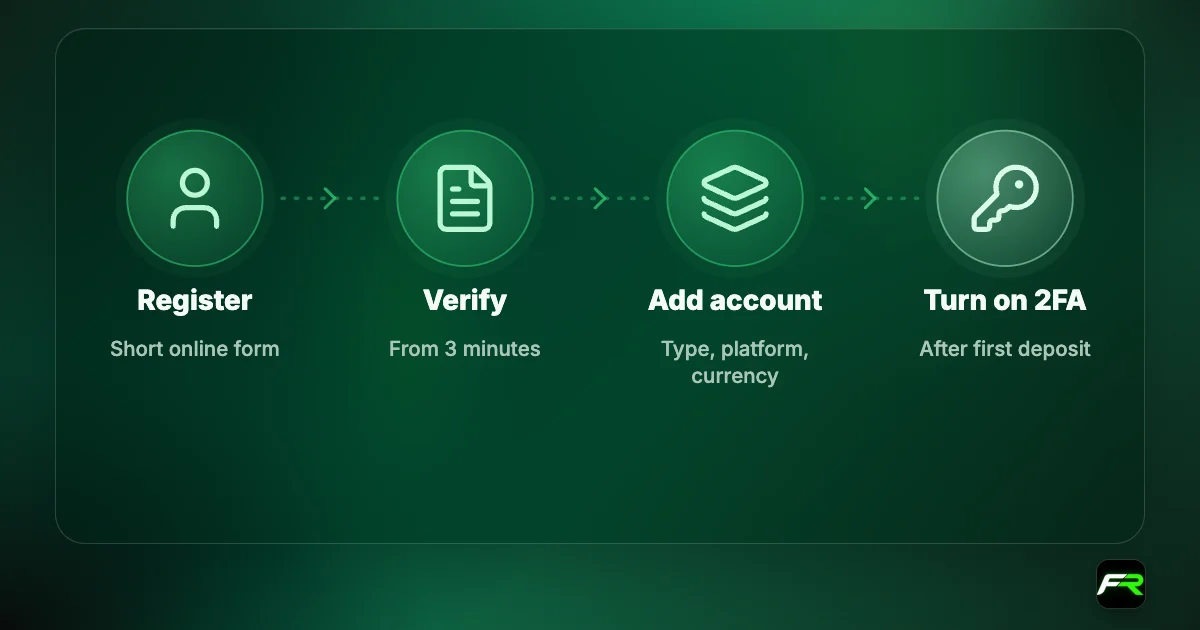
- Click Create an Account and complete the registration form.
- In the Client Hub, select Demo, then New Account.
- Make sure Demo is selected, fill in the details and create the account.
- Open the email with your login details.
- Install the platform you chose and log in to the demo server.
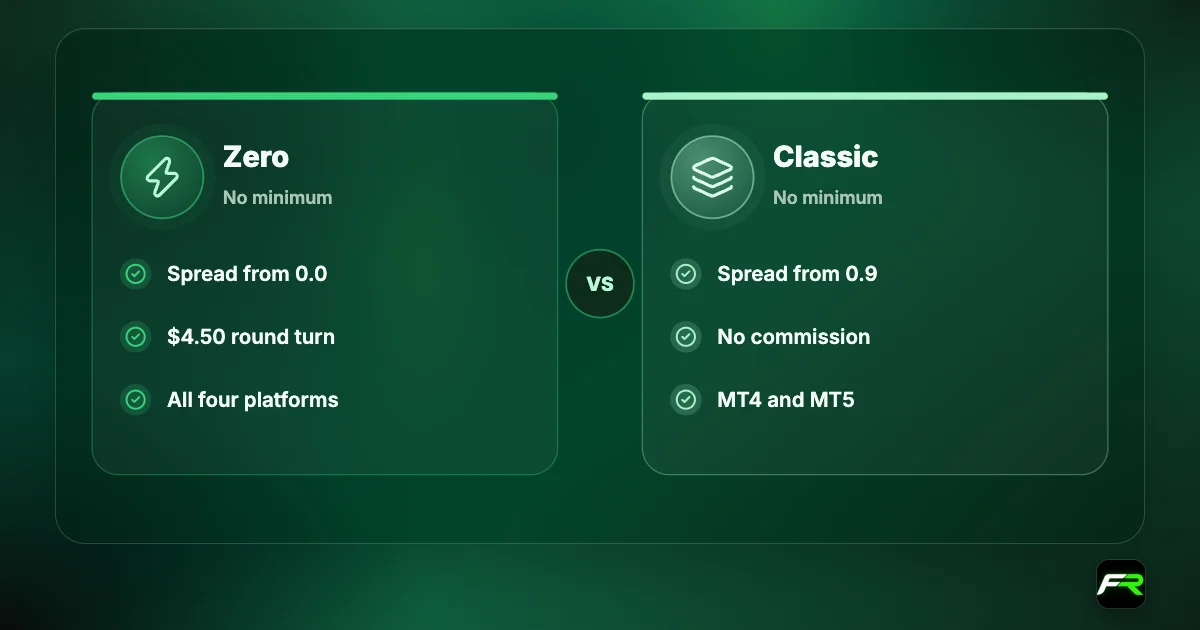
Current clients skip the first step. The Hub lets you hold several demos at once, which is handy for comparing Zero pricing with Classic or MetaTrader with cTrader. Set the virtual balance close to what you plan to deposit, because practising with $100,000 teaches habits that a $300 account can't support.
What the demo shows you
Prices on the demo follow the real market, so you see the same spreads and the same quote movement as live clients. That makes it a fair place to check Fusion's raw EUR/USD spread, watch how gold behaves around news, or measure what a Classic account costs you per trade.
- How to place market, limit and stop orders on your platform.
- Where to set stop loss and take profit, and how to move them.
- What margin a position uses at your chosen leverage.
- How swaps are charged at the daily rollover.
- Whether your expert advisor or Pine Script runs without errors.
What it can't teach
Fusion's demo page is frank about the main weakness. Virtual money doesn't produce the emotions that real money does. People hold losing trades longer, cut winners sooner and break their own rules once a real balance is on the line.
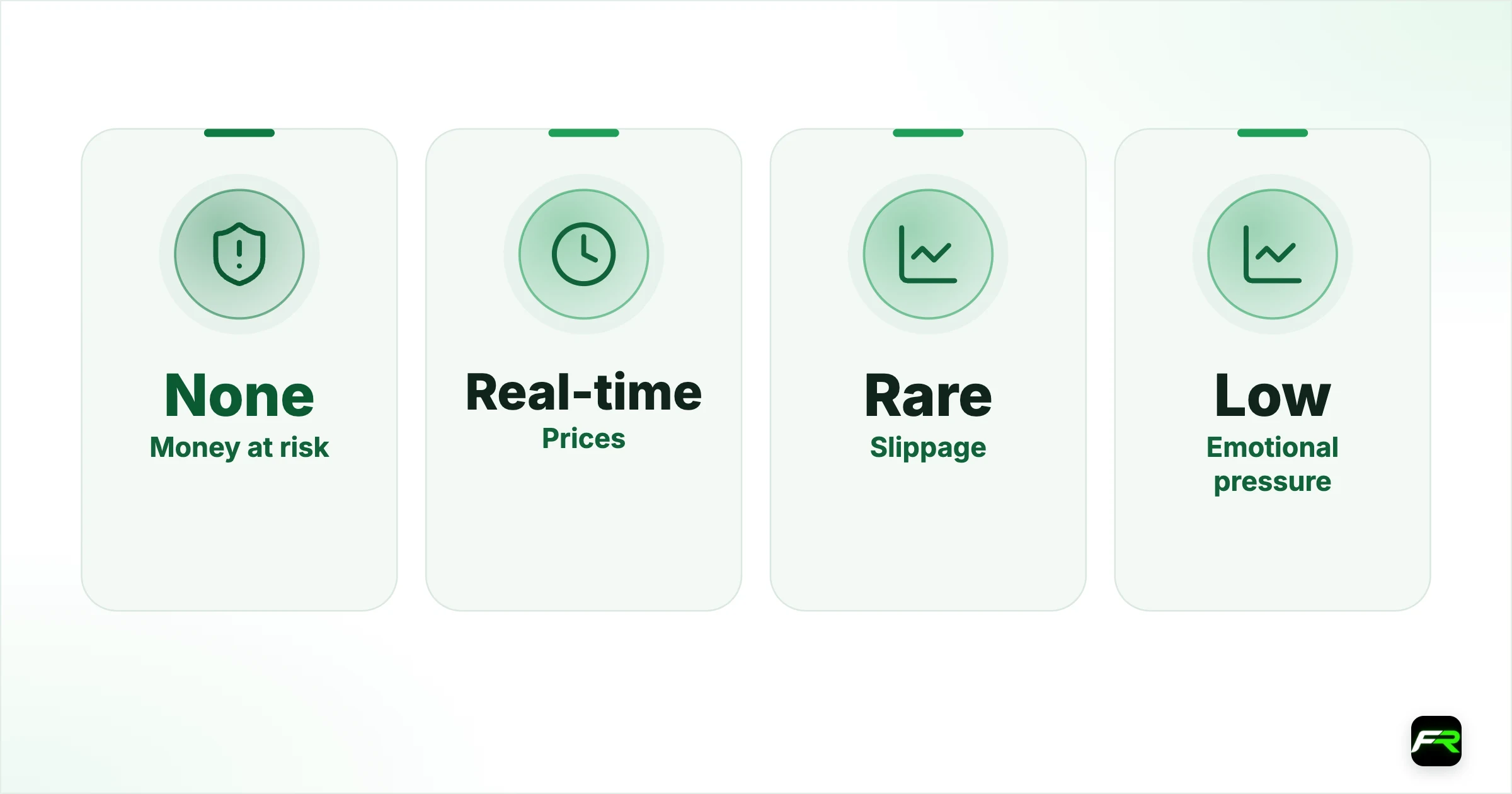
Execution is another gap. A demo fills every order as if liquidity were endless. In a live account, a large order during thin trading or a news spike can fill at a slightly different price. Results from a demo, especially for scalping systems, tend to look better than live results.
| Feature | Demo | Live |
|---|---|---|
| Money at risk | None | Your deposit |
| Prices | Real-time | Real-time |
| Slippage | Rare | Possible in fast markets |
| Emotional pressure | Low | High |
| Order cap on MetaTrader | 100 orders | 200 orders including pending |
| Expiry | 30 days unless extended | None while funded |
A four-week practice plan
Thirty days is enough if you use it with a purpose. Treat the demo as a rehearsal with rules, and write down each trade as if the money were yours.
- Week one: learn the platform. Place, edit and close orders until you no longer hunt for buttons.
- In week two, trade one pair only, risking 1% of the virtual balance per trade with a stop on every order.
- During week three, keep a journal with entry reason, stop, target and result for each trade.
- Use week four to review the journal, count how often you broke a rule, and work out your average win against your average loss.
At the end you should know your platform, your typical cost per trade and whether you can follow a plan for a month. If the third is missing, stay on demo a little longer.
Match your demo to your future live account: same account type, same platform, same leverage and a similar balance.
From demo to live
Go live with the smallest size the platform allows, 0.01 lots, and keep it there for the first few weeks. Your aim early on is to trade the way you did on demo while real money is involved, not to make a profit. Our Fusion Markets minimum deposit guide shows why around $200 is a workable starting balance for that size.
Keep the demo afterwards for testing new ideas. Email [email protected] once your live account is funded and ask for the demo to be extended. If you haven't chosen between the two live accounts yet, the account types guide prices both.
Demo settings that make practice realistic
Three choices decide how useful your demo is. Start with the balance: enter the amount you expect to deposit, not the largest number on offer. Next comes leverage. International clients can select up to 500:1, but a demo run at 500:1 with a $50,000 balance hides the margin pressure a small live account will feel. Last is the account type, since Zero and Classic price the same trade differently.
Platform matters as well. An MT4 demo won't prepare you for cTrader's order tickets or for trading from a TradingView chart. If you haven't settled on one, open two demos and place the same five trades on each. A week of that usually makes the decision for you.
Mistakes people make on demo
- Position sizes they could never afford in a live account.
- No stop loss, because the money isn't real.
- A balance reset after a big loss instead of a study of what went wrong.
- Ten markets sampled and none of them learned.
- Verdicts on a strategy after a dozen trades.
Each habit carries straight into live trading. A reset button doesn't exist on a funded account, so treat a demo blow-up as the most useful result you can get. Go through the trades that caused it, find the rule you broke, and run the month again.
Sample size deserves a word. Ten winning trades prove very little, because any method can string together ten wins by chance. Thirty to fifty trades over different market conditions give you a far better idea of whether the approach holds up.
Fusion also runs weekly webinars and publishes learning material on its website, which pair well with a demo. Watch one session, then try the idea on the practice account the same day while it is fresh.
A demo is good for learning buttons and bad for learning discipline. I ask new traders for 30 journaled demo trades with a fixed 1% risk. If they can't stick to the rules with fake money, real money won't make it easier.
Maria opened an MT5 demo with a $500 virtual balance, the same amount she had saved. Over four weeks she logged 34 trades on EUR/USD and found she had moved her stop on nine of them. She spent two more weeks fixing that habit before funding her live account through DragonPay.
Frequently asked
Is the Fusion Markets demo account free?
Yes. A demo costs nothing and needs only a registration in the Client Hub. You can open it without funding a live account.
How long does a Fusion Markets demo last?
It stays active for 30 days. Once you have funded a live account, you can email support at [email protected] and ask for a free extension.
Can I have a demo and a live account at the same time?
Yes. Fusion says you can hold multiple accounts together, so a demo can run beside your live account for testing.
Does the demo work on TradingView and cTrader?
Yes. Create a demo in the Client Hub with TradingView or cTrader as the platform, then log in or connect through TradingView's Trading Panel as you would with a live account.
Are demo prices the same as live prices?
The demo replicates real-time market conditions with live price feeds. Fills are more forgiving than in a live account, where slippage can occur in fast or thin markets.
Can I test Fusion+ copy trading on a demo?
No. Fusion's FAQ says each Fusion+ account is hosted individually, so no demo or trial period is offered for copy trading.
Related reading
The team behind this guide
Researched, checked and approved by five forex specialists
Every guide is written, fact-checked and edited before it goes live, and updated when the facts change. Spotted an error? Tell us.