IC Markets




































How to Open a Fusion Markets Account: Steps, Documents and Verification
A Fusion Markets account takes a short form, an identity check and a risk quiz. The broker says approvals start from three minutes and 90% finish within the hour. Here is each step, the documents accepted and the mistakes that slow people down.
 WriterAbir KhanWriterWrites the guides · checks every figure against primary sources View profileAbout Abir →
 Market analysisTanbir Habib RiyadForex & Crypto AnalystForex and crypto analyst · technical and fundamental analysis View profileAbout Tanbir →
 Fact-checking & riskJannatul FerdaushFact-Checker & Risk AnalystFact-checks every figure · risk analysis · Applied Statistics, University of Dhaka View profileAbout Jannatul →
 Trading reviewJowel RanaCo-Founder & Forex TraderCo-founder · forex trader · reviews guides from a trader's view View profileAbout Jowel →
 Final approvalRanjan NiskrityFounder, Owner & Forex TraderFounder and owner · forex trader · signs off every guide View profileAbout Ranjan →
You open a Fusion Markets account online through its Client Hub. The process has four parts: a registration form, identity verification, a short quiz on the risks of forex and CFD trading, and the creation of your first trading account. Fusion's FAQ says approval can take as little as three minutes and that 90% of applications are approved within the hour.
No deposit is needed to register, because neither live account has a minimum size. You can finish verification, look around the Hub and fund later. Have your documents ready before you start and the whole thing fits into a coffee break.
| Where | Online, in the Fusion Client Hub |
|---|---|
| Approval time | From 3 minutes; 90% within the hour |
| Identity check | Photo ID plus proof of address, or two forms of ID |
| Extra step | Risk quiz on forex and CFDs |
| Deposit needed to open | None |
| Security | 2FA mandatory after the first deposit |
Six steps to a live account
- Click Create an Account on the Fusion Markets site.
- Complete the registration form and accept the terms and conditions.
- Upload your identity documents and pass the risk quiz.
- In the Client Hub, select Live, then New Account.
- Choose the account type, trading platform and base currency, then create the account.
- Check your email for the login details and install your platform.
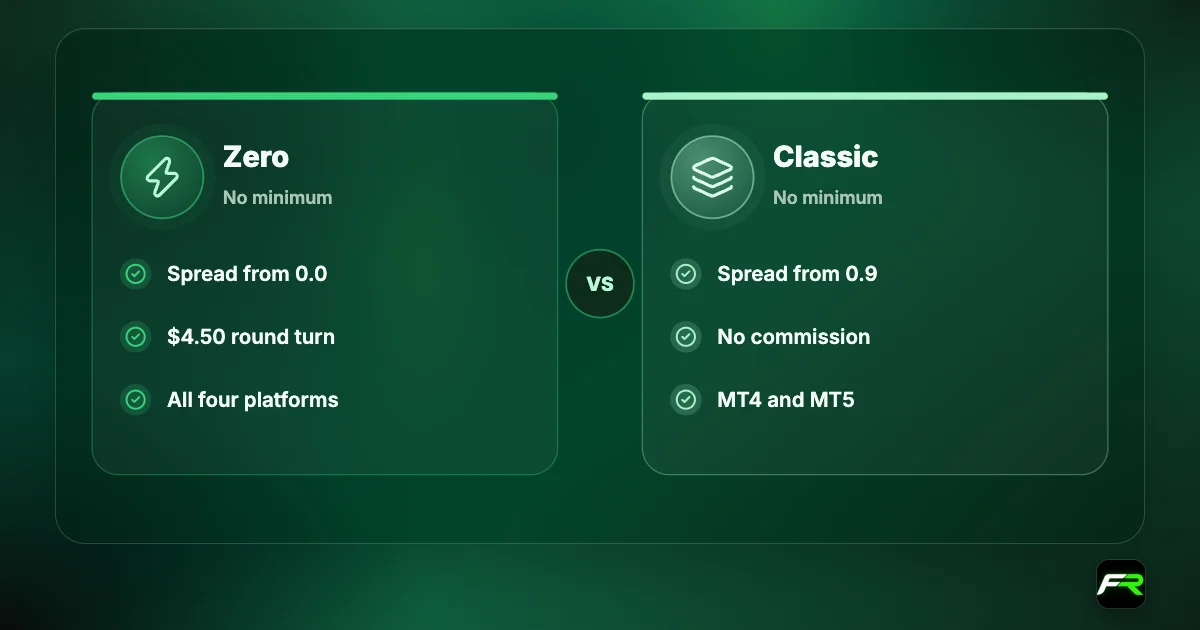
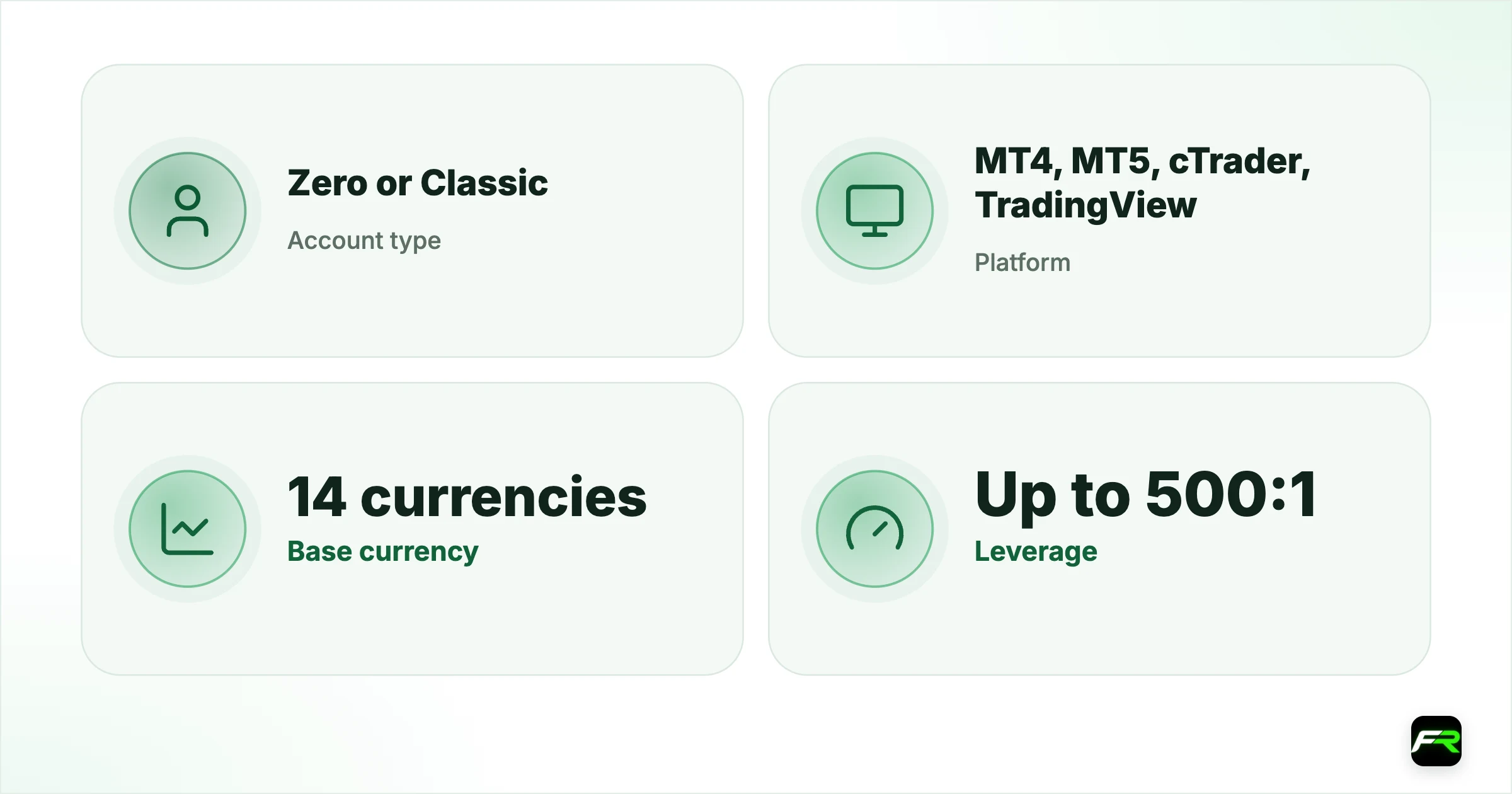
Step five is where the real decisions sit. Account type means Zero or Classic. Platform means MetaTrader 4, MetaTrader 5, cTrader or TradingView, with the last two available on Zero only. Base currency is the money your balance is held in, and you can pick from fourteen.
Documents Fusion Markets accepts
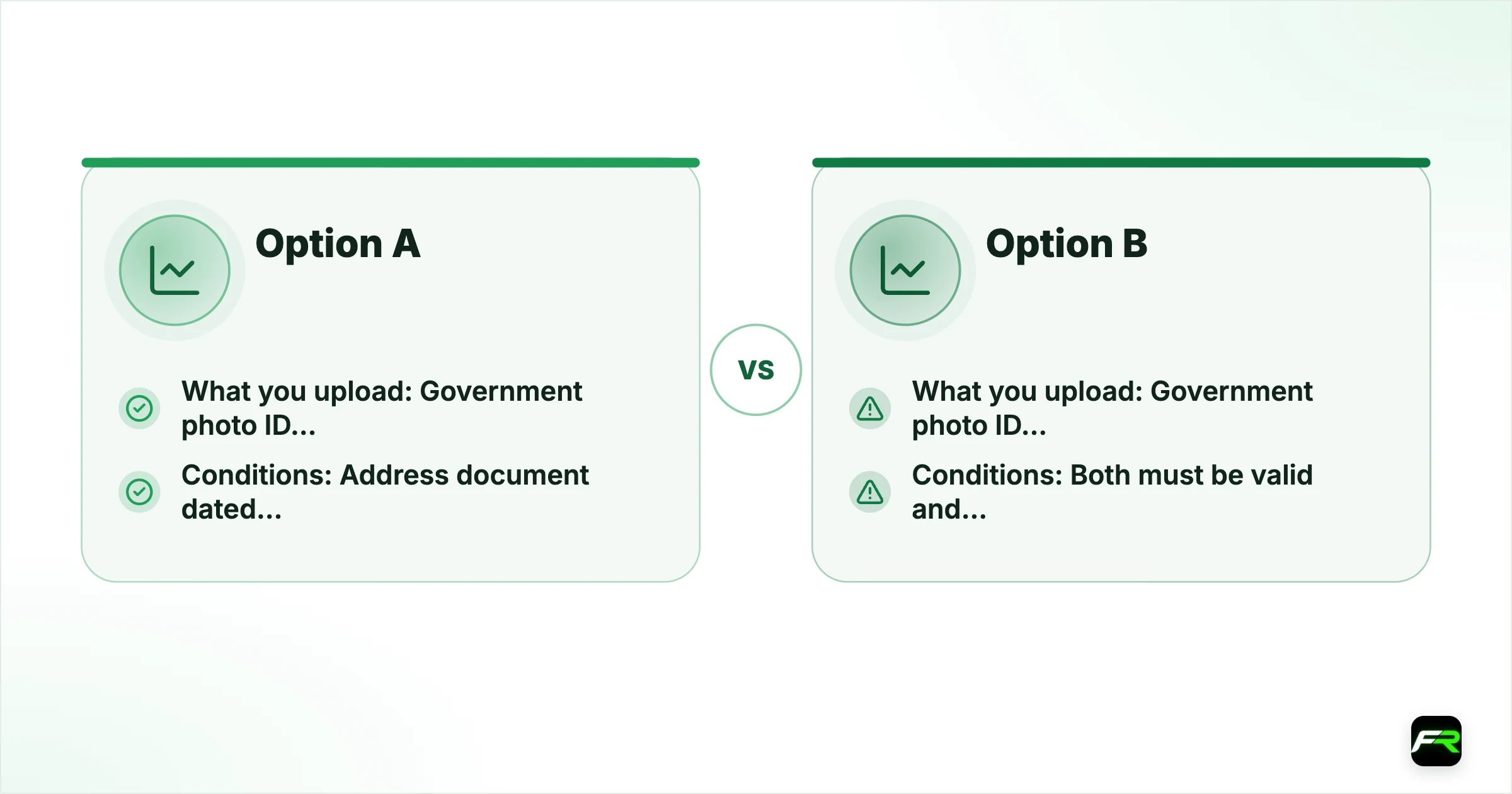
The ID documentation page gives two routes. Option A is the usual one: a government-issued photo ID and a proof of address. Under Option B, a second form of identification replaces the address document the address document with a second form of identification, which helps people who don't have a bill in their own name.
| Route | What you upload | Conditions |
|---|---|---|
| Option A | Government photo ID plus proof of address | Address document dated within the last 6 months, no PO box |
| Option B | Government photo ID plus a secondary ID | Both must be valid and readable |
A passport, national identity card or driving licence usually serves as the photo ID. For address, bank statements and utility bills are the common choices. Whatever you send, all four corners must be visible and the name must match your registration form letter for letter.
A post office box is not accepted as an address. Use a document that shows the street address where you live.
Why verifications get delayed
- Cropped photos that cut off an edge of the document.
- An address document older than six months.
- A name on the form that differs from the ID, including a missing middle name.
- Glare or blur that hides the document number.
- A country of residence on the restricted list.
Fix those five and you are usually in the fast group. Residents of the United States, Japan, New Zealand, Spain, Russia, Ukraine and Ontario, among others, are turned away at registration. Our Fusion Markets regulation guide has the full list.
Settings to get right
Pick a base currency that matches your deposits. A USD account funded from a card in another currency triggers a conversion each way. Malaysians and Indonesians often choose USD because the local bank methods credit in dollars, while Thai traders can hold a THB account.
| Setting | Options | Our tip |
|---|---|---|
| Account type | Zero or Classic | Zero costs less per lot |
| Platform | MT4, MT5, cTrader, TradingView | cTrader and TradingView need Zero |
| Base currency | 14 currencies | Match your deposit currency |
| Leverage | Up to 500:1 | Start far lower |
Leverage is set per account and can be changed later in the Hub. International clients can go up to 500:1 on forex and metals. New traders are better served by something far lower, and our Fusion Markets leverage guide shows what each setting means for margin.
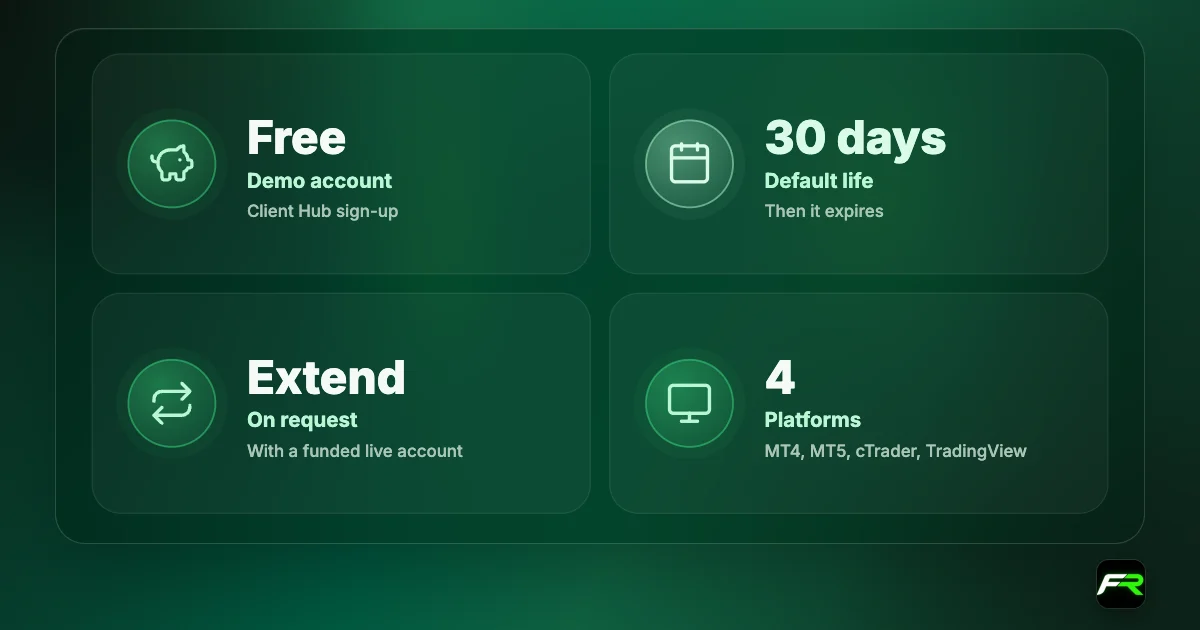
Add a demo account while you are there. It takes two clicks, runs alongside your live account, and lets you test the platform before real money is involved.
How to secure the account
Two-factor authentication becomes compulsory right after your first successful deposit. Fusion supports Google Authenticator, Authy and Microsoft Authenticator, with SMS offered in some regions. Each withdrawal then needs a fresh code. Crypto withdrawals need an email confirmation as well.
Save your backup codes somewhere offline. Lose the phone without them and you have to email support from your registered address and pass an identity check before the 2FA is reset. That takes time you may not have when you need a withdrawal.
Use a password manager and a unique password for the Client Hub. Your trading platform login is separate, so change that too after first login.
After approval
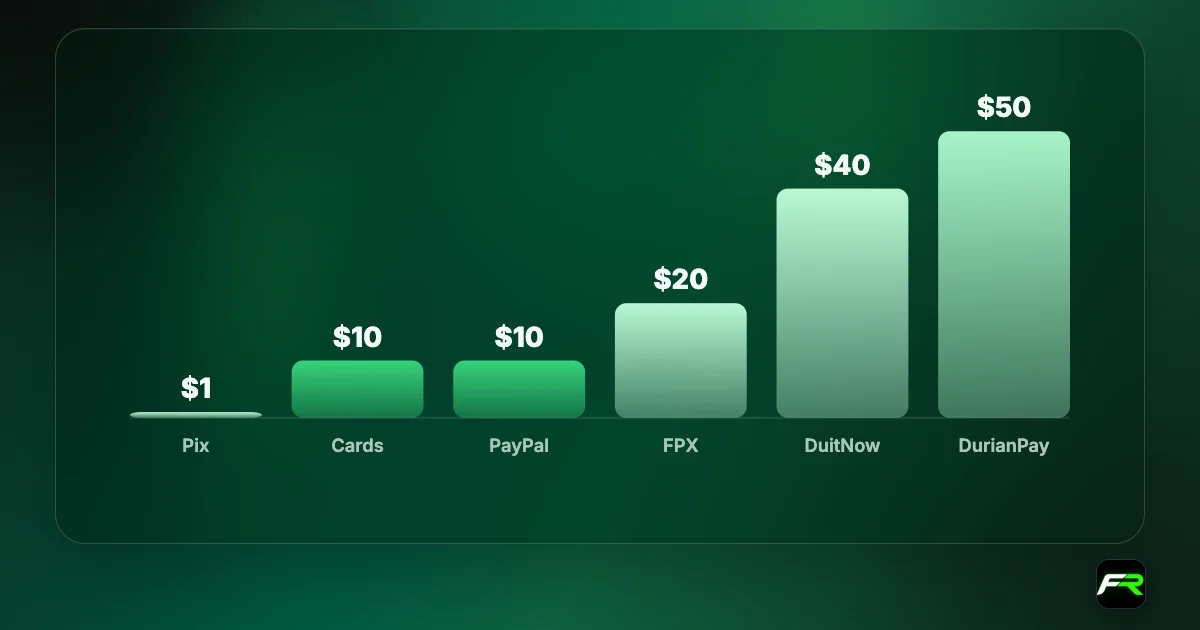
Fund the account from the Payments section when you are ready. Most methods start at 10 USD and Fusion charges no deposit fee, as covered in our Fusion Markets minimum deposit guide. Place one small trade, then request a small withdrawal to confirm your payout route works.
Fusion's support desk runs 24 hours a day, seven days a week by live chat and at [email protected]. The broker says its staff don't operate on Telegram or WhatsApp, so ignore anyone who contacts you there claiming to be an account manager.
Personal, joint and company accounts
Those steps describe an individual account, which is what nearly every reader needs. Its name must be yours, and so must every card, bank account or wallet used to fund it, because Fusion refuses third-party payments. An account opened for a relative and traded by you breaks that rule and can freeze withdrawals later.
Ask support before you apply if you want a joint or company account. Extra documents are normal for those, such as company registration papers and identification for each director or account holder, and approval takes longer than the few minutes quoted for individuals.
First-week checklist
- Day one: verify, create the live account and add a demo.
- On day two, set up the authenticator app and store the backup codes.
- Midweek, make a small deposit by the method you plan to keep using.
- A day later, place one 0.01 lot trade with a stop loss and close it.
- By day five, withdraw a small amount to prove the route works.
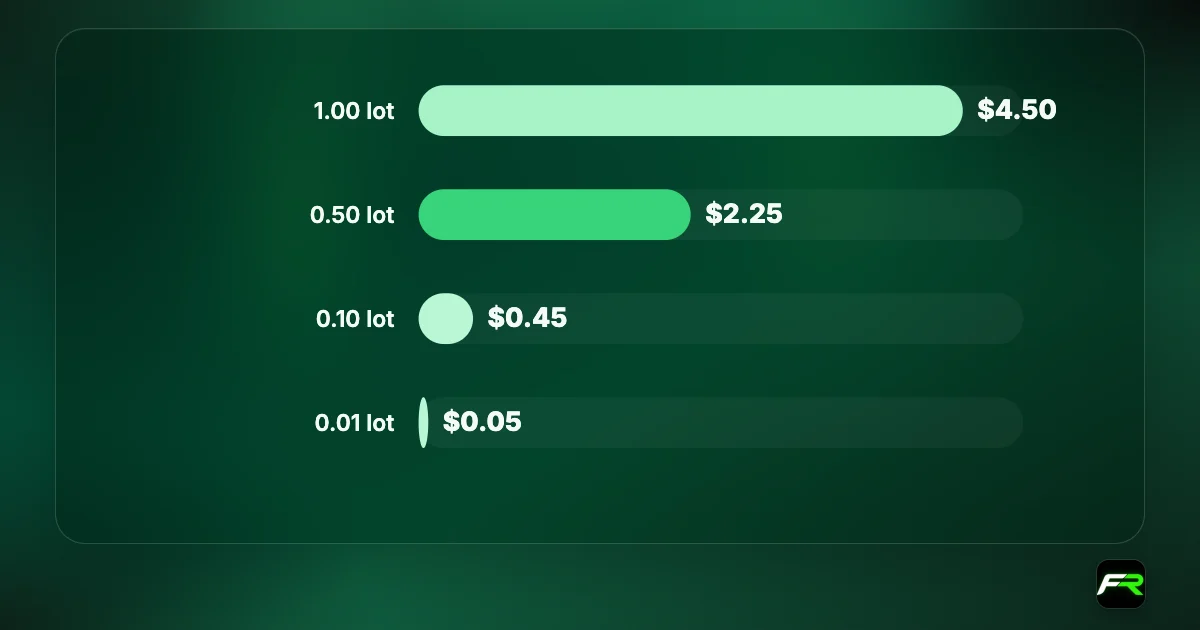
That week costs you a few dollars in spread and tells you more about the broker than any review, including ours. Problems with a payment method or a document show up while very little money is at stake.
The fastest approvals come from people who read the document rules first. A clear photo, a recent address proof and a name that matches the form will save you a second upload nearly every time.
Kwame registered on a Sunday evening with his passport and a three-month-old bank statement. Approval arrived in about 20 minutes. He opened a Zero account in USD on MT5, added a demo, set up Google Authenticator and funded $200 through a local payment method the next morning.
Frequently asked
How long does it take to open a Fusion Markets account?
Fusion's FAQ says approval can take as little as three minutes and that 90% of accounts are approved within the hour. Unclear documents or a name mismatch are the usual reasons it takes longer.
What documents do I need?
Either a government-issued photo ID plus a proof of address dated within the last six months, or a photo ID plus a secondary ID. PO box addresses are not accepted.
Do I need to deposit to open an account?
No. Zero and Classic have no minimum account size, so you can register, verify and create a live account before sending any money.
Is there a test before I can trade?
Yes. During verification you take a short quiz that checks you understand the risks of forex and CFD trading. It is part of the standard application.
Can I open more than one account?
Yes. In the Client Hub you can add further live and demo accounts with different types, platforms and base currencies, and transfer money between your live accounts.
Can I delete my Fusion Markets account?
The broker doesn't delete trading accounts. Accounts with no funds that are inactive for more than 90 days are archived automatically, and you can hide unused accounts in the Hub.
Related reading
The team behind this guide
Researched, checked and approved by five forex specialists
Every guide is written, fact-checked and edited before it goes live, and updated when the facts change. Spotted an error? Tell us.