IC Markets




































How to Open a Vantage Account: Registration, Documents and Verification
You can register with Vantage on its website or in the Vantage App in about five minutes. Document checks are usually instant, and approval takes up to one business day. Here is each step, what the documents must show, and the settings you can't change afterwards.
 WriterAbir KhanWriterWrites the guides · checks every figure against primary sources View profileAbout Abir →
 Market analysisTanbir Habib RiyadForex & Crypto AnalystForex and crypto analyst · technical and fundamental analysis View profileAbout Tanbir →
 Fact-checking & riskJannatul FerdaushFact-Checker & Risk AnalystFact-checks every figure · risk analysis · Applied Statistics, University of Dhaka View profileAbout Jannatul →
 Trading reviewJowel RanaCo-Founder & Forex TraderCo-founder · forex trader · reviews guides from a trader's view View profileAbout Jowel →
 Final approvalRanjan NiskrityFounder, Owner & Forex TraderFounder and owner · forex trader · signs off every guide View profileAbout Ranjan →
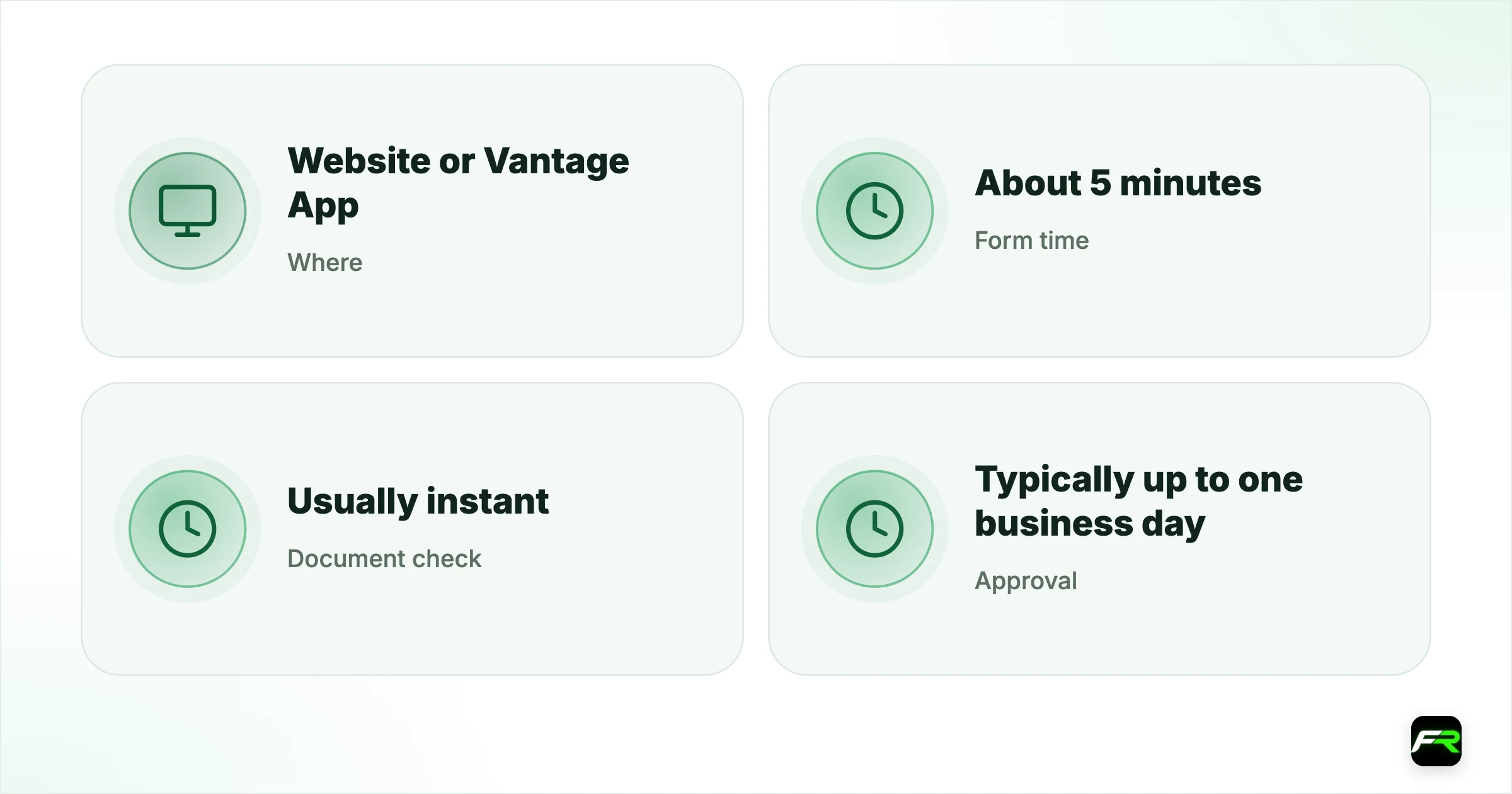
A Vantage account is opened online, either on the website or in the Vantage App. Vantage says the form takes about five minutes. After that comes verification: proof of identity and proof of address, which the Help Centre says are usually checked instantly, with one to two business days in cases that need extra review. Full account approval typically takes up to one business day.
You must be at least 18. Registration costs nothing and there is no account keeping fee, so an approved account can sit unfunded until you are ready.
| Where | Website or Vantage App |
|---|---|
| Form time | About 5 minutes |
| Document check | Usually instant; 1 to 2 business days if reviewed |
| Approval | Typically up to one business day |
| Minimum age | 18 |
| Live accounts allowed | Up to 20 |
Website registration, step by step
- Go to the open live account page and select your country of residence.
- Enter your email address and choose a password.
- Add a referral code if you have one; it is optional.
- Complete the application form and submit it.
- Declare that you are not a US citizen or resident, where asked.
- Log in to the client portal and complete the one-time passcode check.
App registration
- Download the Vantage App from the App Store or Google Play.
- Tap sign up, pick a theme and select your country code.
- Enter your phone number and accept the privacy policy.
- Request the 6-digit SMS code and type it in.
- Set a password and submit.
Both routes lead to the same client profile. Phone sign-up is quicker; the website gives you more room to read the legal documents as you go. Read them either way, since the client agreement names the Vantage company that will hold your account.
Documents Vantage accepts
| Check | Accepted documents | Must show |
|---|---|---|
| Proof of identity | Passport, driving licence, national ID, residence card; voter card in India and Nigeria | Full name, date of birth, photo, valid dates |
| Proof of address | A document showing your residential address | Your name and address, matching your profile |
| Proof of face | A selfie taken in the portal or app | Completed after proof of identity |
The identity document has to meet a list of conditions. Your name must match the registered name exactly. It must be in date, issued by a government, and carry a clear photo. Send both sides of a two-sided card. All four edges need to be visible and the image has to be sharp.
Proof of Face is a newer step that Vantage describes as advanced verification. You complete a selfie check in the Verification section of the portal or app after your identity document has passed. Do it early and you avoid a request arriving later, when you may be in a hurry to withdraw.
Why documents get rejected
- A cropped photo with an edge missing.
- Glare across the name or number.
- An expired passport or licence.
- Only one side of a two-sided ID.
- Names spelled differently on the form and the document.
- An address that doesn't match the one in your profile.
Fix the problem and upload again from the portal's verification page. If your application is rejected outright, or flagged as a duplicate, contact support instead of registering a second time with a new email. Duplicate profiles slow everything down.
Choices you can't undo
Three settings are locked when a trading account is created: the account type, the base currency and the platform. Vantage won't change them afterwards. You add another account with new settings in the portal, and you can have up to 20 live accounts.
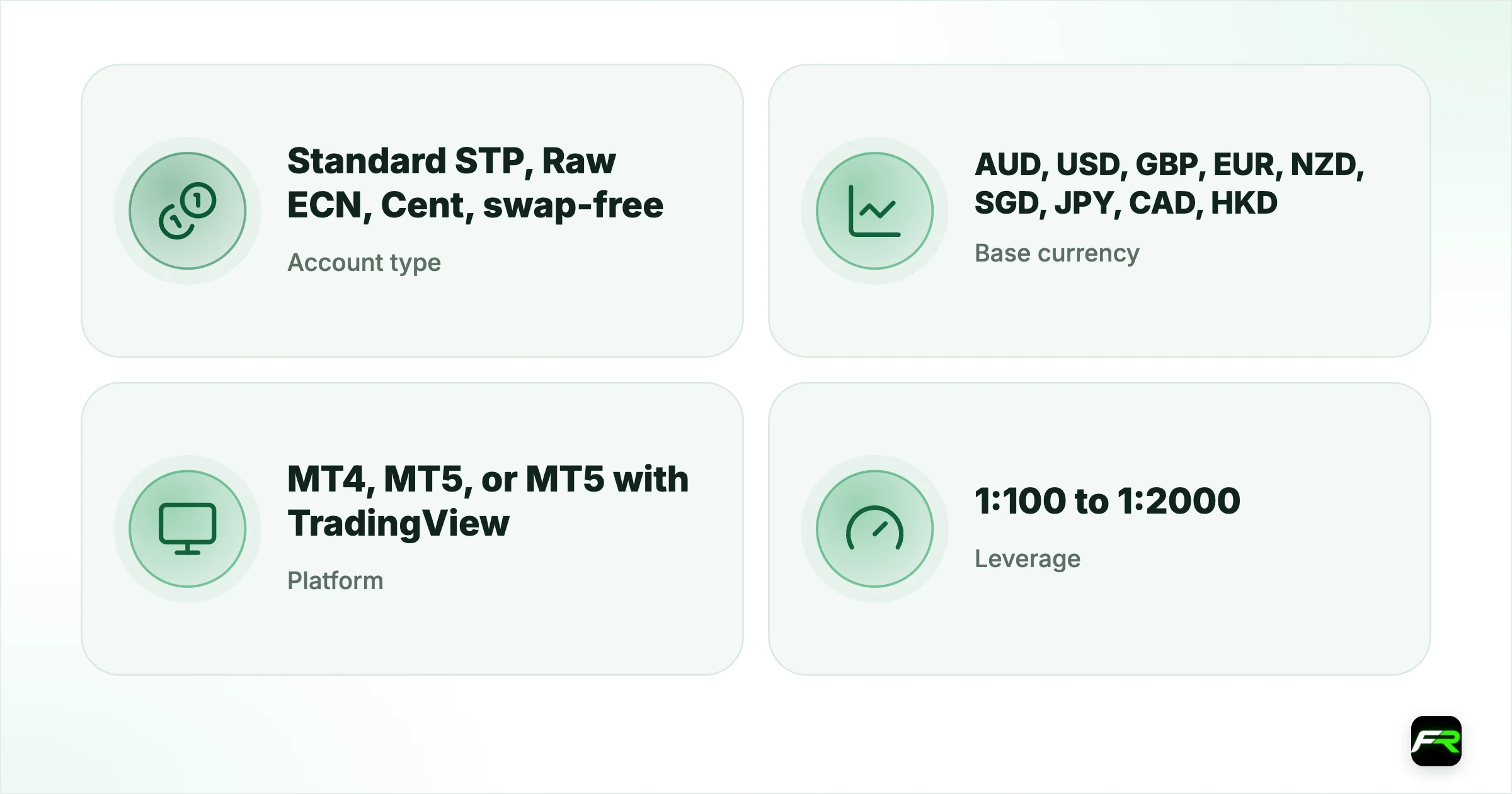
| Setting | Options | Our suggestion |
|---|---|---|
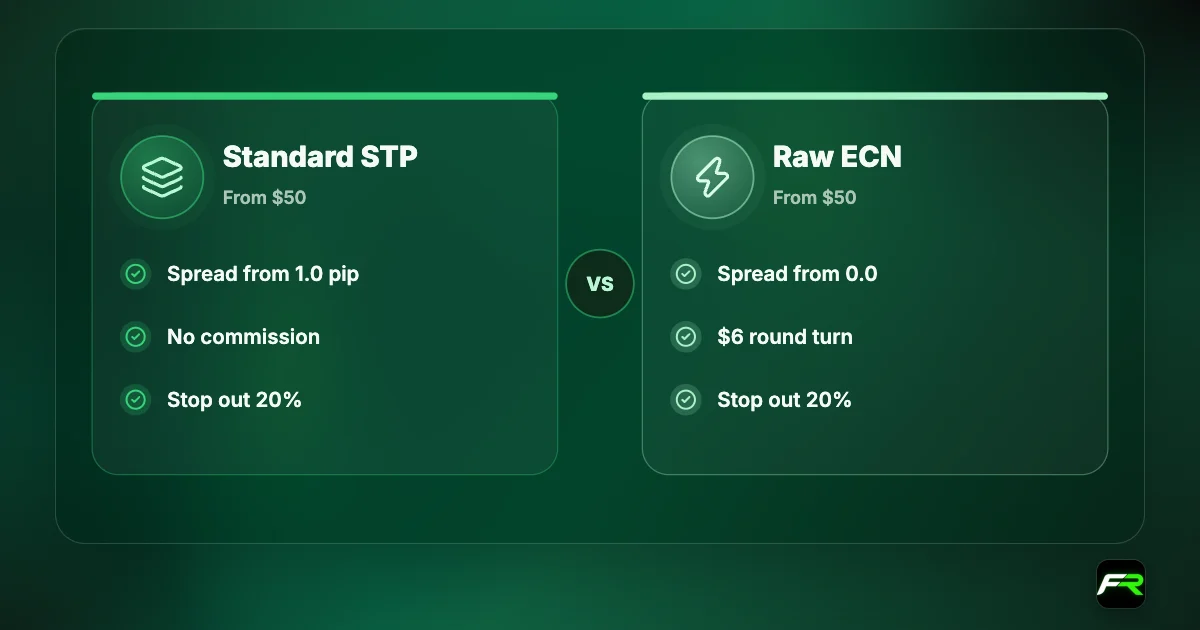
| Account type | Standard STP, Raw ECN, Cent, swap-free | Standard STP or Cent to start |
| Base currency | AUD, USD, GBP, EUR, NZD, SGD, JPY, CAD, HKD | Match your deposit currency |
| Platform | MT4, MT5, or MT5 with TradingView | MT5 for most new traders |
| Leverage | 1:100 to 1:2000 | The lowest option |
Leverage is the one setting you can adjust later, in the portal or app, once the account is funded. Our Vantage account types guide helps with the first row and the leverage guide with the last.
Individual, joint and company accounts
Most people open an individual account. Vantage also offers joint accounts for two people and company accounts. A joint account needs both applicants to register and verify individually first, then an email to support with a fresh email address for the joint account, both user IDs and identification for each person.
One personal account shared with a friend or relative is not the same thing and isn't allowed. Deposits and withdrawals have to be in the account holder's own name.
Security setup
Add a security authenticator before you need it. Vantage uses a one-time code from an app such as Google Authenticator or Microsoft Authenticator to approve withdrawals. Without your device, a thief who knows your password still can't take money out.
Cool-off periods follow any change to your security details. An update to your email or phone number blocks withdrawals for 48 hours, as does a change of authenticator. A new login password blocks them for 24 hours. Plan changes for a time when you don't need to withdraw.
Change your phone? Move the authenticator first. Without it you face a support request and a waiting period before you can withdraw.
After approval
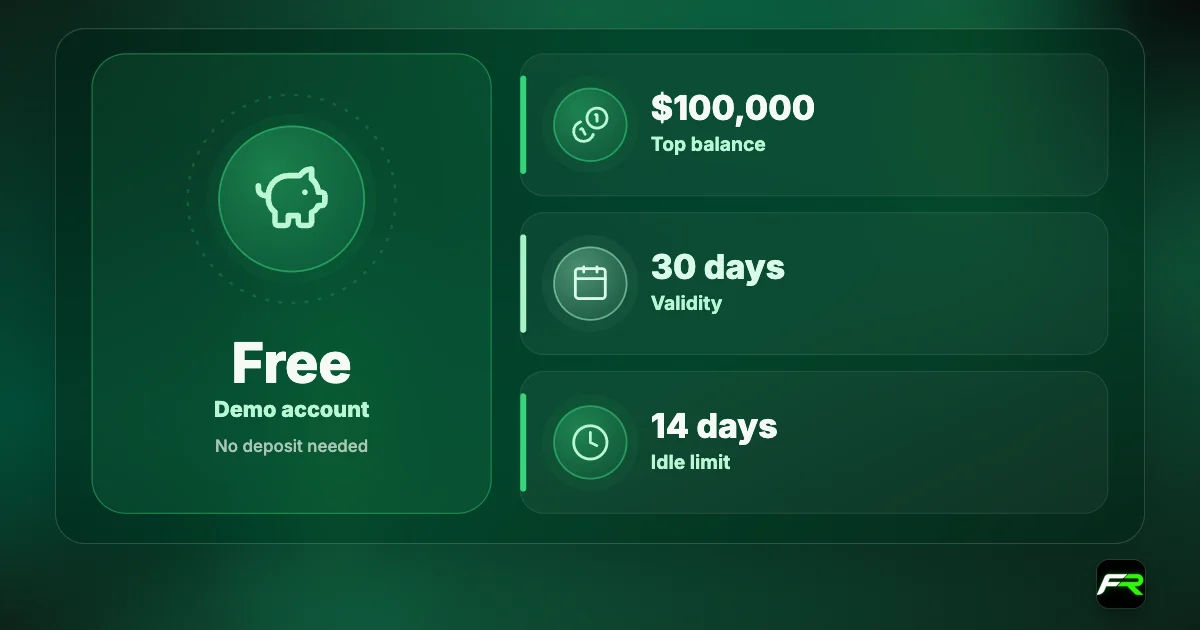
An email tells you when the account is ready. Your MT4 or MT5 login details arrive by email too. Fund from 50 units of your account currency, as our Vantage minimum deposit guide explains, or open a demo first and practise with virtual money.
- Verify identity, address and face.
- Add the security authenticator.
- Open a demo and learn the platform.
- Make a small first deposit.
- Place one 0.01 lot trade with a stop loss.
- Withdraw a small amount to test the route.
Use an email address you check daily. Vantage sends login details, verification results and withdrawal confirmations there.
If something goes wrong
No SMS code is the most common snag in the app. Check the country code, wait a minute and request a new one; if nothing arrives, register by email on the website instead. A verification email that doesn't show up is often in the spam folder.
Upload errors usually come from file size or format. Take a new photo in good light, save it as a JPG or PNG and try again from a different browser. Should the portal still refuse the file, support can tell you what the system rejected.
People without a utility bill in their own name sometimes get stuck on proof of address. Vantage's Help Centre has an article for that situation, and a bank statement is normally the easiest alternative. Ask support which documents they accept for your country before sending something that will be refused.
An application marked as a duplicate means the system found an earlier profile with your details. Write to support and ask which profile to keep. Two profiles for one person cause payment problems later, because deposits and withdrawals must match a single verified identity.
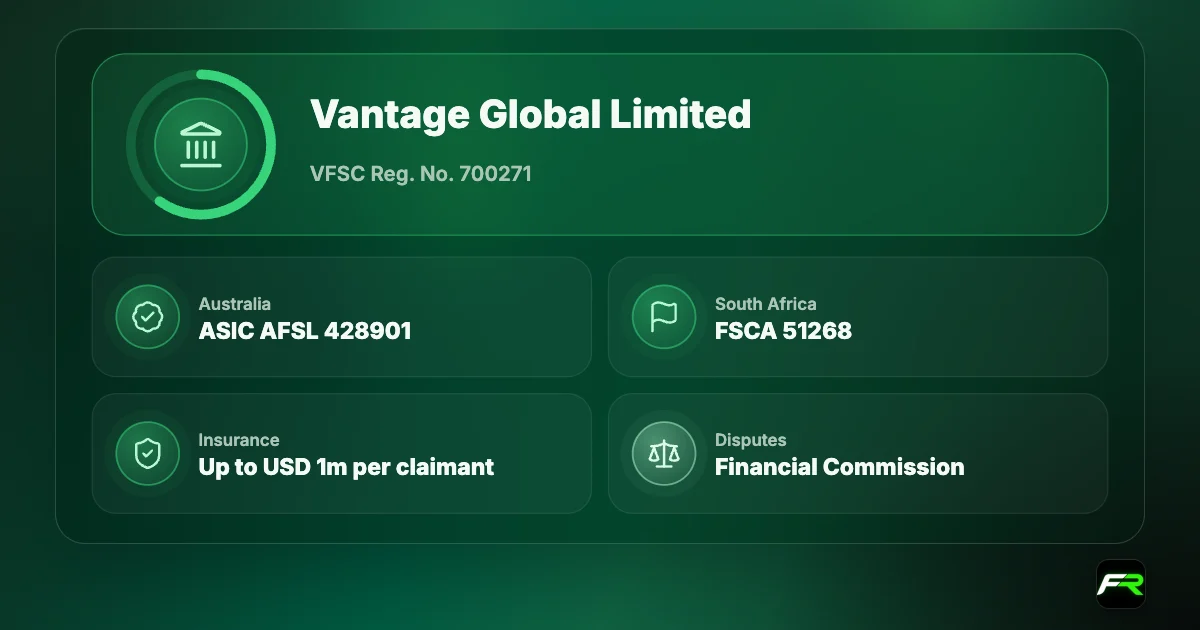
Finally, check the company named in your client agreement against the regulator's register. Our Vantage regulation guide explains which Vantage company serves which region.
The detail people miss is that account type, currency and platform are permanent. Take two minutes over those three boxes. Everything else, including leverage, can be changed later.
Ravi signed up in the app with his phone number, then uploaded his national ID and a bank statement in the portal. Both passed the same day. He chose MT5, a USD Standard STP account and 1:100 leverage, added Google Authenticator, and practised on a $1,000 demo for two weeks before depositing.
Frequently asked
How long does it take to open a Vantage account?
The form takes about five minutes. Document verification is usually instant but can take one to two business days, and account approval typically takes up to one business day.
What documents does Vantage need?
Proof of identity, such as a passport, driving licence or national ID, and proof of address. A selfie-based Proof of Face check may also be required as advanced verification.
Is there an age limit?
Yes. Applicants must be at least 18 years old when they submit the application.
How many accounts can I have?
Up to 20 live trading accounts. Additional accounts are created in the client portal and don't need a new verification.
Can I change my account currency or platform?
No. Account type, currency and platform are fixed once the account is created. Open an additional account with different settings instead.
Does it cost anything to open an account?
No. A live account is free to create and Vantage charges no account maintenance fee. You need to deposit at least the minimum before you can trade.
Related reading
The team behind this guide
Researched, checked and approved by five forex specialists
Every guide is written, fact-checked and edited before it goes live, and updated when the facts change. Spotted an error? Tell us.