 IC Markets




































XM Leverage Explained
XM offers leverage up to 1:1000 for international clients of XM Global Limited (FSC Belize). EU retail clients of the CySEC entity are capped at 1:30 on major forex pairs under ESMA rules. The leverage available to you depends on three things: which regulatory entity your account sits under, which instrument you are trading, and your account equity level. XM does not change margin requirements overnight or during weekends, which is a notable advantage over some competitors.
 WriterAbir KhanWriterWrites the guides · checks every figure against primary sources View profileAbout Abir →
 Market analysisTanbir Habib RiyadForex & Crypto AnalystForex and crypto analyst · technical and fundamental analysis View profileAbout Tanbir →
 Fact-checking & riskJannatul FerdaushFact-Checker & Risk AnalystFact-checks every figure · risk analysis · Applied Statistics, University of Dhaka View profileAbout Jannatul →
 Trading reviewJowel RanaCo-Founder & Forex TraderCo-founder · forex trader · reviews guides from a trader's view View profileAbout Jowel →
 Final approvalRanjan NiskrityFounder, Owner & Forex TraderFounder and owner · forex trader · signs off every guide View profileAbout Ranjan →
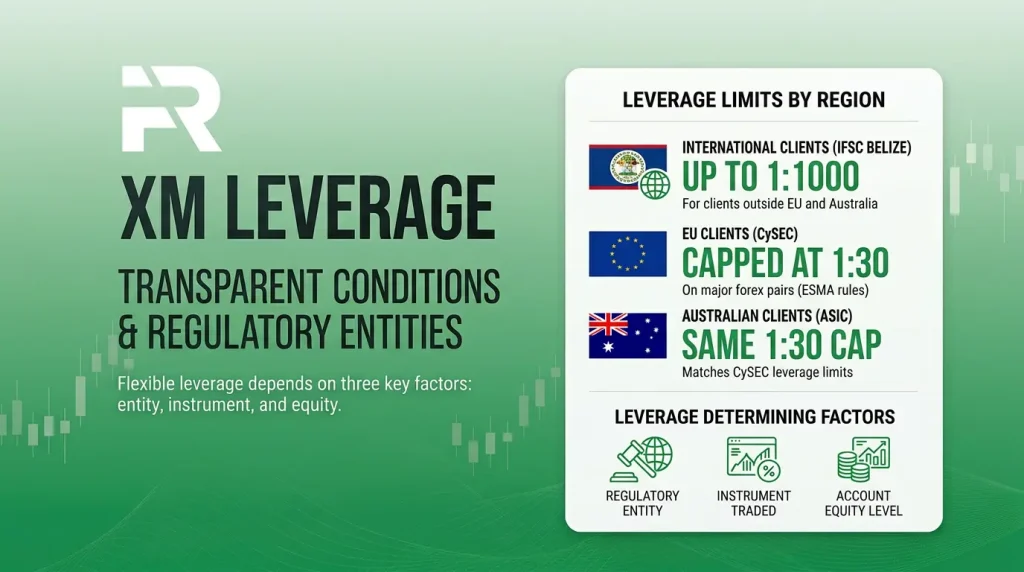
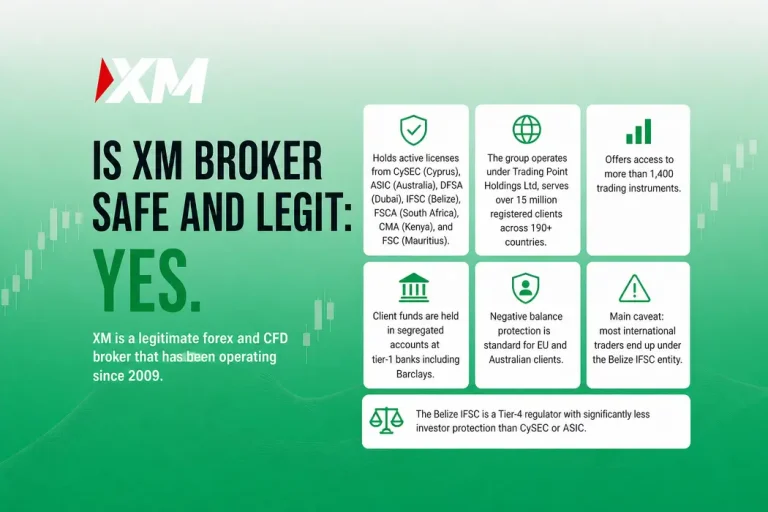
Leverage on XM is not a single number. It is a tiered system that changes based on where you live, what you trade, and how much equity your account holds. Most articles treat it as a simple “up to 1:1000” headline, but the reality is more nuanced. Getting it wrong means either underestimating your margin requirement (and facing unexpected margin calls) or overestimating your buying power (and blowing your account). Below is a complete breakdown of how leverage actually works on XM in 2026, entity by entity and instrument by instrument. For a broader look at the broker, see our XM safety and legitimacy review.
What Is Leverage and How Does It Work?
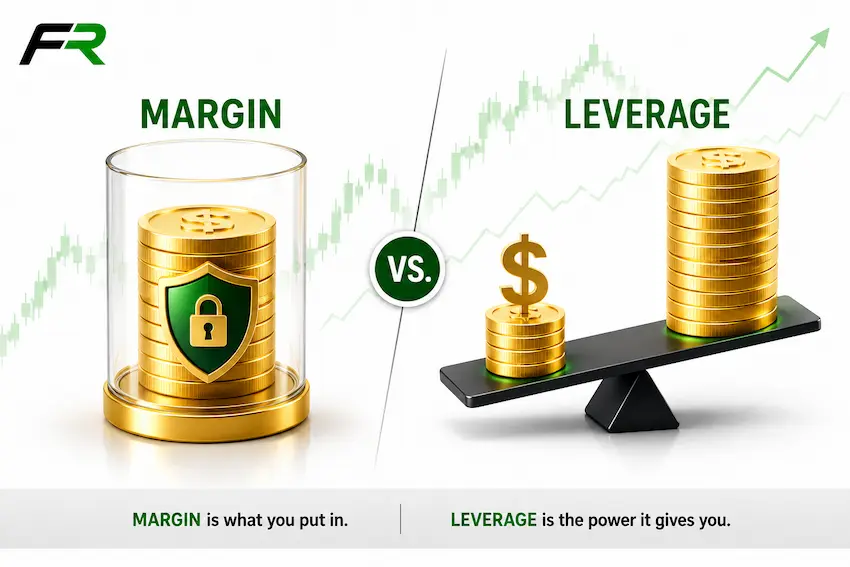
Leverage lets you control a larger position than your account balance would otherwise allow. If you have $100 in your account and trade with 1:100 leverage, you can open a position worth $10,000. The $100 is your margin (the collateral held by the broker), and the remaining $9,900 is effectively borrowed from XM.
The profit or loss you make is calculated on the full $10,000 position, not just your $100 margin. If the trade moves 1% in your favor, you earn $100 (a 100% return on your margin). If it moves 1% against you, you lose $100 (your entire margin). This is why leverage amplifies both gains and losses equally. It does not create free money. It creates larger exposure.
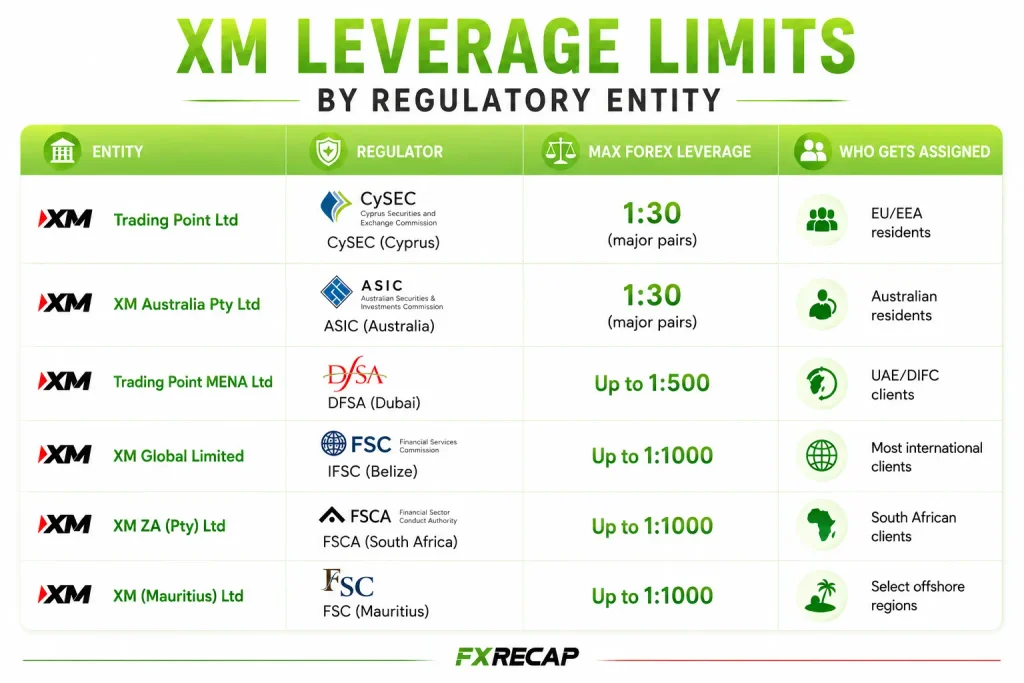
XM Leverage Limits by Regulatory Entity
The maximum leverage you can access is determined primarily by the regulatory entity your account falls under. You do not get to choose your entity. It is assigned automatically during registration based on your country of residence.
| Entity | Regulator | Max Forex Leverage | Who Gets Assigned |
| Trading Point of Financial Instruments Ltd | CySEC (Cyprus) | 1:30 (major pairs, retail) | EU/EEA residents |
| Trading Point MENA Limited | DFSA (Dubai) | Not published by XM | DIFC/Middle East clients |
| XM Global Limited | FSC (Belize) | Up to 1:1000 | Most international clients |
| XM (SC) Limited | FSA (Seychelles) | Not published by XM | Selected regions |
| XM International MU Limited | FSC (Mauritius) | Not published by XM | Selected regions |
FX Recap Note: The CySEC cap is not XM’s choice: ESMA’s product intervention measures limit retail CFD leverage in the EU to protect inexperienced traders from outsized losses. Clients of XM’s offshore entities get much higher leverage but less regulatory protection, and they are not covered by the Cyprus Investor Compensation Fund. Higher leverage is not inherently better.
Leverage Limits by Instrument Type
Even within a single entity, the maximum leverage changes depending on what you trade. Here is the breakdown under ESMA’s EU retail limits and the maximums XM publishes for XM Global.
| Instrument | EU retail (CySEC, ESMA limits) | XM Global (published maximum) |
| Major Forex Pairs | 1:30 | Up to 1:1000 (USD/CHF and EUR/CHF 1:400) |
| Minor / Exotic Forex | 1:20 | Varies by pair (see contract specifications) |
| Gold | 1:20 | Up to 1:1000 |
| Silver | 1:10 | Up to 1:400 |
| Major Indices | 1:20 | Up to 1:500 (e.g. US30, US100, US500, UK100, GER40) |
| Other Indices | 1:10 | From 1:66.67 (HK50) to 1:250 (US2000, CHN50); CAC 40 1:100 |
| Commodities (agricultural) | 1:10 | Up to 1:50 |
| Cryptocurrency CFDs | 1:2 | Up to 1:1000 (BTC, ETH); 1:50 to 1:250 on other coins |
These are maximum limits. You can always set your leverage lower from the XM Members Area. Many experienced traders deliberately use less than the maximum available to reduce margin call risk.
What Leverage Actually Means for Your Trades
Numbers on a table are abstract. Here is what different leverage levels mean in real terms for a 1 standard lot EUR/USD trade (100,000 units) when EUR/USD is priced at 1.10.
| Leverage | Margin Required | Position Value | $10 Pip Move Impact |
| 1:30 | $3,667 | $110,000 | $100 (same regardless) |
| 1:100 | $1,100 | $110,000 | $100 |
| 1:500 | $220 | $110,000 | $100 |
| 1:1000 | $110 | $110,000 | $100 |
Notice that the pip value ($100 per 10-pip move) stays the same regardless of leverage. What changes is how much margin you need to open the position. At 1:1000, you need only $110 to control a $110,000 position. That sounds powerful, but it also means a 10-pip adverse move ($100 loss) wipes out nearly your entire margin. This is why higher leverage requires smaller position sizes, not larger ones.
How Account Equity Affects Your Leverage
At XM Global, XM applies a leverage model that reduces your maximum available leverage as your account equity grows. This is a risk management mechanism applied automatically.
| Account Equity (USD) | Maximum Leverage |
| $5 to $40,000 | 1:1000 |
| $40,001 to $80,000 | 1:500 |
| $80,001 to $200,000 | 1:200 |
| $200,001+ | 1:100 |
This means if you deposit $50,000, your maximum forex leverage is 1:500, not 1:1000. The reduction happens automatically. You do not get a warning before it kicks in. If you are running positions sized for 1:1000 leverage and your equity crosses the $40,000 threshold, your margin requirement increases instantly, which could trigger a margin call on open trades.
Margin Calls and Stop Out Levels
XM uses a two-step protection system to prevent your account from going negative.
Margin level. Keep an eye on your margin level as it falls: XM does not publish a separate margin-call level on its public pages, but it does publish the stop-out level below.
Stop out at 20%. If your margin level falls to 20%, XM starts closing positions automatically. This is the forced liquidation level. It exists to prevent your balance from going below zero.
Negative balance protection. XM offers negative balance protection to all clients, so you can never lose more than you deposited.
XM’s Stable Leverage Policy
One detail that separates XM from several competitors: margin requirements do not change for overnight positions or during weekends. Some brokers increase margin on Friday afternoon and reduce it on Monday, forcing traders to hold extra capital over the weekend or close positions. XM keeps the same margin throughout, which is a genuine advantage for swing traders and anyone holding positions through the weekend.
XM also maintains consistent leverage during high-volatility events like NFP, FOMC, and CPI releases. Some brokers temporarily reduce leverage before major news. XM does not. Your margin requirement stays the same whether you are trading on a quiet Tuesday or during a Federal Reserve announcement. This consistency makes position sizing more predictable.
How to Change Your Leverage Setting
Step 1: Log into your XM Members Area.
Step 2: Navigate to “My Accounts” and find the trading account you want to adjust.
Step 3: Click the settings or gear icon next to the account.
Step 4: Select your desired leverage from the dropdown menu. Options range from 1:1 up to 1:1000 (depending on your entity and equity).
Step 5: Confirm the change.
XM says you can adjust your leverage at any time of the day, in three clicks.
What Leverage Should Beginners Use?
FX Recap’s recommendation for new traders: set your leverage to 1:100 or lower. The 1:1000 option is available, but using it on a small account is the fastest way to blow through your balance. Here is why.
At 1:1000 with a $100 account, you can open a 1 standard lot position on EUR/USD. That position is worth $110,000. A 10-pip move against you costs $100, which is your entire account. That is not trading. That is gambling with a predetermined outcome.
At 1:100 with the same $100 account, the maximum position you can open is about 0.09 lots. A 10-pip move costs roughly $9. You survive. You learn. You adjust. The key is to match your leverage to your position sizing strategy, not the other way around. Start with 1:100, and only increase once you consistently demonstrate proper risk management. If you are new, our XM account opening guide walks through setting leverage during registration.
Does Leverage Affect Your Spreads or Trading Costs?
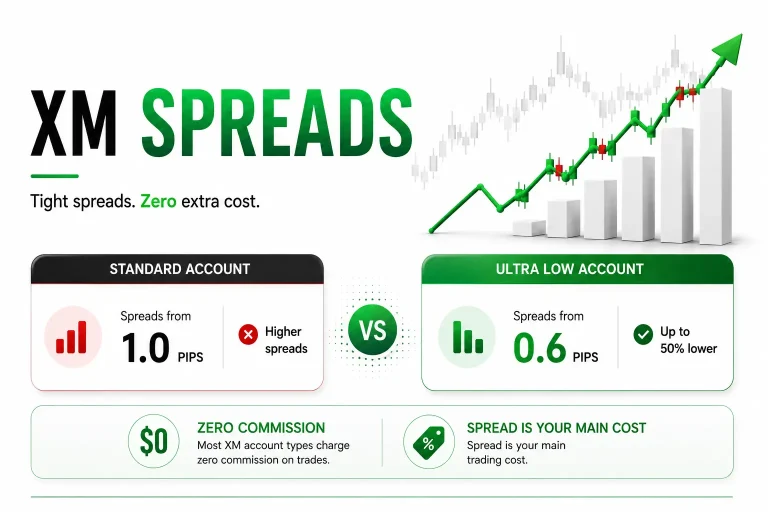
No. Your leverage setting has zero impact on the spread you pay. A 1.6 pip spread on the Standard Account remains 1.6 pips whether your leverage is 1:30 or 1:1000. The spread is determined by your account type, market conditions, and the instrument. For detailed spread comparisons, see our XM spreads guide.
Leverage only affects your margin requirement. It determines how much capital is locked up to hold a position, not how much the position costs to open or close. This is a common misconception that leads new traders to think higher leverage means cheaper trading.
Frequently Asked Questions
What is the maximum leverage on XM?
1:1000 at XM Global Limited (FSC Belize) for account equity up to $40,000. EU retail clients of the CySEC entity are capped at 1:30 on major forex pairs.
Can I change my leverage after opening an account?
Yes. XM says you can adjust your leverage at any time of the day.
Does XM increase margin requirements during news events?
No. XM maintains consistent margin requirements 24/5, including during NFP, FOMC, CPI, and other major releases. This is a notable advantage over brokers that temporarily reduce leverage before high-impact events.
Does leverage change over weekends?
No. XM does not adjust margin requirements for overnight positions or weekend holding. Your margin stays the same from the time you open the position until you close it.
What happens if my account equity crosses the $40,000 threshold?
Your maximum available leverage drops automatically from 1:1000 to 1:500. If you have positions sized for 1:1000, your margin requirement increases instantly, which can trigger a margin call. Monitor your equity if it approaches these thresholds.
Can I lose more than my deposit?
No. XM offers negative balance protection to all clients.
Is higher leverage safer for small accounts?
No. Higher leverage does not make trading safer. It reduces the margin needed per trade, which means you can open larger positions. But larger positions mean larger potential losses. A $100 account at 1:1000 can open the same size position as a $10,000 account at 1:10. The risk of ruin is dramatically higher on the $100 account.
Does XM offer a demo to test leverage?
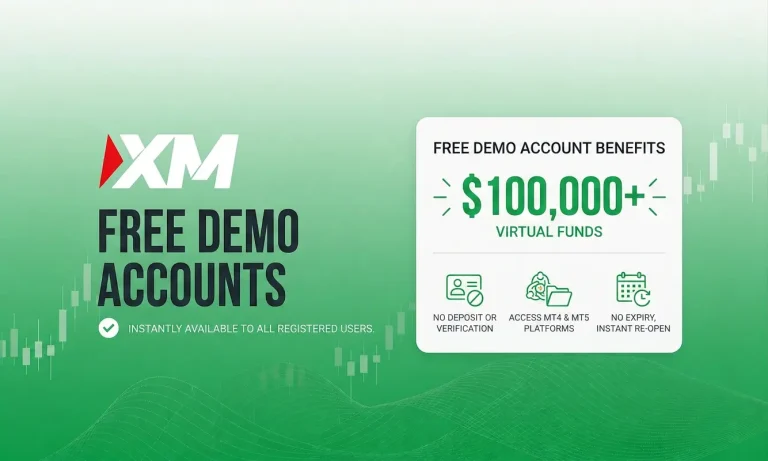
Yes. XM offers free demo accounts (up to 5 at once, closed after 60 days of inactivity). You can test how different leverage levels affect your margin and position sizing before going live. Our XM demo account guide covers the setup.
How do I know which entity my account is under?
Check the footer of your Members Area or the legal documents in your account settings. The entity is assigned automatically during registration based on your country of residence.
Final Word from FX Recap
Leverage is the most misunderstood feature in forex trading. High leverage does not make you a better trader. It makes your account more sensitive to every price movement. XM provides some of the highest leverage available in the retail market (1:1000 at XM Global), but it also provides the tools to manage it: adjustable settings, stable margin requirements and negative balance protection for all clients.
The smart approach is to start with conservative leverage (1:100 or less), size your positions based on the percentage of your account you are willing to risk per trade (1 to 2% is the common benchmark), and only increase leverage once your track record supports it. If you have not set up your account yet, our step-by-step guide walks through registration, leverage selection, and first trade.
The team behind this guide
Researched, checked and approved by five forex specialists
Every guide is written, fact-checked and edited before it goes live, and updated when the facts change. Spotted an error? Tell us.
Related Articles
 Brokers
14 min read
Brokers
14 min read

 Brokers
9 min read
Brokers
9 min read
 Brokers
12 min read
Brokers
12 min read
 Brokers
9 min read
Brokers
9 min read
 Brokers
15 min read
Brokers
15 min read
 Brokers
10 min read
Brokers
10 min read