IC Markets





































Pepperstone Trading Platforms: MT4, MT5, cTrader, TradingView and Its Own App
Pepperstone connects to five platforms: its own web platform and app, MetaTrader 4, MetaTrader 5, cTrader and TradingView. Each suits a different style, and TradingView needs the Razor account. Here is how they compare, plus the free VPS and tools.
 WriterAbir KhanWriterWrites the guides · checks every figure against primary sources View profileAbout Abir →
 Market analysisTanbir Habib RiyadForex & Crypto AnalystForex and crypto analyst · technical and fundamental analysis View profileAbout Tanbir →
 Fact-checking & riskJannatul FerdaushFact-Checker & Risk AnalystFact-checks every figure · risk analysis · Applied Statistics, University of Dhaka View profileAbout Jannatul →
 Trading reviewJowel RanaCo-Founder & Forex TraderCo-founder · forex trader · reviews guides from a trader's view View profileAbout Jowel →
 Final approvalRanjan NiskrityFounder, Owner & Forex TraderFounder and owner · forex trader · signs off every guide View profileAbout Ranjan →
Pepperstone offers more platform choice than most brokers. You can trade on its in-house web platform and mobile app, or connect your account to MetaTrader 4, MetaTrader 5, cTrader or TradingView. All of them reach the same 1,350+ markets, and you can run different platforms on different accounts under one login.
The main restriction is TradingView, which works only with the Razor account. Commission on Razor also differs by platform, so the platform you pick affects your costs as well as your charts.
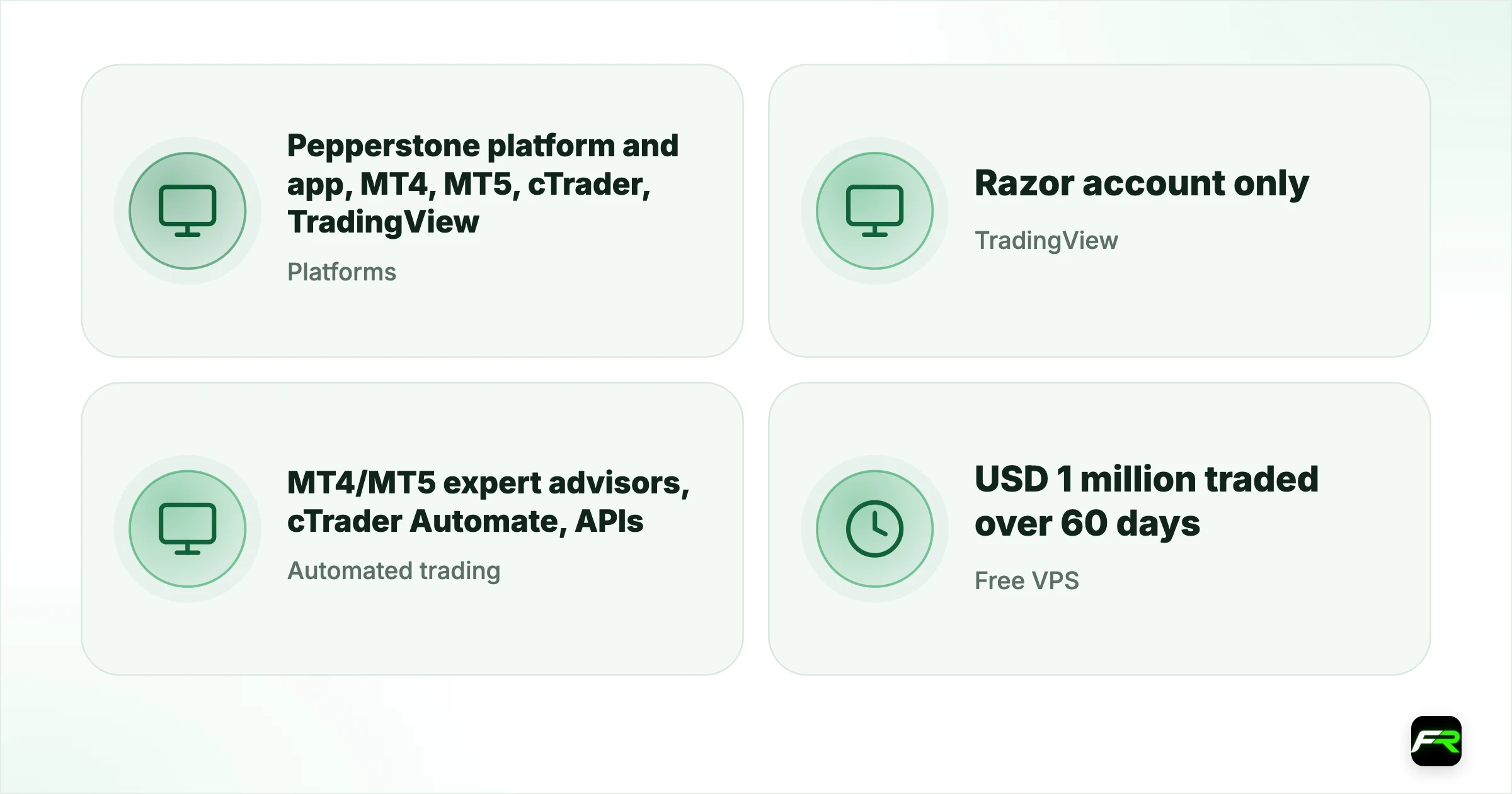
| Platforms | Pepperstone platform and app, MT4, MT5, cTrader, TradingView |
|---|---|
| TradingView | Razor account only |
| Automated trading | MT4/MT5 expert advisors, cTrader Automate, APIs |
| Free VPS | USD 1 million traded over 60 days |
| Extras | 28 Smart Trader Tools for MetaTrader |
The five platforms compared
| Platform | Best for | Razor commission | Accounts |
|---|---|---|---|
| Pepperstone platform | Simple web and app trading | $3.50 per lot per side | Standard and Razor |
| MT4 | Expert advisors and the largest library of tools | By account currency | Standard and Razor |
| MT5 | More markets, order types and MQL5 back-testing | By account currency | Standard and Razor |
| cTrader | Depth of market, robots and cTrader Copy | $6 round turn | Standard and Razor |
| TradingView | Charting and community ideas | $7 round turn | Razor only |
Pepperstone's own platform and app
Pepperstone's in-house platform runs in a browser and as a mobile app. It is the most straightforward way to trade if you don't need expert advisors. Funding, withdrawals and account settings live in the same app, which makes it handy for checking positions on the move.
Pepperstone's account pages list the same risk tools across its platforms: stop losses set by price or pips with an estimated loss shown before you trade, trailing stops, take profits and price alerts. It adds that none of them can be guaranteed in very volatile markets, so a stop can fill at a worse price after a gap.
MetaTrader 4 and 5
MT4 remains the standard platform for automated forex trading, with thousands of expert advisors and indicators. MT5 adds more markets, more order types and MQL5 for back-testing. Pepperstone adds its Smart Trader Tools, a pack of 28 apps, indicators and expert advisors such as a trade terminal and a correlation matrix, for both.
Copy trading also runs through MetaTrader: CopyTrading by Pepperstone links to an MT4 or MT5 account.
cTrader
cTrader suits traders who want depth of market and a modern interface. cTrader Automate lets you build, test and run trading robots, and cTrader Copy offers copy trading inside the platform. On Razor, cTrader's commission of $6 per lot round turn is the lowest of Pepperstone's platforms. Read our Pepperstone copy trading guide for both copy options.
TradingView
TradingView brings 400+ indicators, Supercharts and a large social network of traders. To connect, open a Razor account, choose Pepperstone in TradingView's trading panel, log in to your client area and approve access. Eligible Pepperstone clients can claim a free three-month Essential, Plus or Premium TradingView plan.
TradingView doesn't support MetaTrader expert advisors, and it only shows a swap after it has been charged.
Free VPS and other extras
A virtual private server keeps automated strategies running when your computer is off. Pepperstone gives one free to clients who trade USD 1 million or more over 60 days, checked every month; the basic package has 1 CPU, 3 GB of RAM and a 40 GB SSD. Pepperstone tells you within five days whether you qualify.
- Free Bloomberg.com digital subscription for eligible clients.
- APIs for traders who connect their own software.
- 24-hour trading on 100+ US share CFDs, five days a week.
Which platform should you pick?
| You want… | Use |
|---|---|
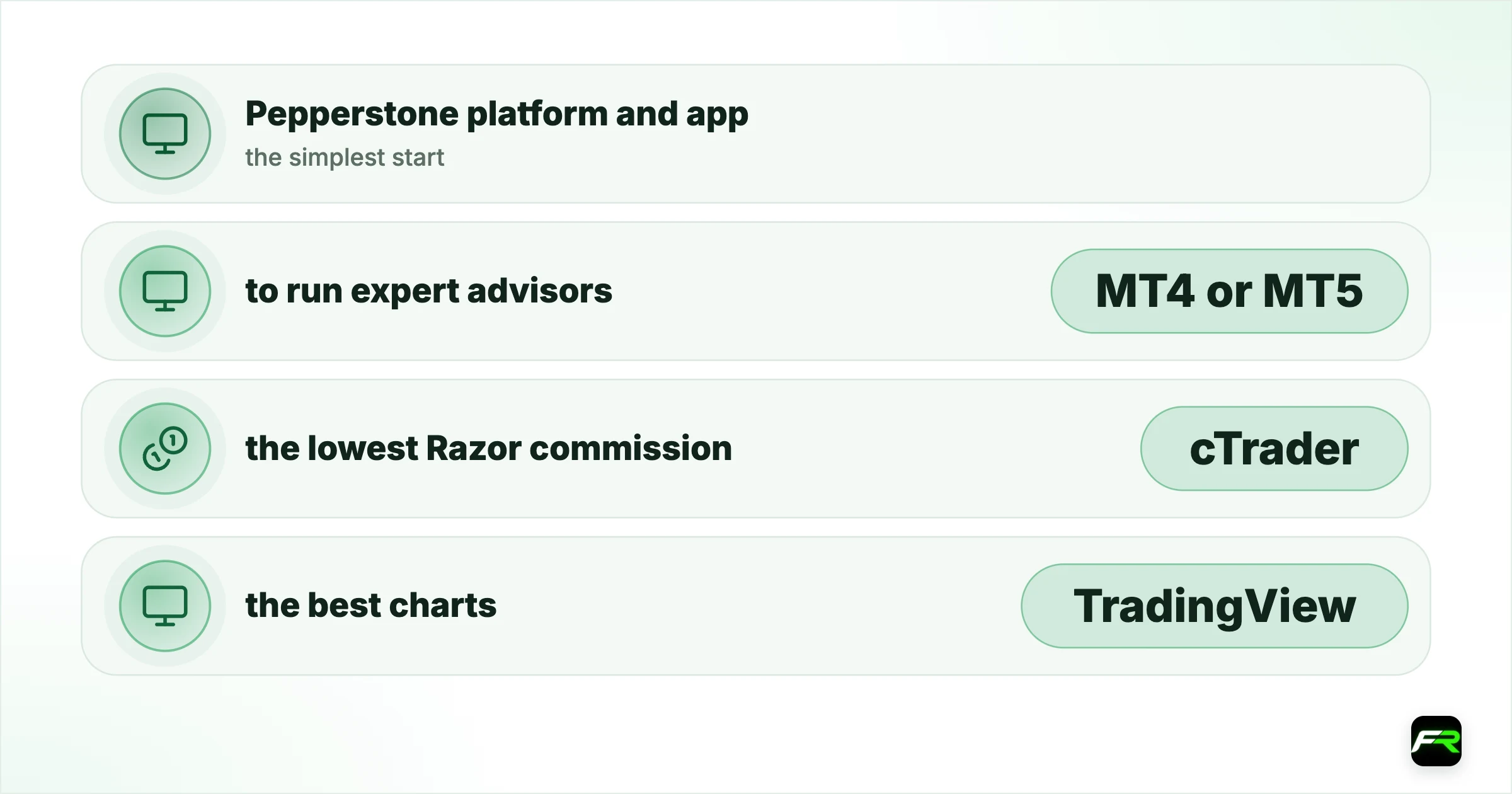
| the simplest start | Pepperstone platform and app |
| to run expert advisors | MT4 or MT5 |
| the lowest Razor commission | cTrader |
| the best charts | TradingView (Razor) |
| to copy other traders | MT4/MT5 or cTrader |
Five platforms on one account is Pepperstone's strongest point. I'd start on the Pepperstone app, then move to cTrader or TradingView once you know what you need.
Nadia did her analysis on TradingView but traded on MT4 at another broker. With a Pepperstone Razor account she connected TradingView directly and traded from the charts, keeping one demo on MT4 to test an expert advisor.
Frequently asked
What platforms does Pepperstone offer?
Its own web platform and mobile app, MetaTrader 4, MetaTrader 5, cTrader and TradingView.
Can I use TradingView with Pepperstone?
Yes, with a Razor account. TradingView isn't available on the Standard account.
Does Pepperstone allow expert advisors?
Yes, on MT4 and MT5, and robots through cTrader Automate.
Does Pepperstone offer a free VPS?
Yes, to clients trading USD 1 million or more over 60 days, checked monthly.
Which Pepperstone platform has the lowest commission?
On Razor, cTrader at $6 per lot round turn; the Pepperstone platform and TradingView cost $7.
Related reading
The team behind this guide
Researched, checked and approved by five forex specialists
Every guide is written, fact-checked and edited before it goes live, and updated when the facts change. Spotted an error? Tell us.